


Gigabyte B550 Motherboards
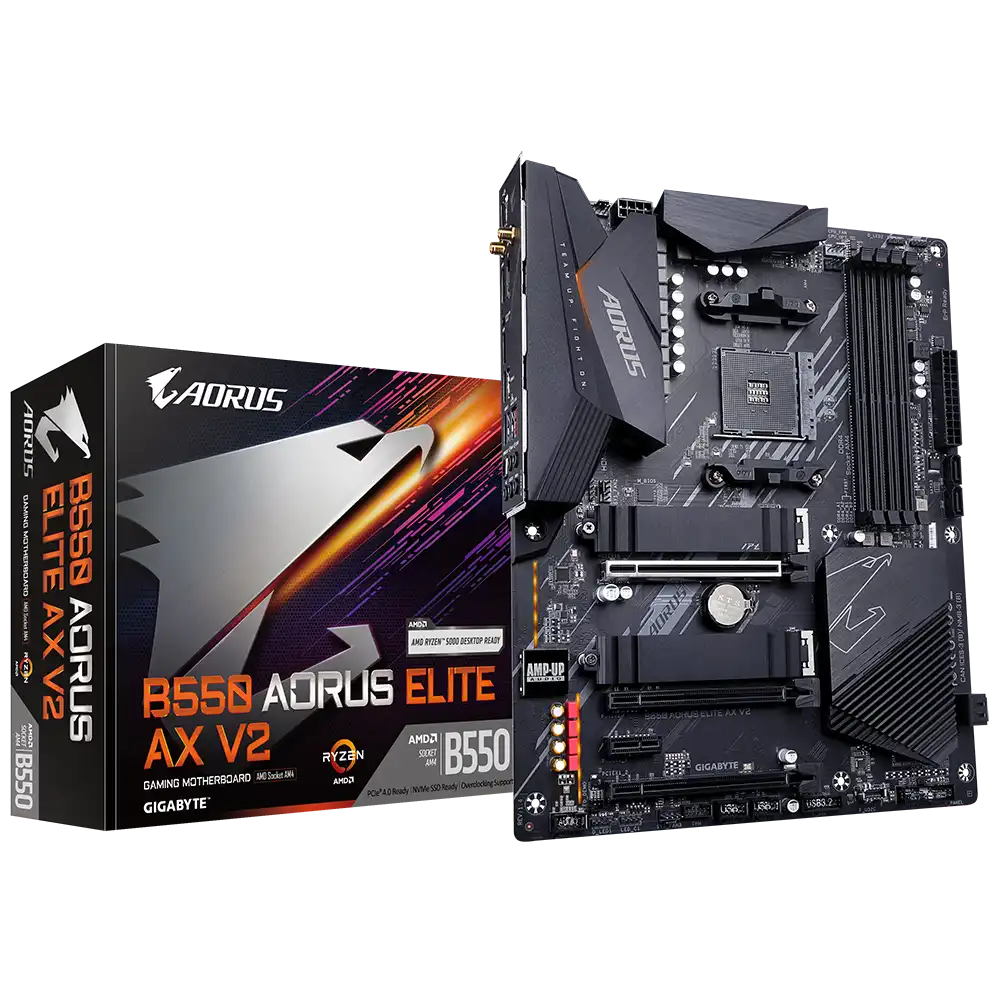
Gigabyte B550 AORUS ELITE AX V2 Motherboard
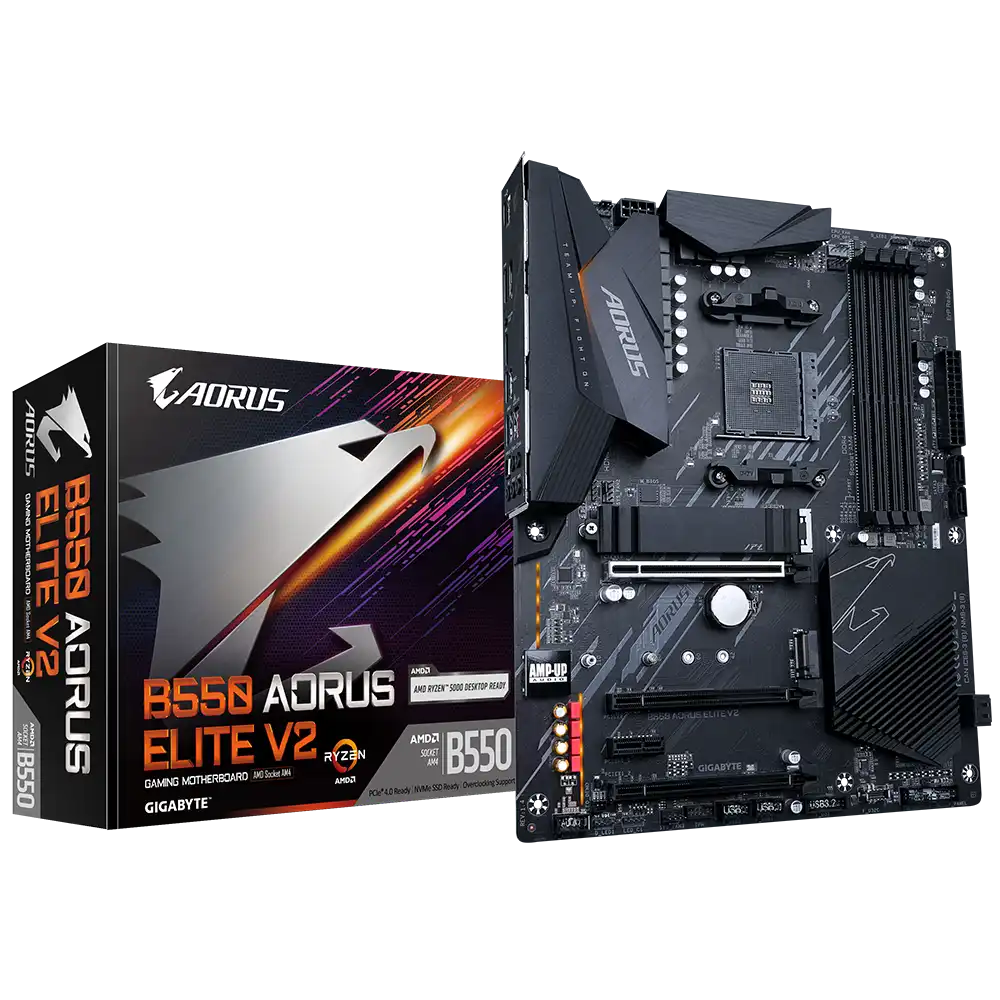
Gigabyte B550 AORUS ELITE V2 Motherboard
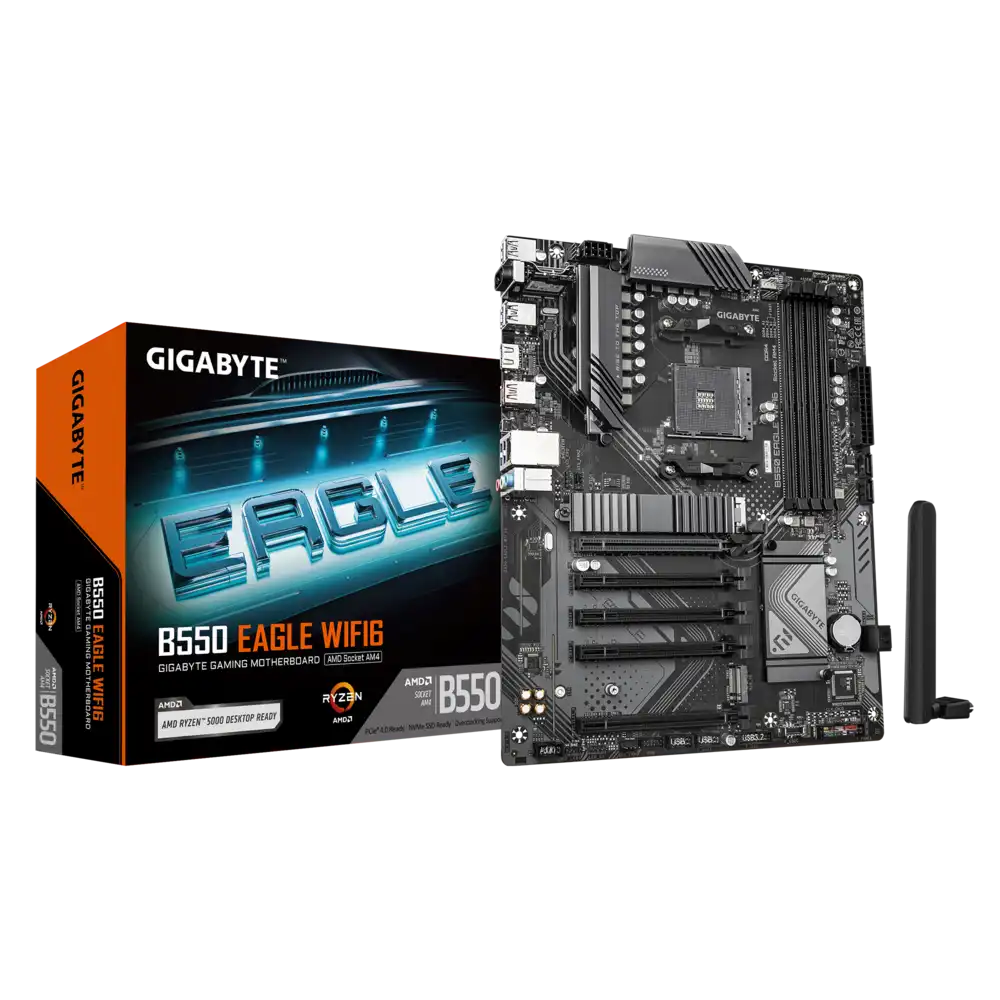
Gigabyte B550 EAGLE WIFI6 Motherboard
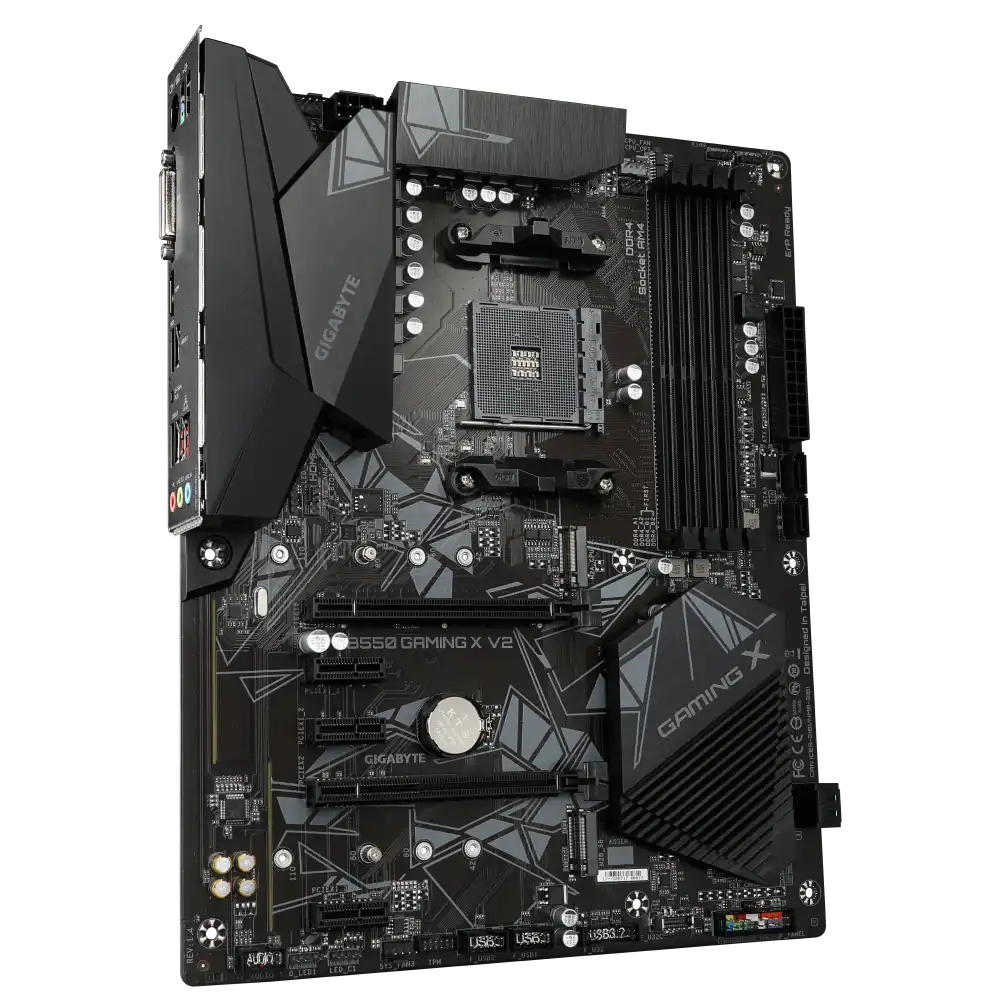
Gigabyte B550 GAMING X V2 Motherboard
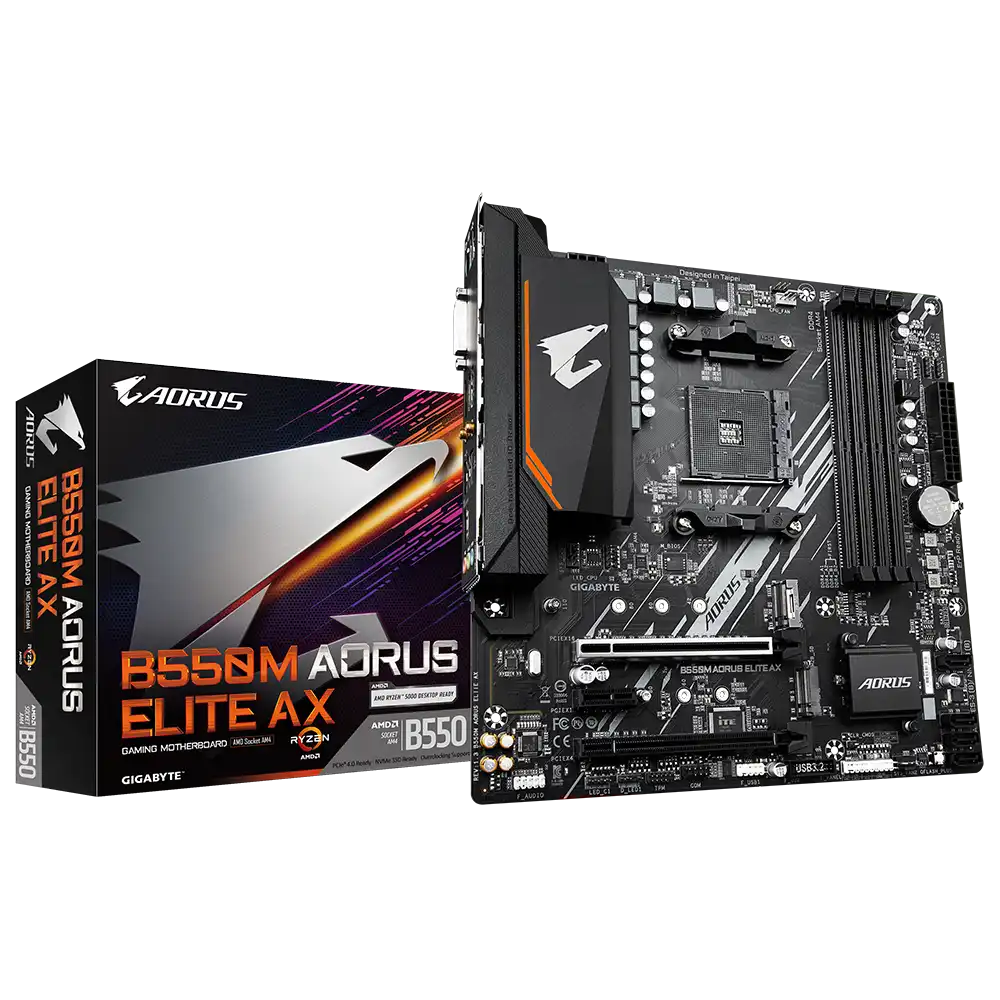
Gigabyte B550M AORUS ELITE AX Motherboard
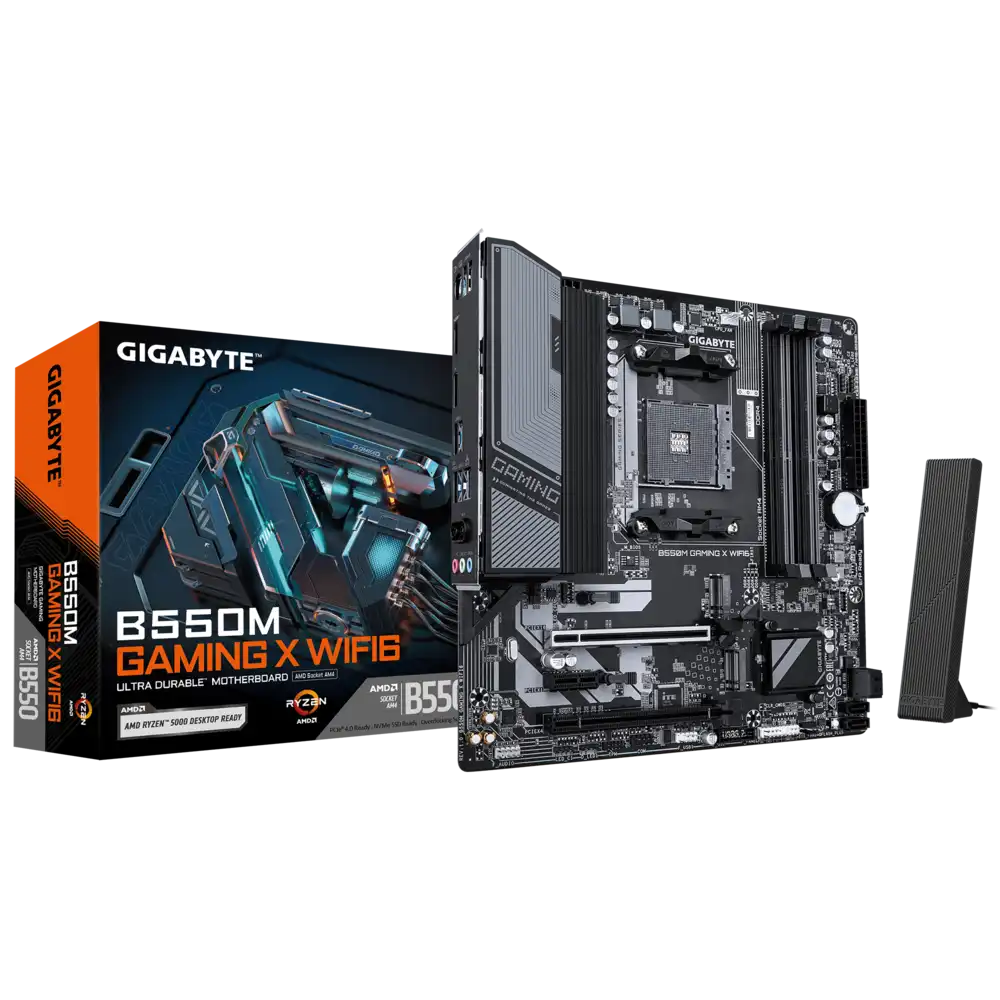
Gigabyte B550M GAMING X WIFI6 Motherboard
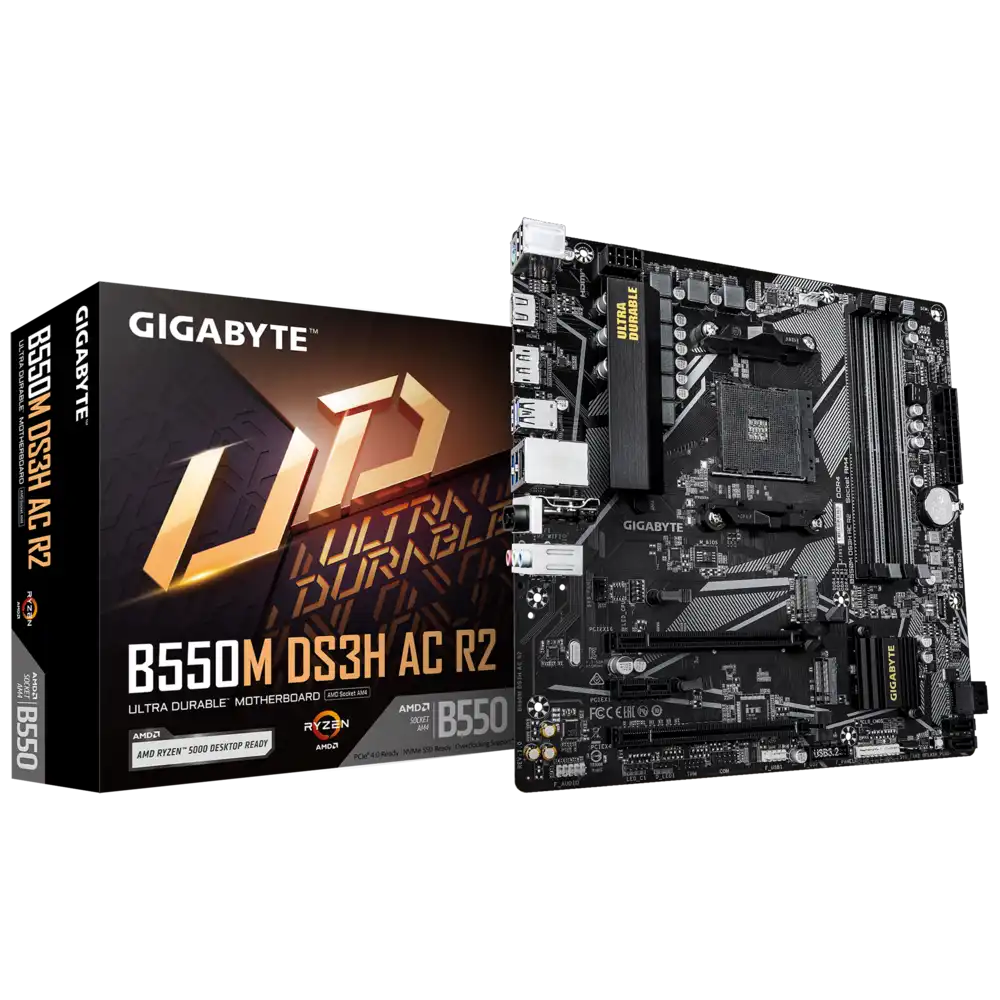
Gigabyte B550M DS3H AC R2 Motherboard
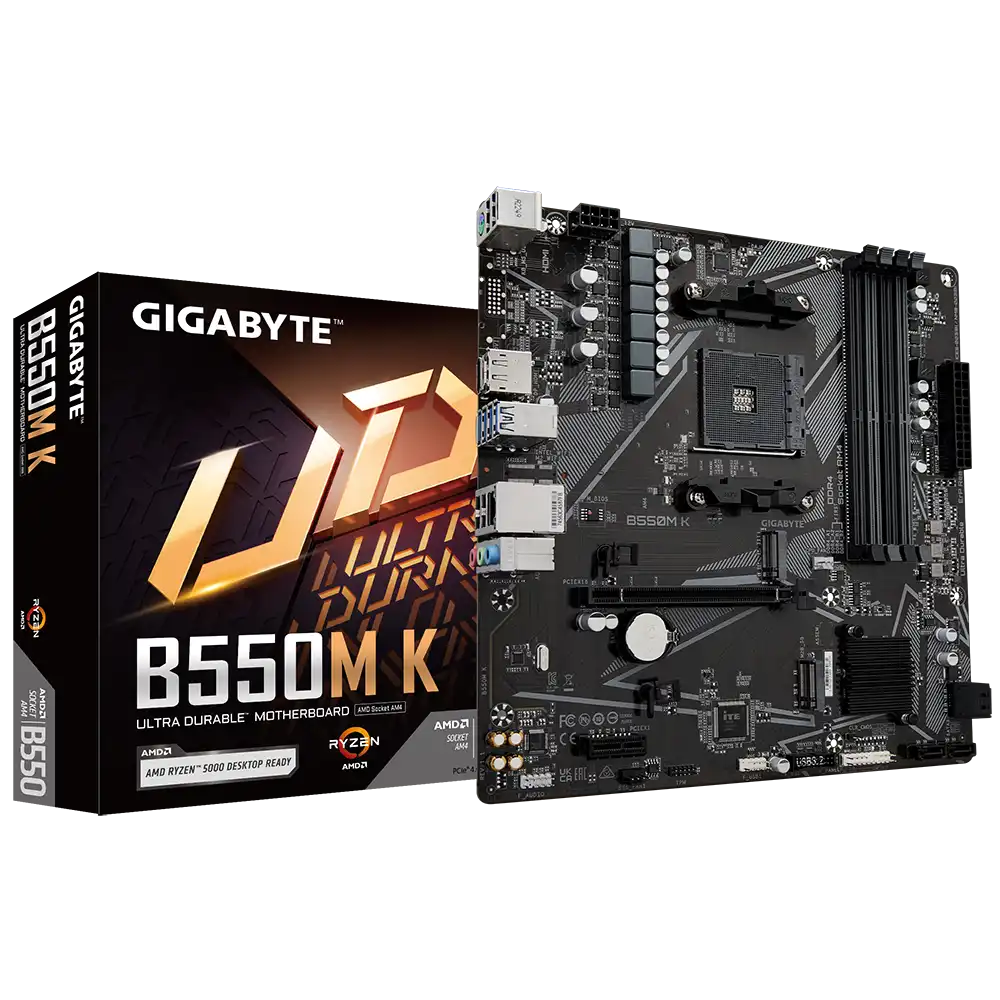
Gigabyte B550M K Motherboard
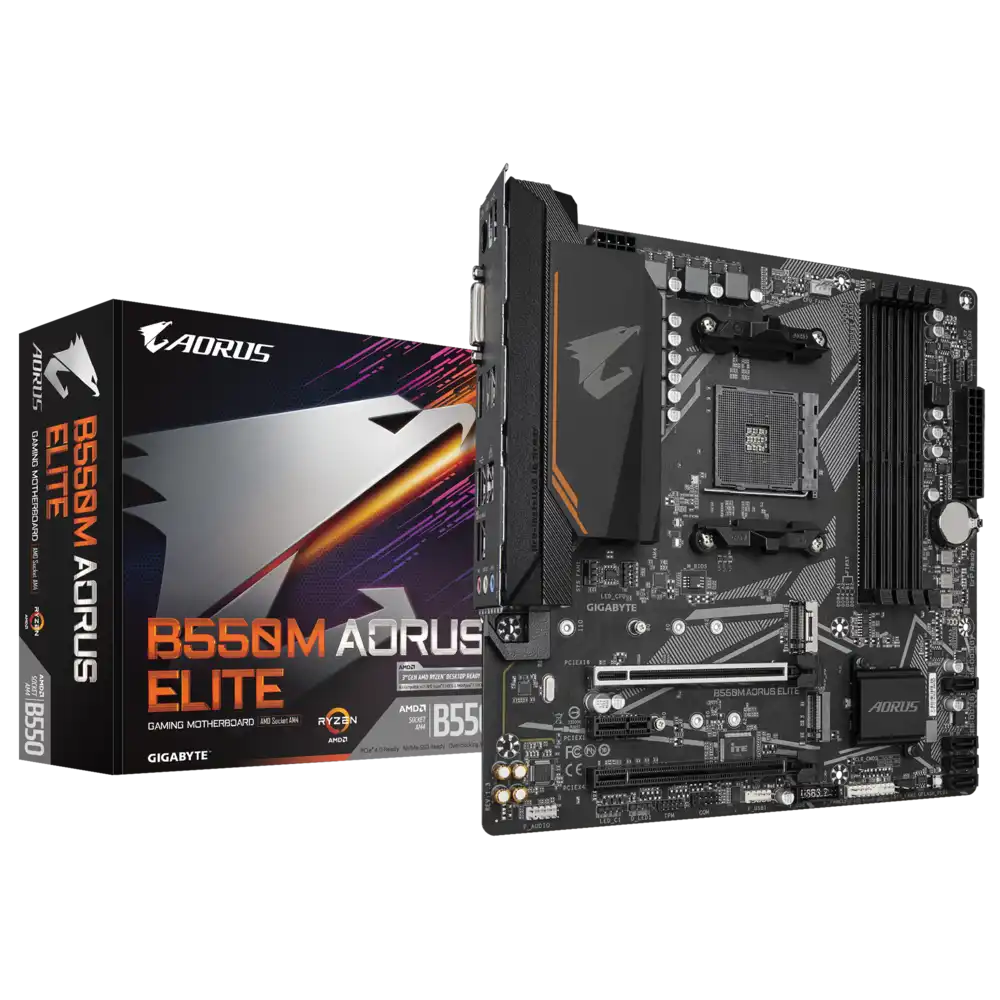
Gigabyte B550M AORUS ELITE Motherboard
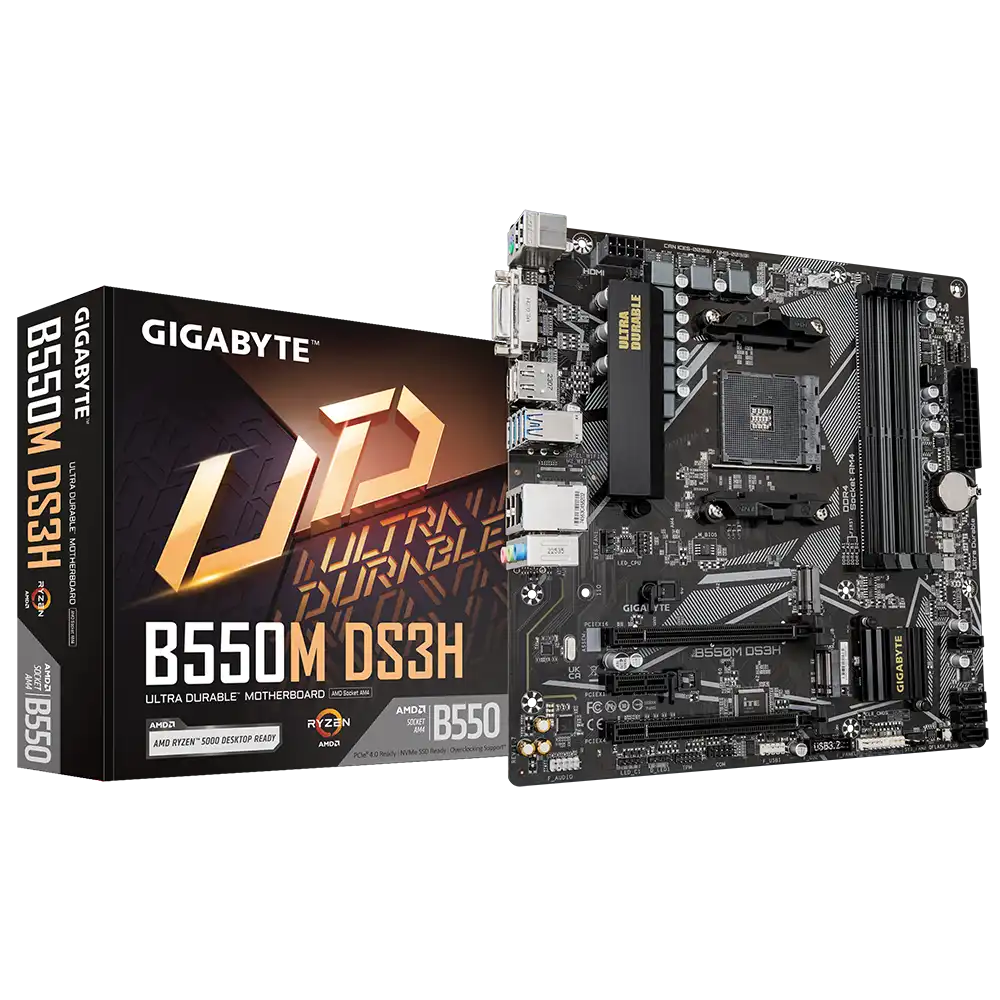
Gigabyte B550M DS3H Motherboard
The Gigabyte B550 boards here are all AM4 socket, DDR4 motherboards for AMD Ryzen. Each has four RAM slots taking up to 128 GB, two M.2 slots and four SATA ports. The full-size ATX range covers the B550 GAMING X V2, B550 EAGLE WIFI6, B550 AORUS ELITE V2 and B550 AORUS ELITE AX V2. The Micro ATX side runs from the entry B550M K and B550M DS3H through the B550M DS3H AC R2 and B550M GAMING X WIFI6 to the B550M AORUS ELITE and B550M AORUS ELITE AX.
Start with the case. ATX boards need a mid-tower, while the B550M models also fit compact Micro ATX cabinets. Next decide on wireless. The AX and WIFI6 models have built-in Wi-Fi 6, the B550M DS3H AC R2 has Wi-Fi 5, and the rest rely on wired Ethernet or a separate adapter. For a Ryzen 5 gaming or office build, the B550M K, DS3H and GAMING X boards are enough. For Ryzen 7 or Ryzen 9 chips that draw more power, the AORUS ELITE boards have the stronger power delivery and better heatsinks.
Frequently asked questions
Do these boards support the newest AM5 Ryzen processors? No. AM5 processors need an AM5 board with DDR5 memory. B550 boards take AM4 Ryzen desktop processors and AM4 APUs, and some older chips may need a BIOS update.
Do Gigabyte B550 boards support PCIe 4.0? Yes. The main graphics slot and the primary M.2 slot run at PCIe 4.0 with AM4 Ryzen processors that support it. With Ryzen G-series APUs they run at PCIe 3.0.
What is the difference between B550 and B550M models? B550M boards are Micro ATX, with fewer expansion slots in a smaller size. Socket, memory support and storage connectivity are the same on both.