


OLED Panel Monitors
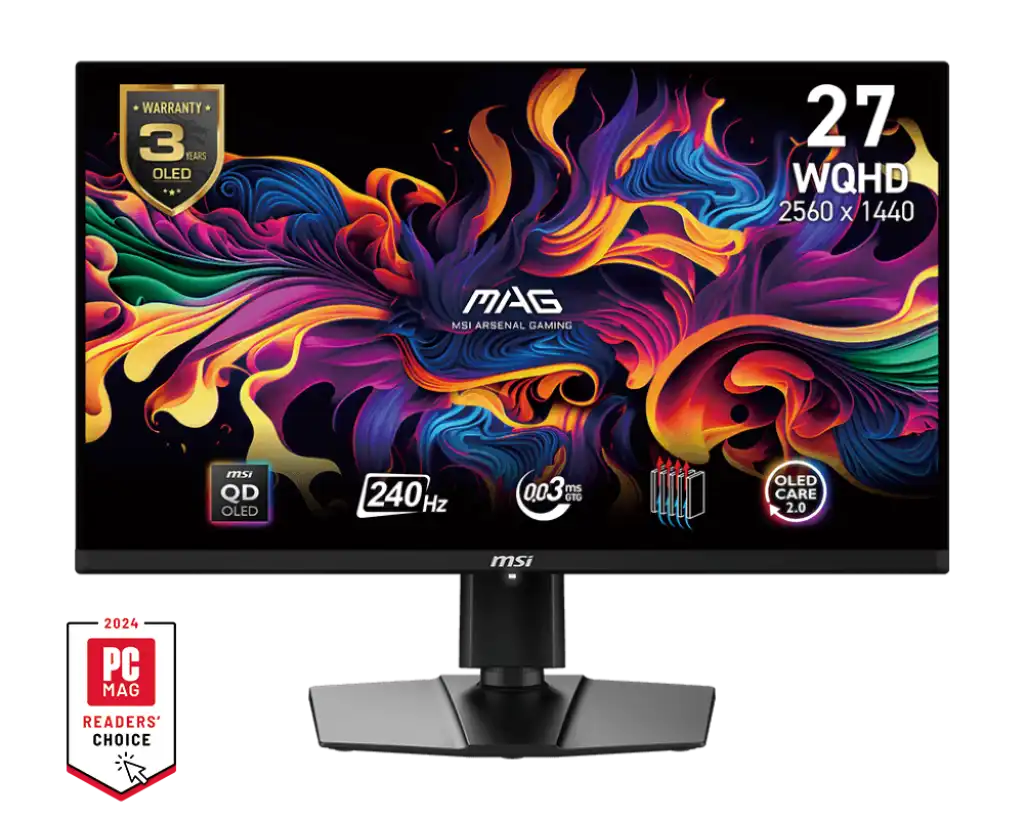
MSI MAG 271QPX QD-OLED E2 27" 2K OLED 240Hz Monitor
MSI MAG 321UP QD-OLED 32" 4K QD-OLED 165Hz Monitor
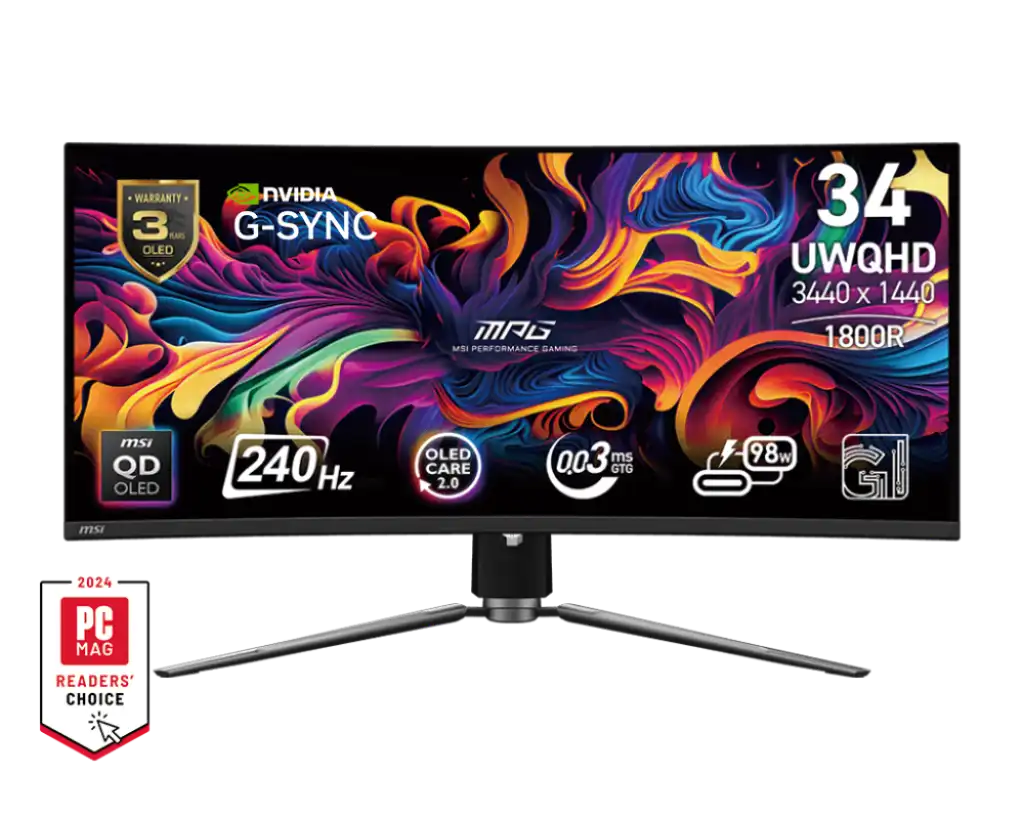
MSI MPG 341CQPX QD-OLED 34" 2K QD-OLED 240Hz Monitor
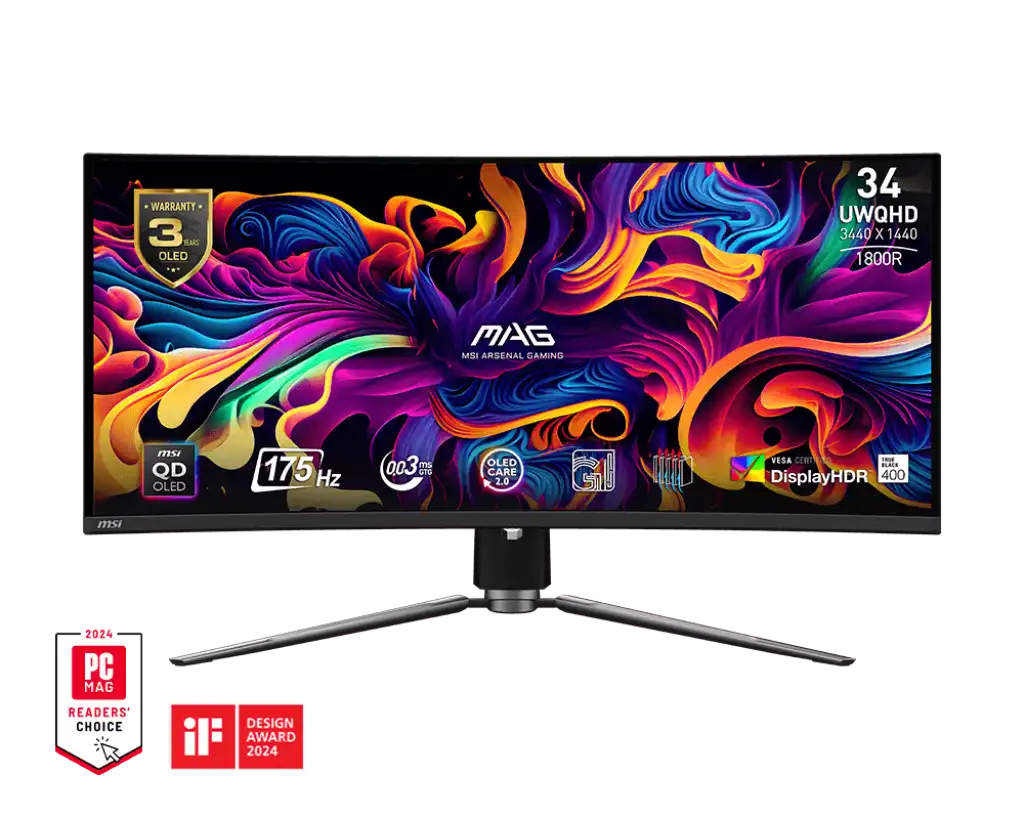
MSI MAG 341CQP QD-OLED 34" 2K OLED 175Hz Monitor
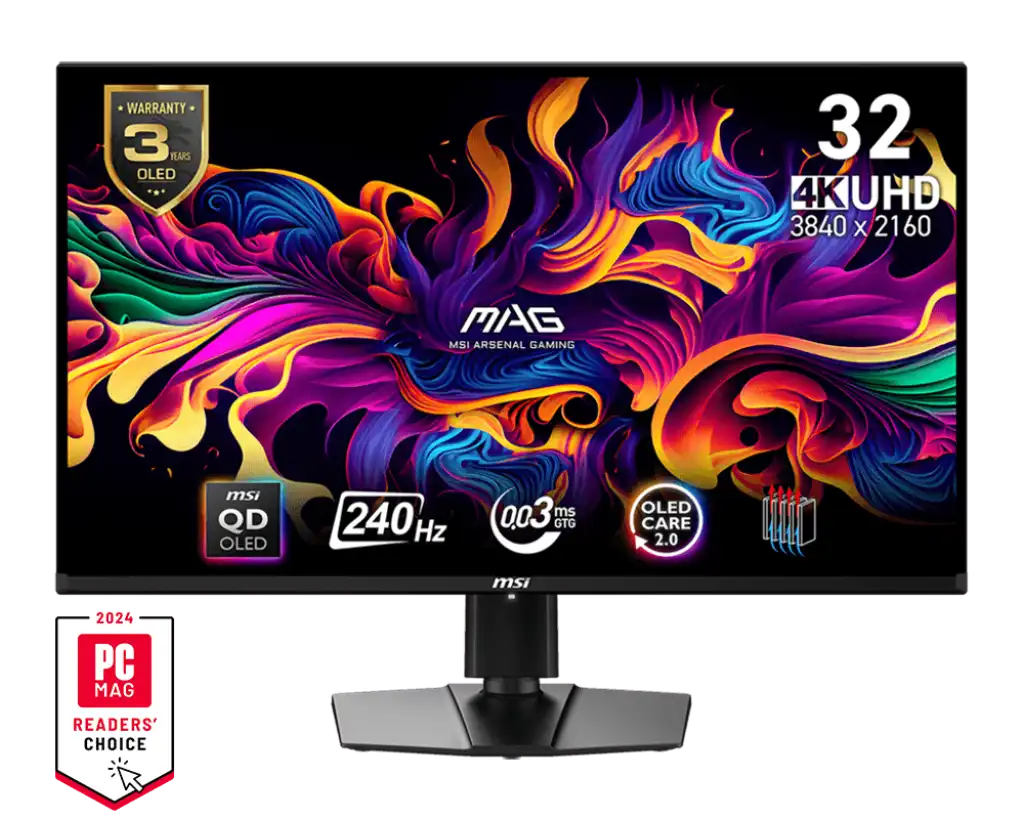
MSI MAG 321UPX QD-OLED 32" 4K QD-OLED 240Hz Monitor
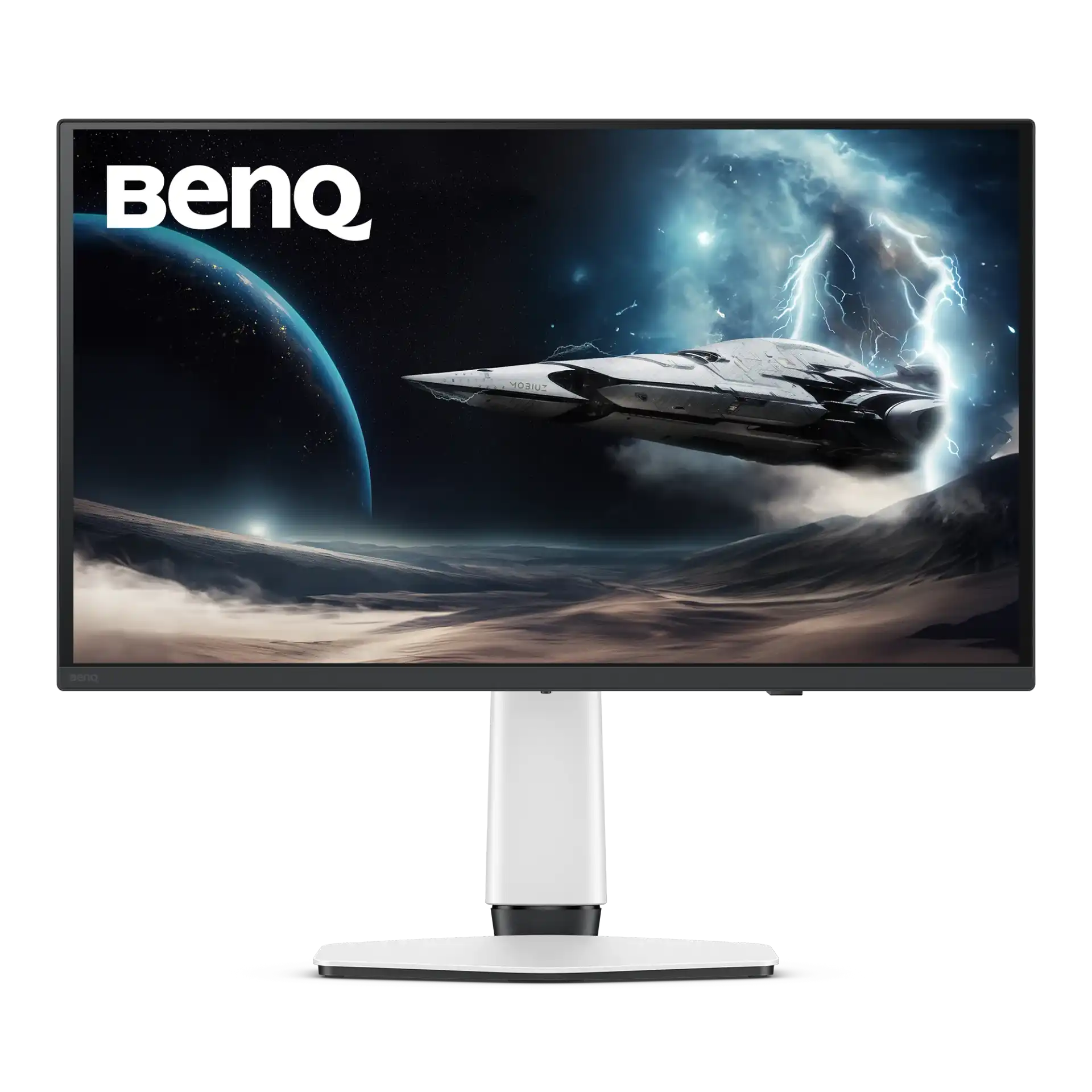
BenQ EX271UZ 27" 4K OLED 240Hz Monitor
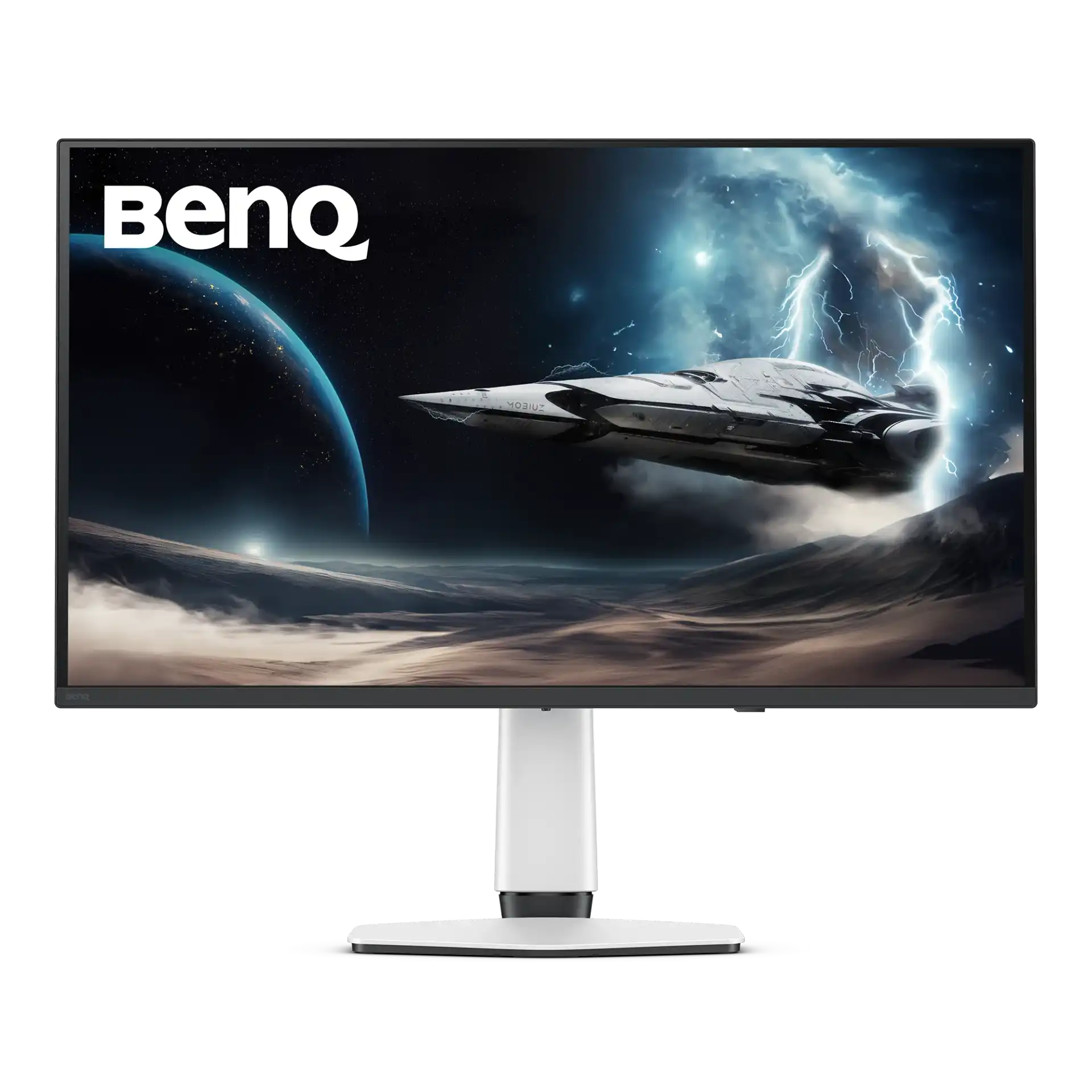
BenQ EX321UZ 31.5" 4K OLED 240Hz Monitor for Esports
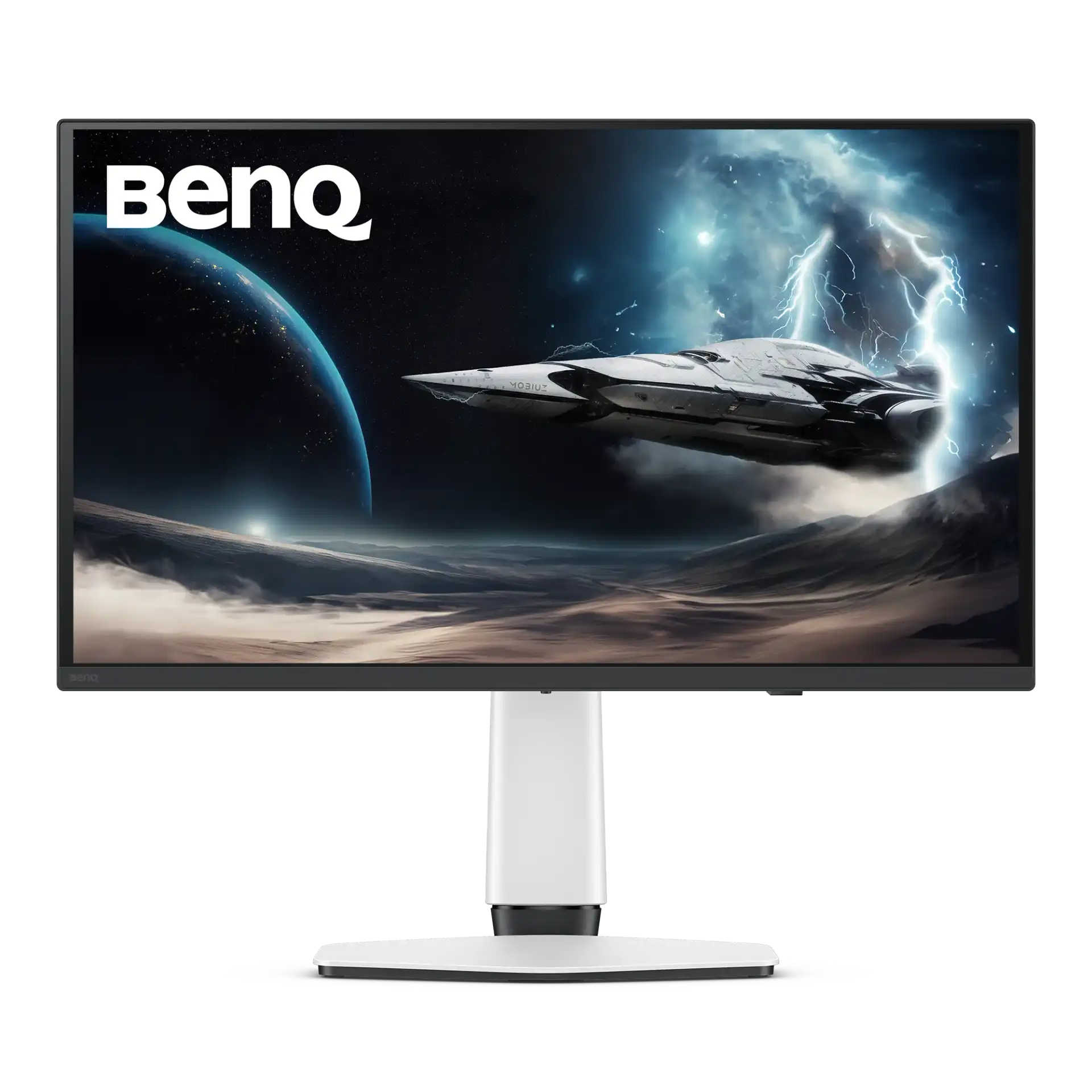
BenQ EX271QZ 27" 2K OLED 500Hz Monitor for Esports
The OLED monitors here come from MSI and BenQ. They run from 27 inch 2K screens such as the MSI MAG 271QPX QD-OLED E2 at 240 Hz and the BenQ EX271QZ at 500 Hz, through 4K models like the BenQ EX271UZ, MSI MAG 321UP QD-OLED (165 Hz) and MAG 321UPX QD-OLED (240 Hz), to the 34 inch 21:9 ultrawides, the curved MSI MAG 341CQP QD-OLED at 175 Hz and the MPG 341CQPX QD-OLED at 240 Hz. MSI and BenQ cover them with a 3 year warranty.
Start with size and resolution. A 27 inch 2K panel suits a regular desk and is easier for a mid-range graphics card to drive at high frame rates. The 32 inch 4K models give sharper text and more workspace, but need a strong GPU to reach 165 or 240 Hz in games. The 34 inch UWQHD ultrawides widen the view for racing, flight games and side-by-side work. For competitive shooters, the 500 Hz EX271QZ is built for very high frame rates. Each size has its own page (27 inch, 32 inch and 34 inch OLED), and the MSI models are also on a page of their own.
Frequently asked questions
What is the difference between QD-OLED and OLED here? QD-OLED is an OLED panel that uses a quantum dot layer to produce colour, giving bright, saturated colours. Both types have per-pixel lighting, deep blacks and very fast response.
Can an OLED monitor get burn-in? Static images left on screen for long hours can cause it. Varying content and using the monitor's built-in panel care features reduce the risk.
What do I need for 4K at 240 Hz? A powerful graphics card and a cable and port that support the full signal, such as HDMI 2.1 or DisplayPort.