


34 Inch Monitors
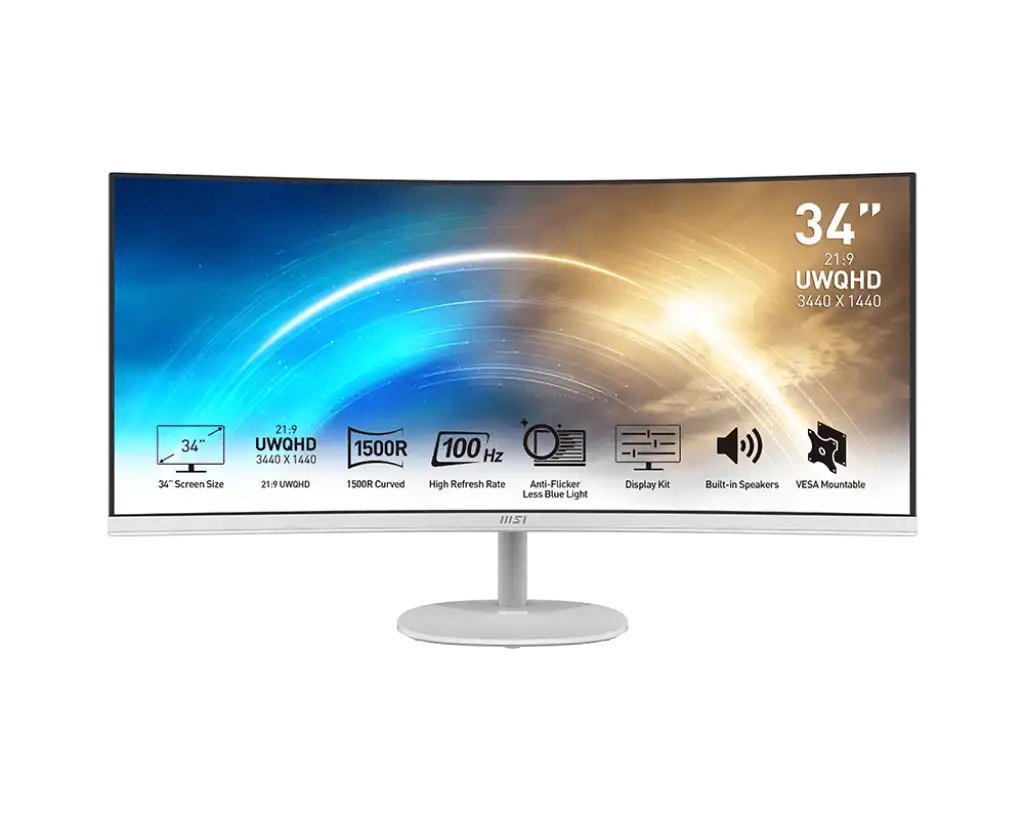
MSI PRO MP341CQW 34" UWQHD VA 100Hz Monitor
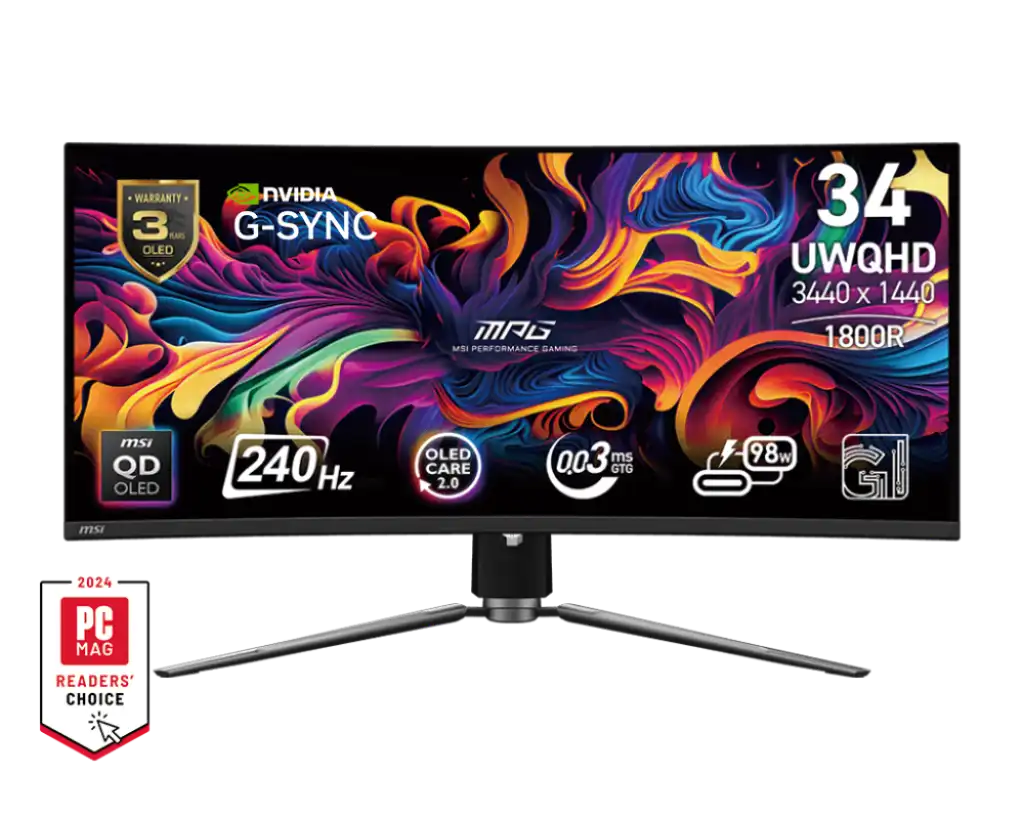
MSI MPG 341CQPX QD-OLED 34" 2K QD-OLED 240Hz Monitor
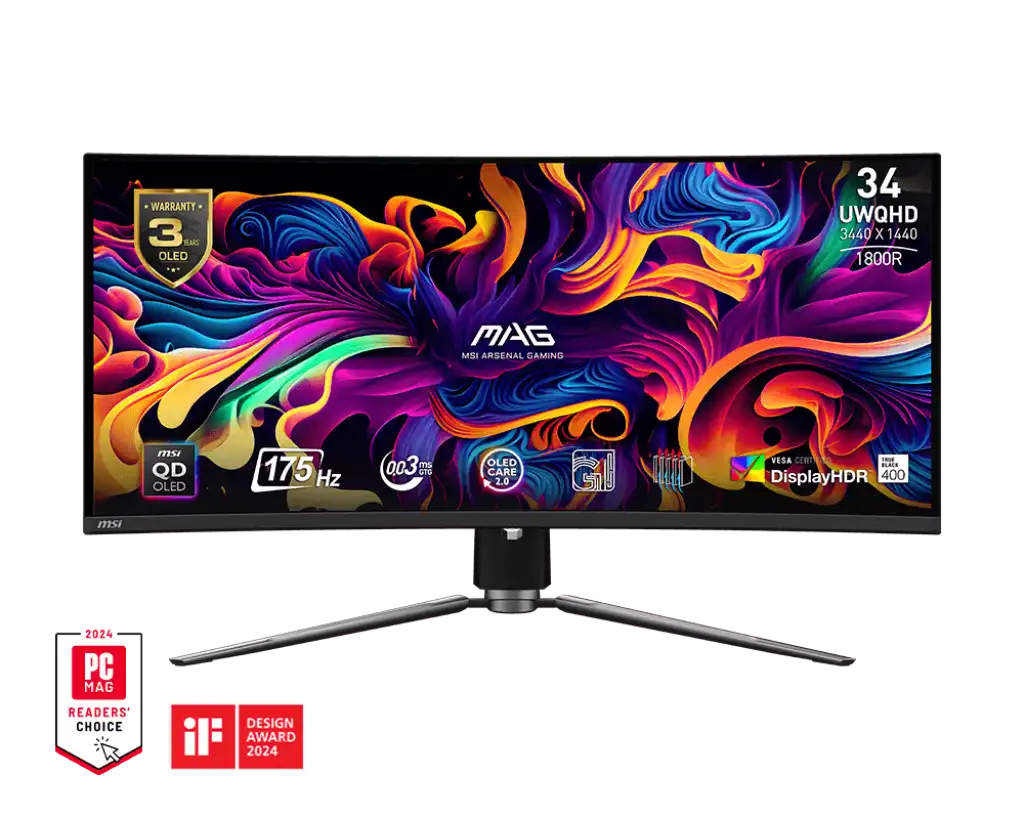
MSI MAG 341CQP QD-OLED 34" 2K OLED 175Hz Monitor
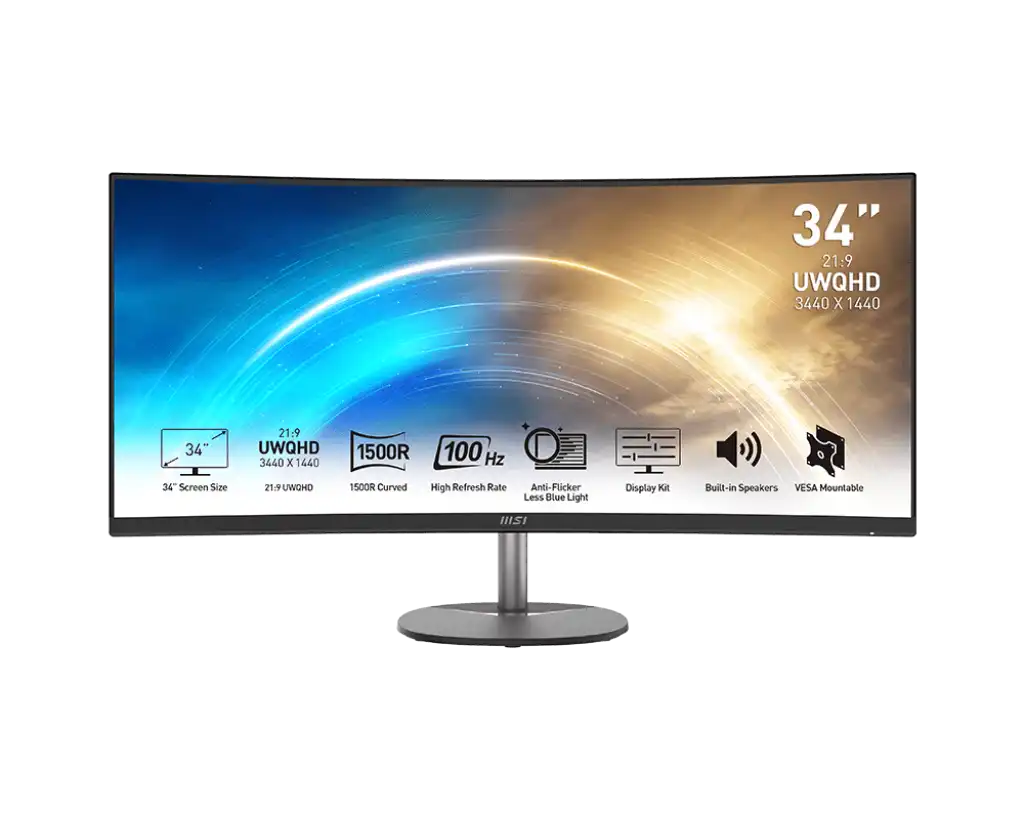
MSI PRO MP341CQ 34" UWQHD VA 100Hz Monitor
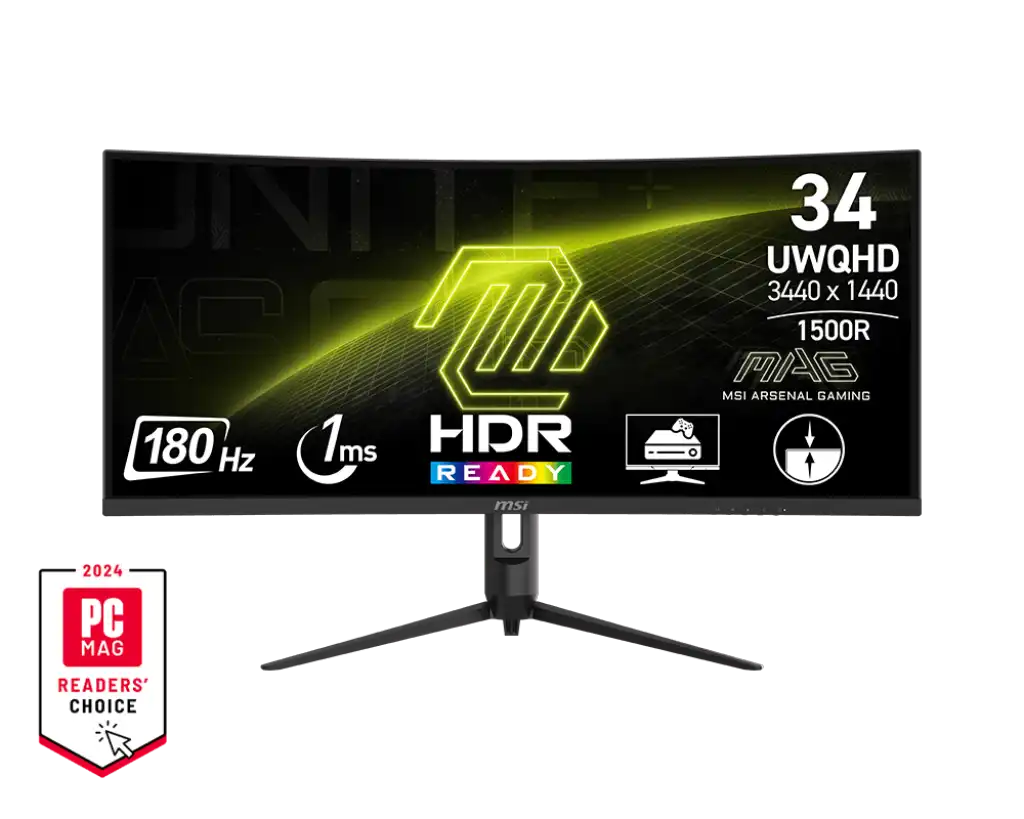
MSI MAG 342CQR E2 34" UWQHD VA 180Hz Monitor
The 34 inch monitors here are all MSI ultrawides at UWQHD, a 2K resolution in a 21:9 shape. They run from the curved PRO MP341CQ and PRO MP341CQW VA panels at 100 Hz, through the MAG 342CQR E2 VA at 180 Hz, to two QD-OLED gaming models. The MAG 341CQP QD-OLED runs at 175 Hz with an 1800R curve, and the MPG 341CQPX QD-OLED runs at 240 Hz. All have HDMI and DisplayPort, and the two QD-OLEDs add HDMI 2.1 and USB-C. MSI covers them with a 3 year warranty.
The resolution is the same across the page, so the choice comes down to panel type and refresh rate. The VA models give high contrast for spreadsheets, timelines and films. The 100 Hz PRO pair suits office and mixed use, and the MAG 342CQR E2 suits gaming on a mid-range graphics card. QD-OLED adds per-pixel black levels and very fast response for competitive and HDR gaming. To use 175 or 240 Hz at UWQHD, you need a powerful graphics card. The VA Panel Monitors and OLED Panel Monitors pages split this size by panel type.
Frequently asked questions
What does UWQHD mean on a 34 inch monitor? It is a 2K resolution stretched to a 21:9 ultrawide shape. That makes it wider than a standard 16:9 2K screen of the same height, which helps with side-by-side windows and wide game views.
VA or QD-OLED, which should I pick? VA suits long office and work sessions. QD-OLED gives deeper blacks and faster motion for gaming, but avoid leaving static windows on screen for hours.
Which cable gets the full refresh rate? DisplayPort is the safe choice on all five models. The QD-OLEDs can also reach their full rate over HDMI 2.1.