


25 Inch Monitors
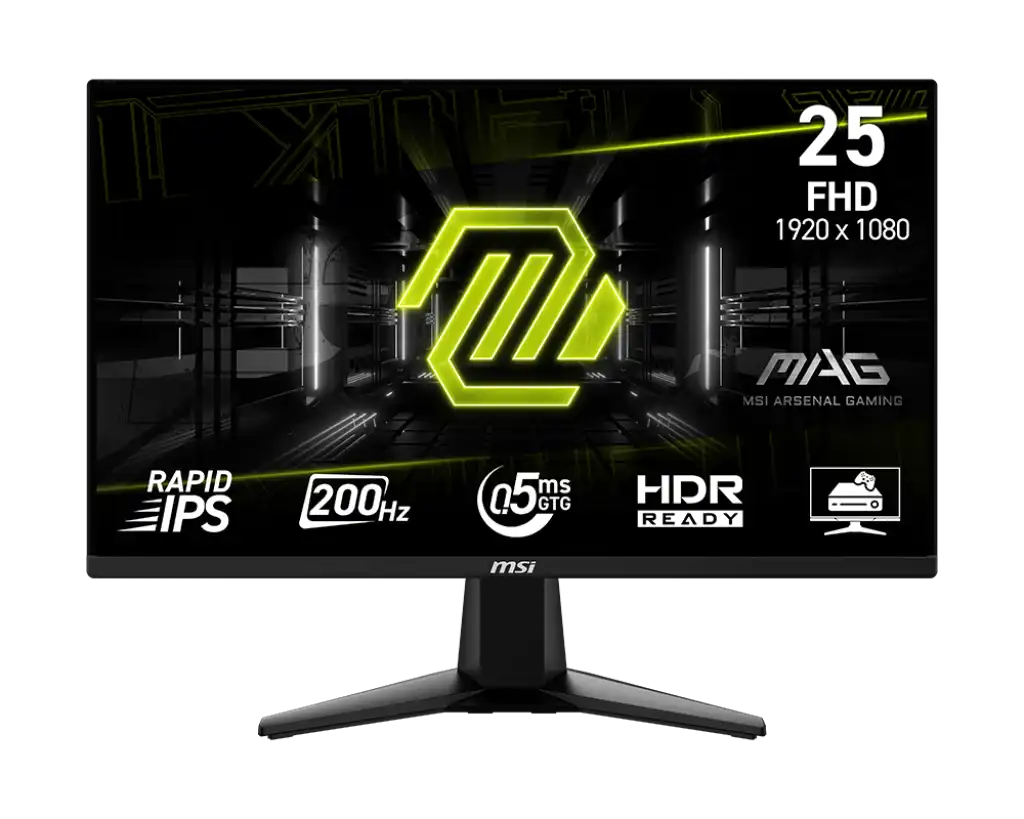
MSI MAG 255F E20 24.5" FHD IPS 200Hz Monitor
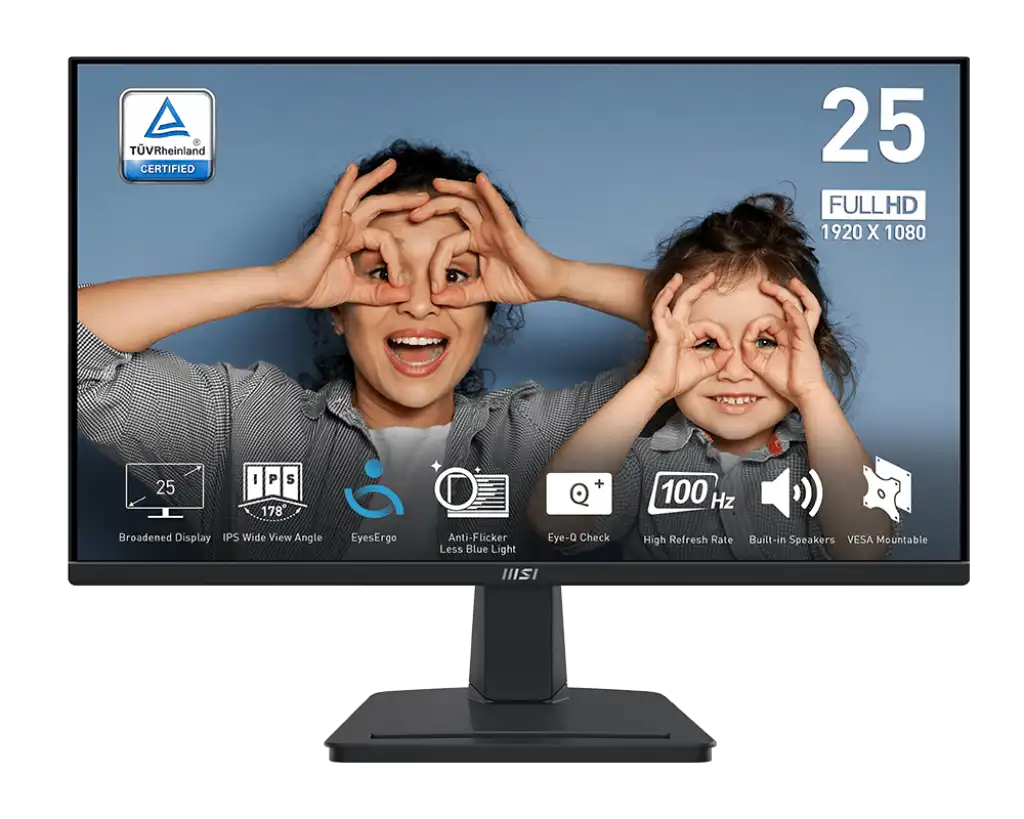
MSI PRO MP251 24.5" FHD IPS 100Hz Monitor
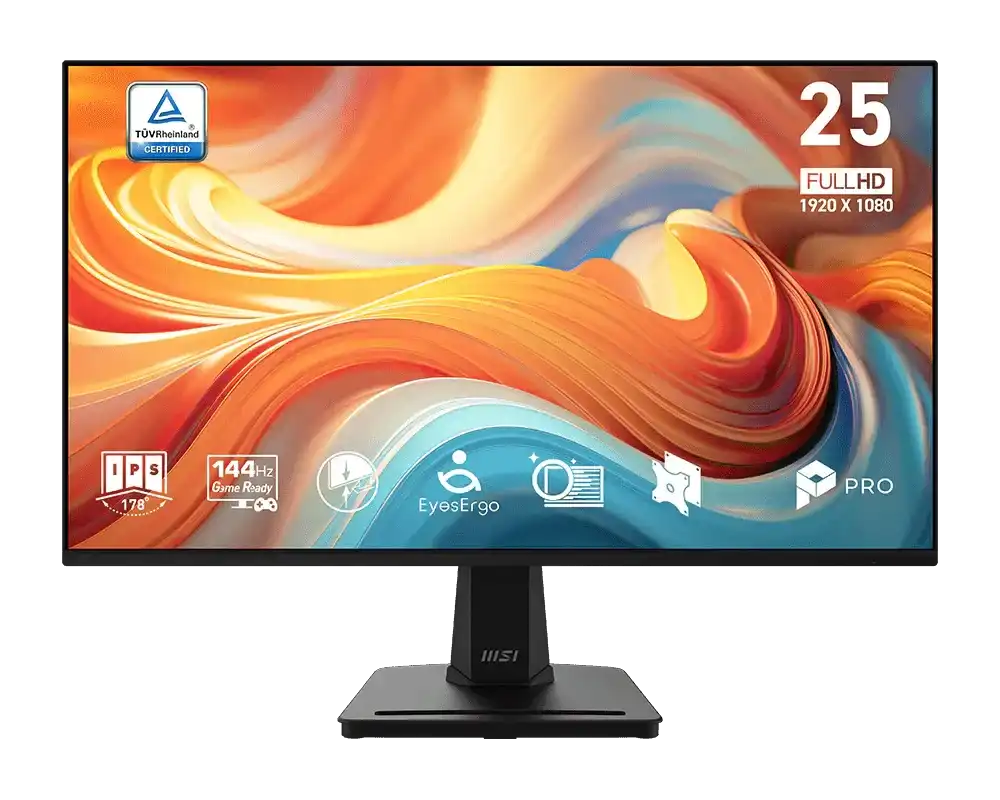
MSI PRO MP251 E14L 25" FHD IPS 144Hz Monitor
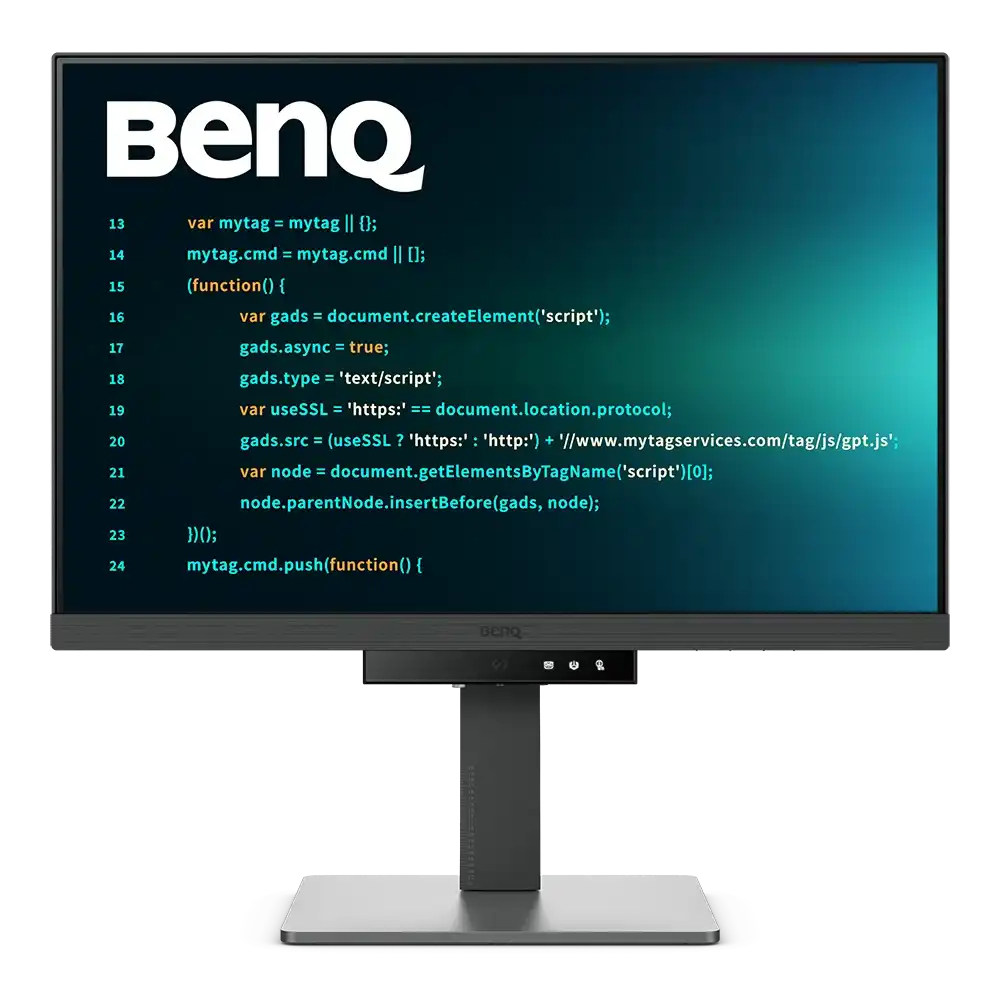
BenQ RD240Q 24.1" 2K IPS Programming Monitor
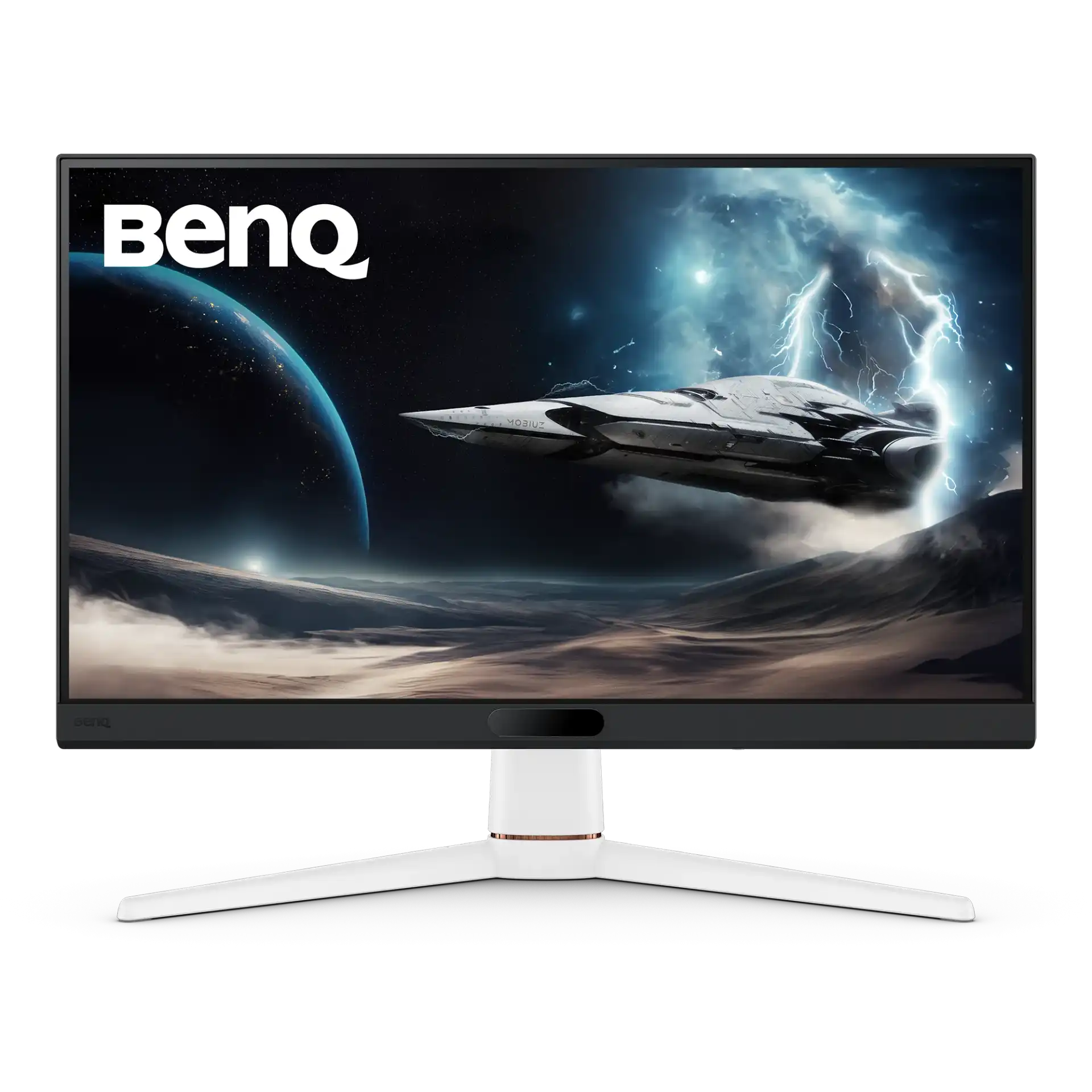
BenQ EX251 25" FHD IPS Monitor for Esports
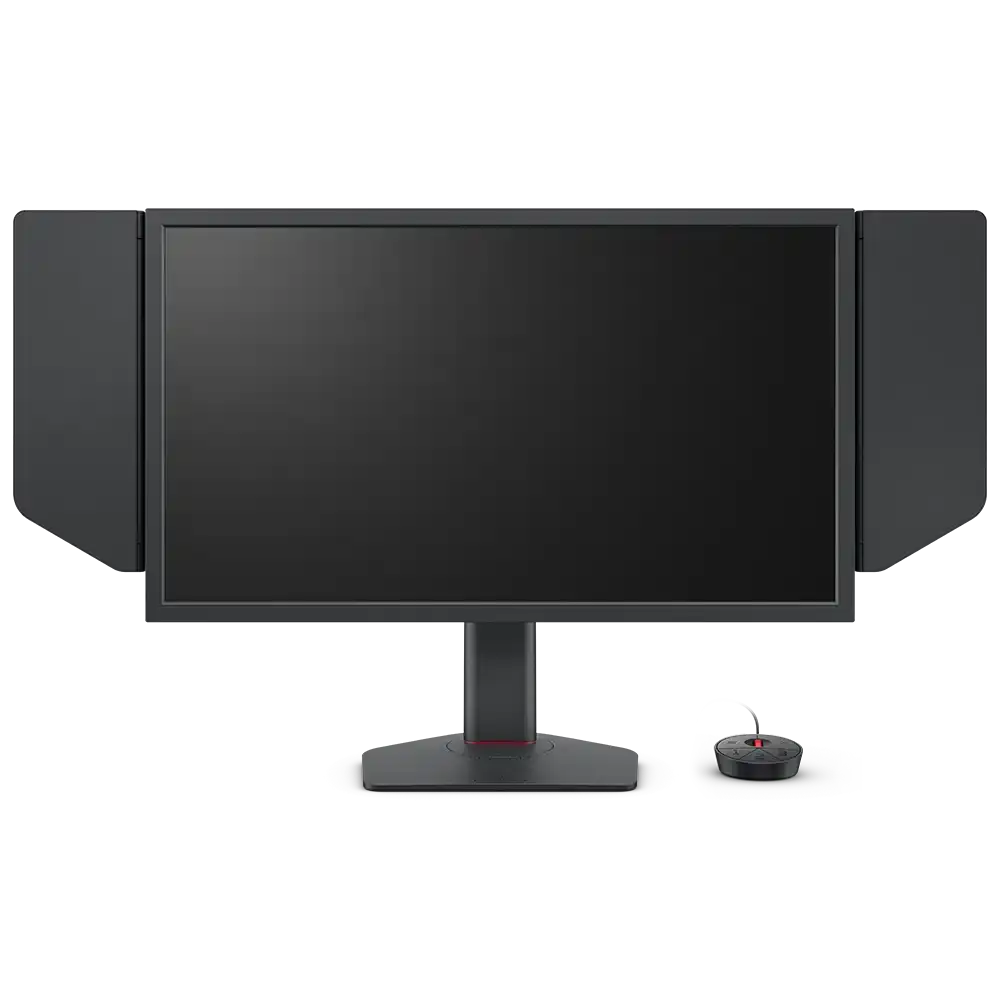
BenQ ZOWIE XL2546X 24.5" FHD TN 240Hz Monitor for Esports
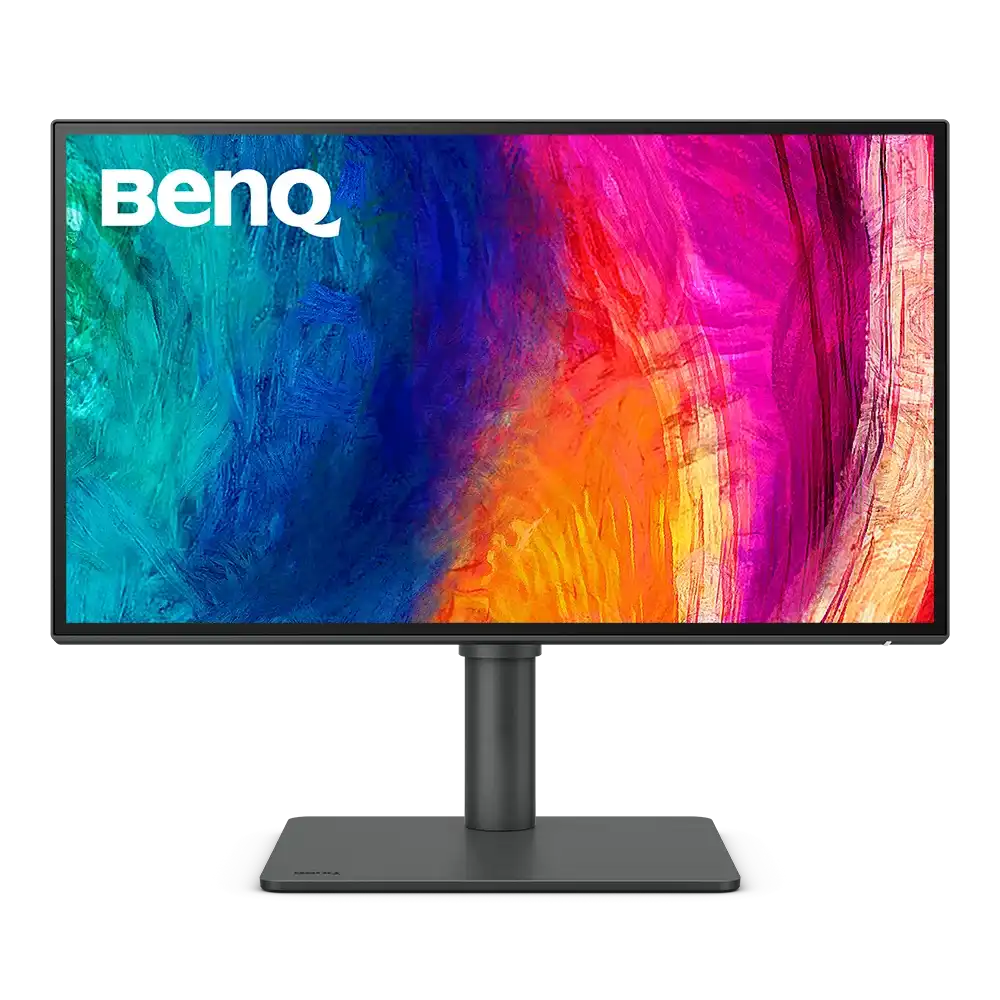
BenQ PD2506Q 25" 2K IPS Designer Monitor
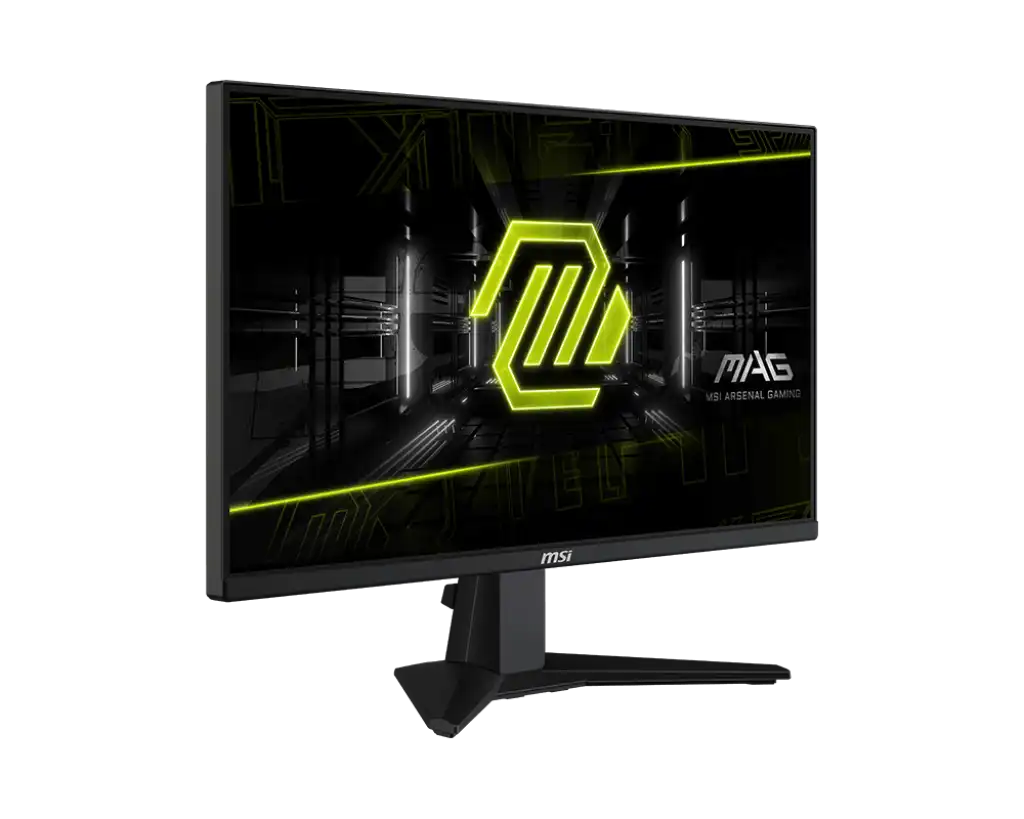
MSI MAG 255XF 24.5" FHD IPS 300Hz Monitor
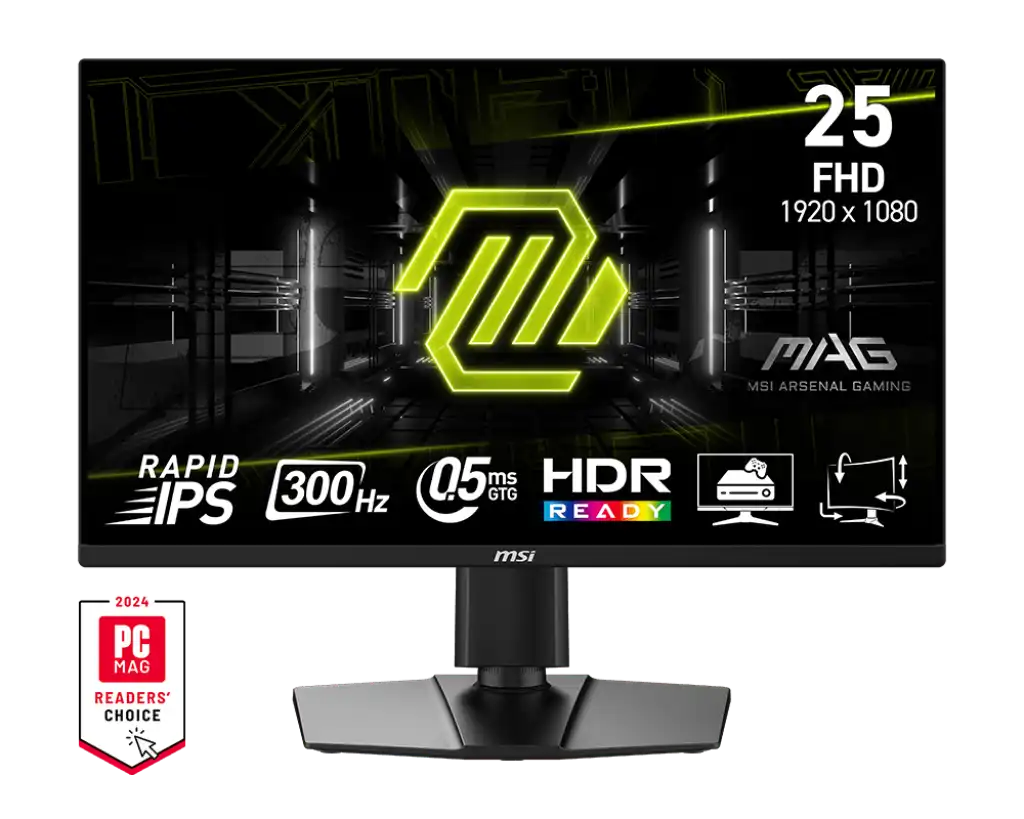
MSI MAG 255PXF 24.5" FHD IPS 300Hz Monitor
MSI PRO MP252 24.5" FHD IPS 100Hz Monitor
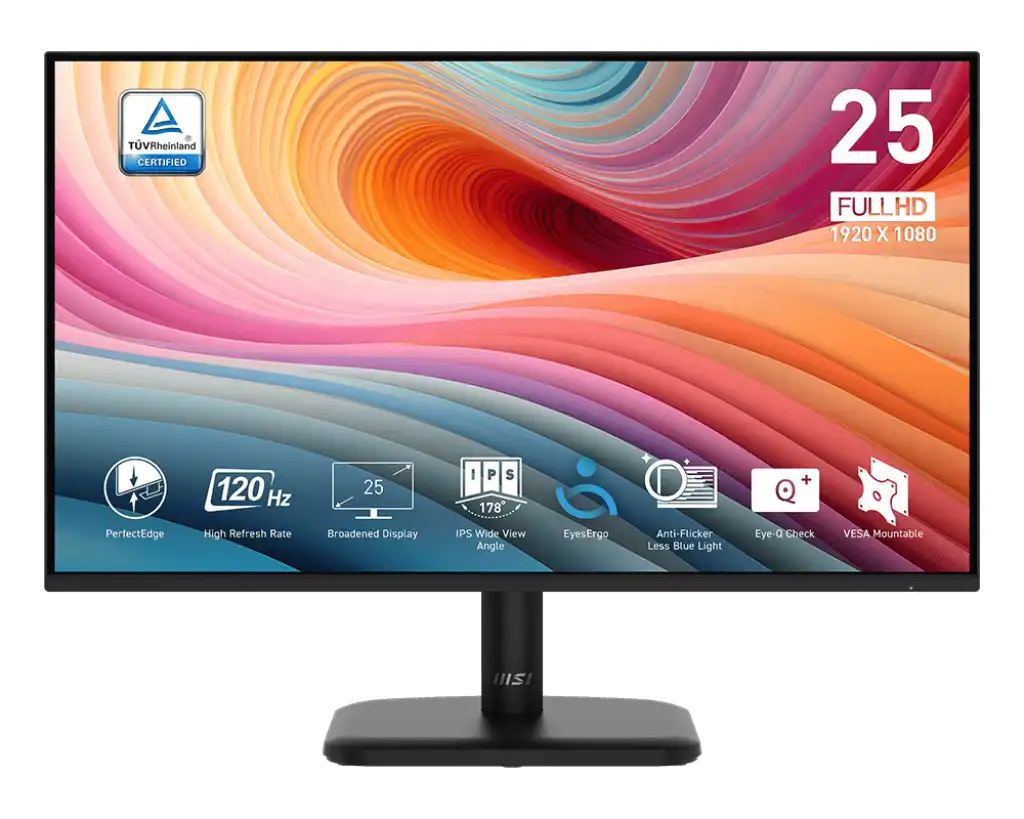
MSI PRO MP251L E2 24.5" FHD IPS 120Hz Monitor
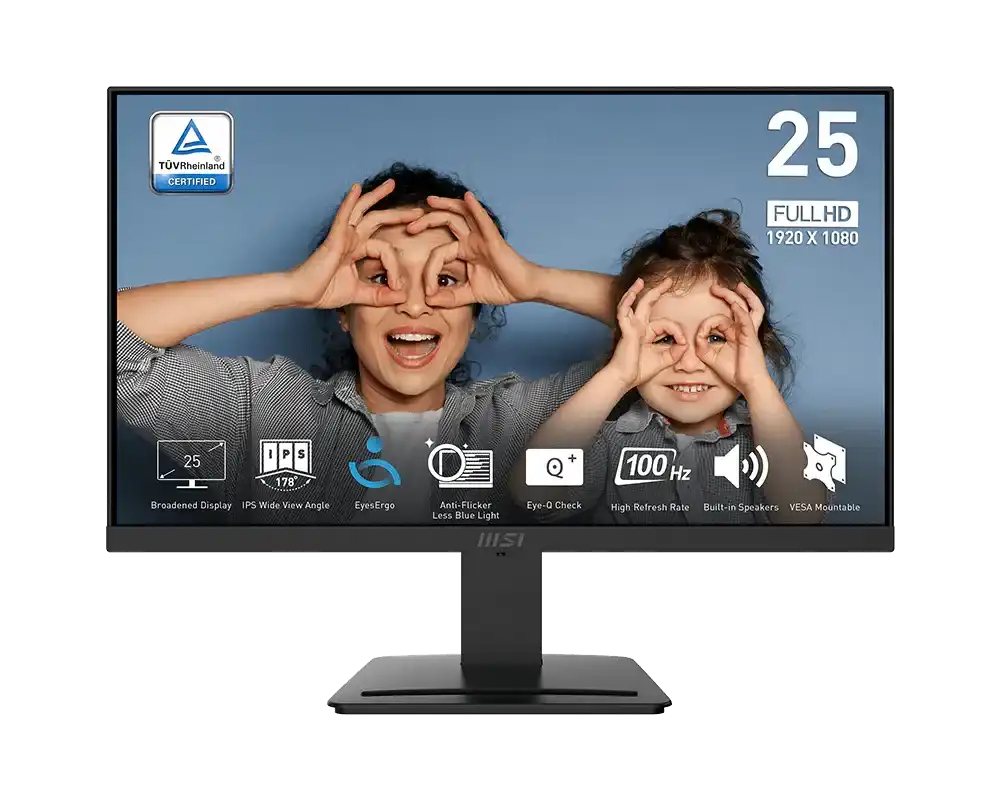
MSI PRO MP253 25" FHD IPS 100Hz Monitor
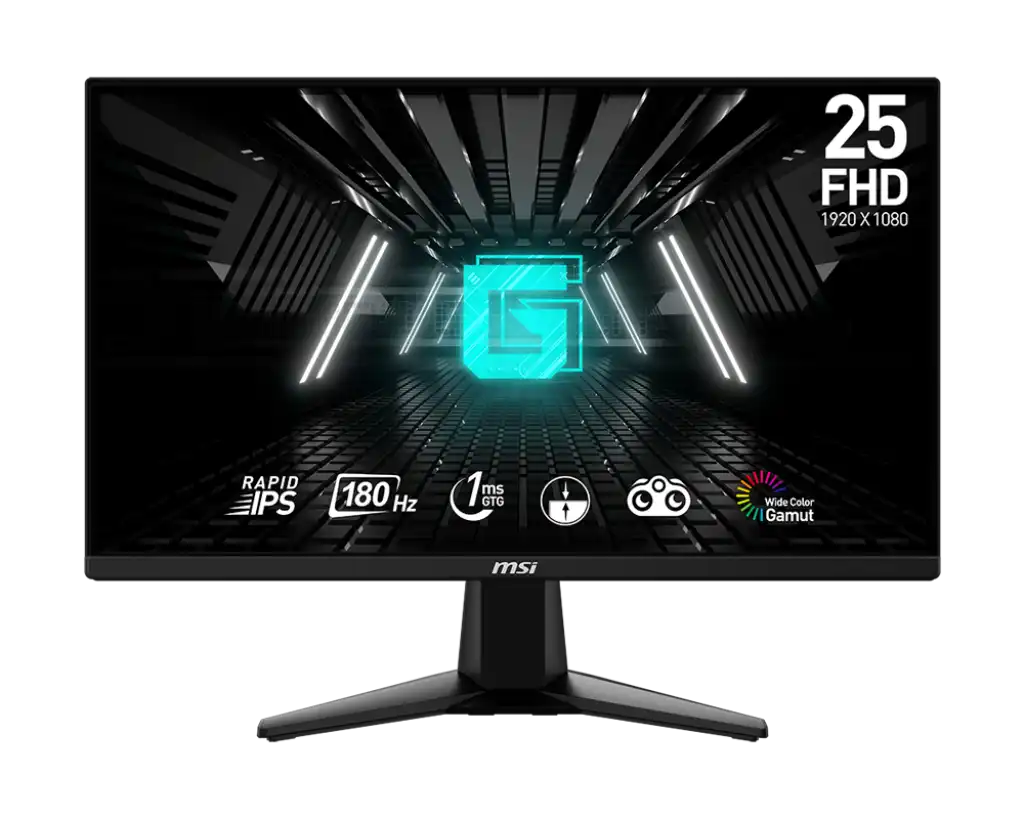
MSI G255F 24.5" FHD IPS 180Hz Monitor
The 25 inch monitors here are mostly 24.5 inch Full HD IPS screens. They run from the 100 Hz MSI PRO MP251 and PRO MP252, office models with built-in speakers, through the 180 Hz MSI G255F and 200 Hz MAG 255F E20, to the 300 Hz MAG 255XF and MAG 255PXF. BenQ adds the ZOWIE XL2546X, a 240 Hz TN esports monitor with DyAc 2, and two 2K IPS screens for work: the PD2506Q designer monitor and the 24.1 inch RD240Q for programming, which has USB-C. MSI and BenQ cover them with a 3 year warranty.
For office or study use, the PRO MP251, MP251L E2 and MP252 are enough. The MP251 has HDMI and VGA for older PCs, and the MP252 has HDMI and DisplayPort. For gaming, match the refresh rate to the frame rates your graphics card can reach. 180 to 200 Hz suits most players, and 300 Hz is for competitive shooters. Choose a 2K model if sharper text matters more than speed. The IPS and TN models each have a filter page, and the MSI and BenQ monitors have brand pages of their own.
Frequently asked questions
Is a 24.5 inch monitor the same as 25 inch? Yes. 24.5 inch is the measured diagonal of screens sold as the 25 inch size.
IPS or TN for esports? The TN XL2546X is built for fast response and motion clarity. The IPS models give better colours and wider viewing angles at up to 300 Hz.
Which port should I use for high refresh rates? DisplayPort is the usual choice. Check that both the port and the cable support the refresh rate you want.