


Gigabyte Z790 Motherboards
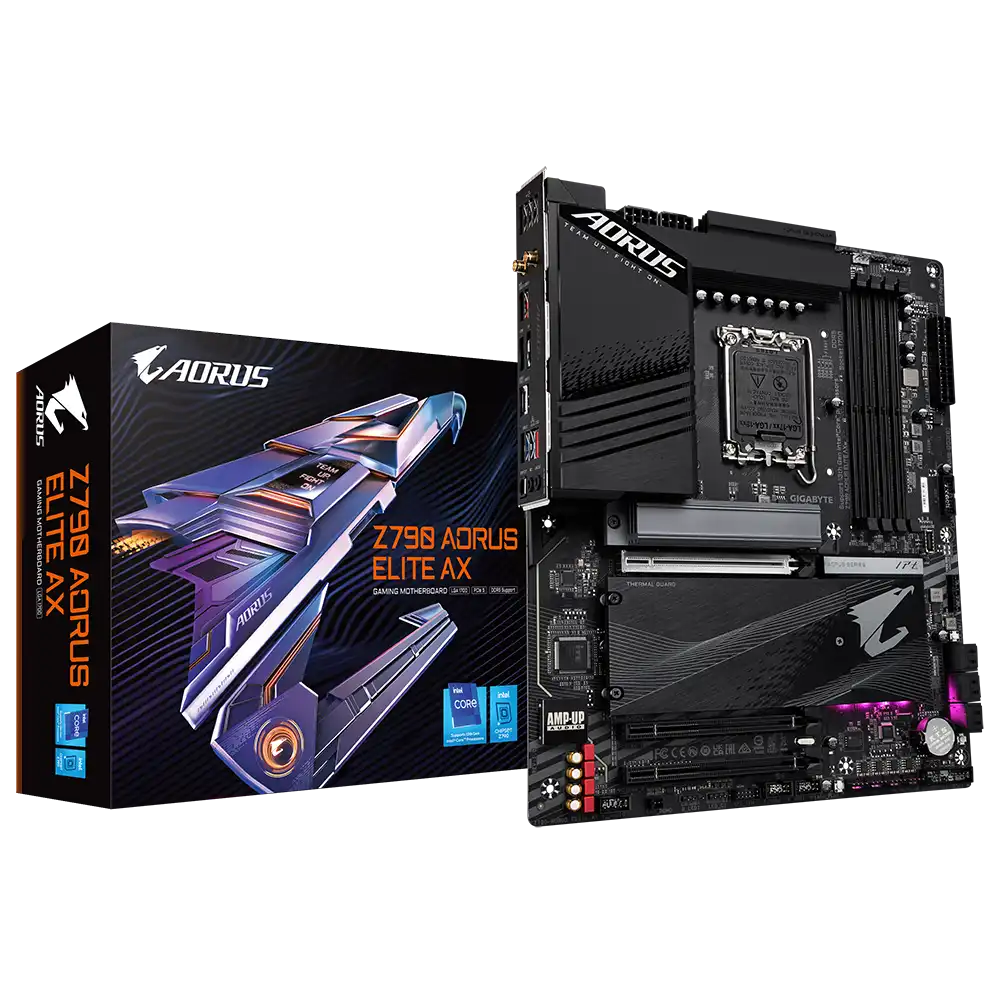
Gigabyte Z790 AORUS ELITE AX Motherboard
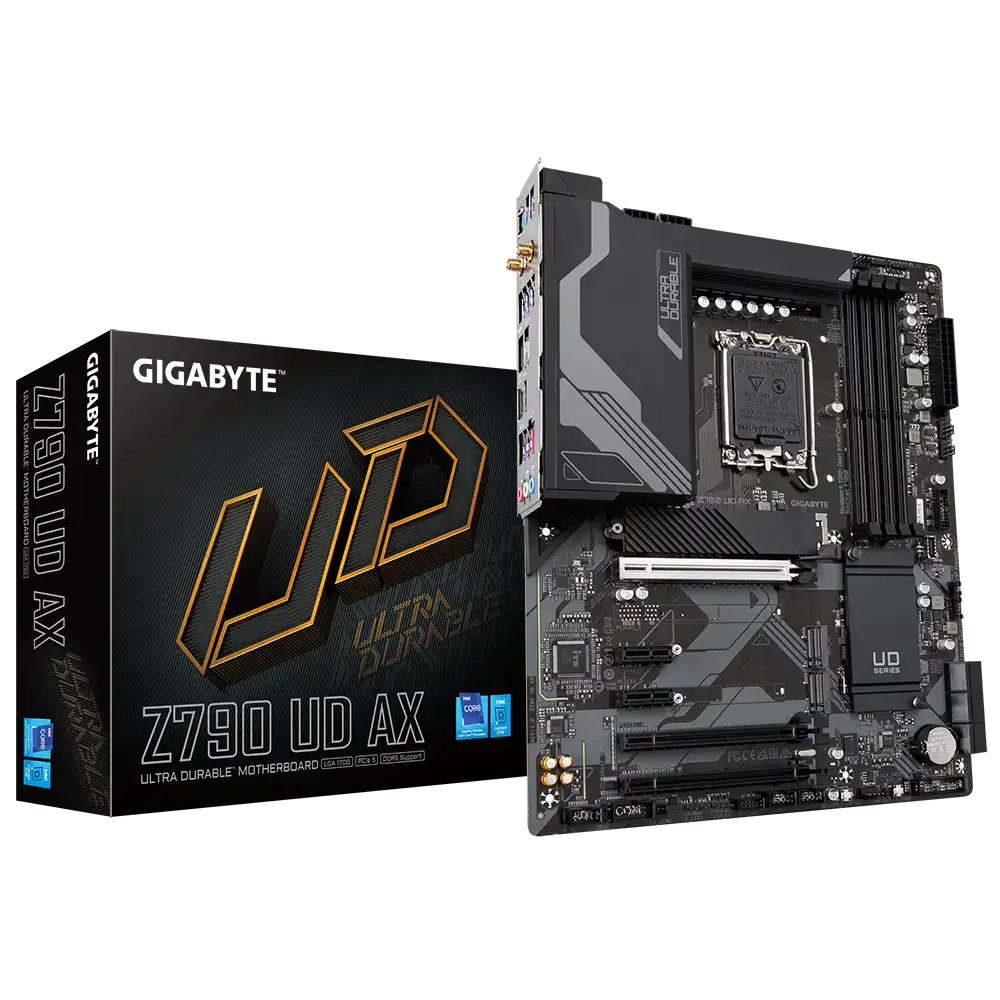
Gigabyte Z790 UD AX Motherboard
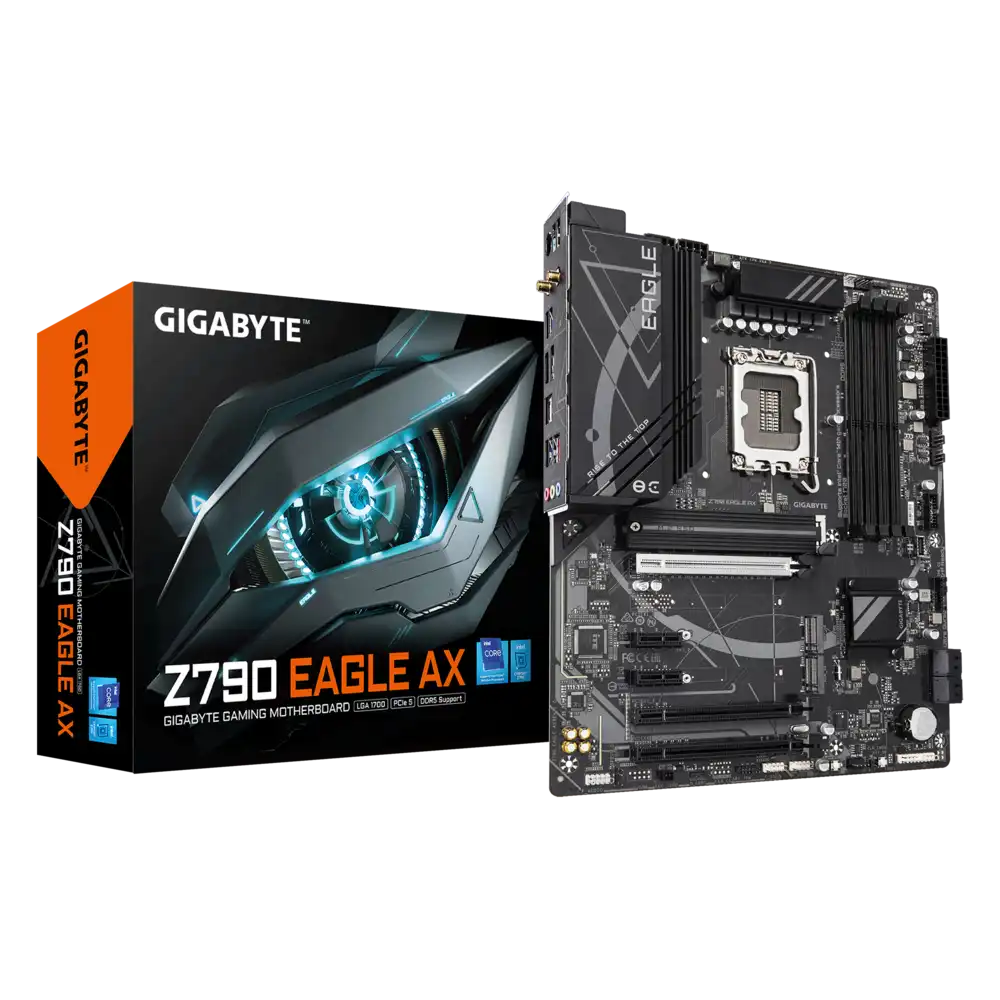
Gigabyte Z790 EAGLE AX Motherboard
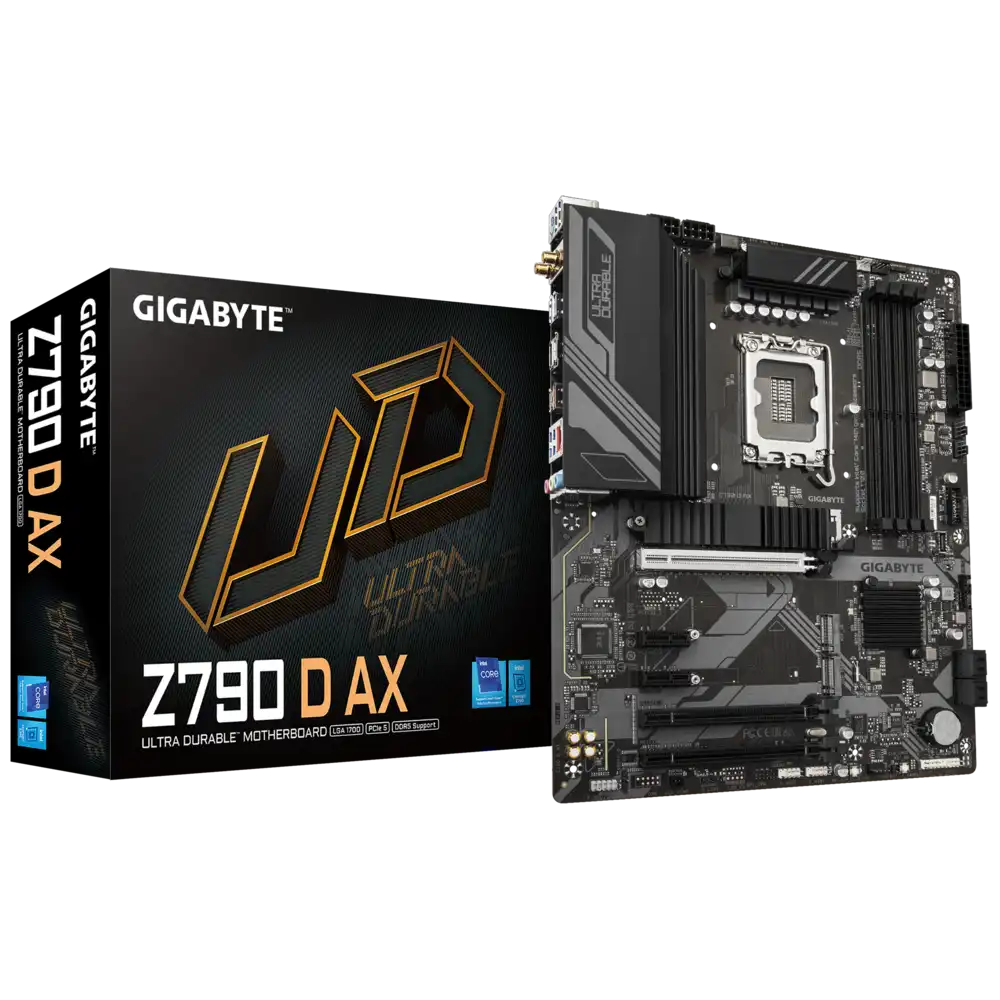
Gigabyte Z790 D AX Motherboard
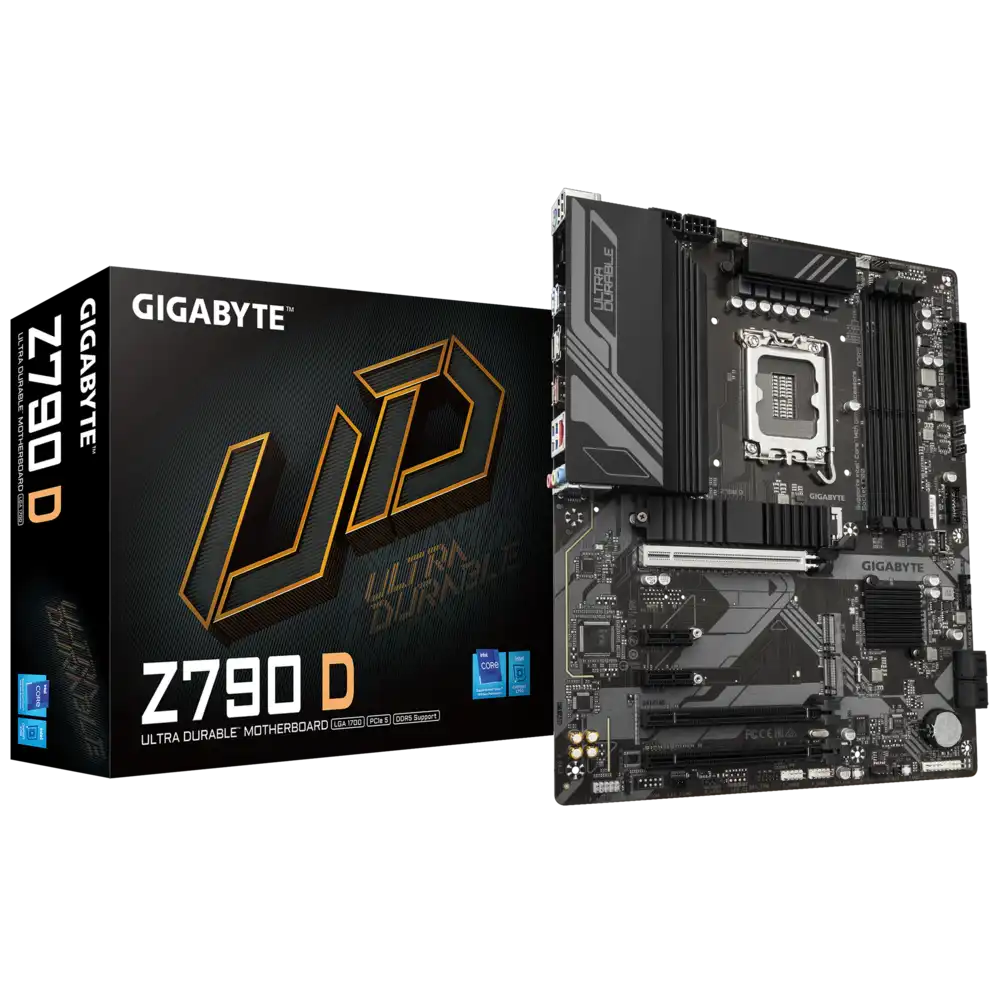
Gigabyte Z790 D Motherboard
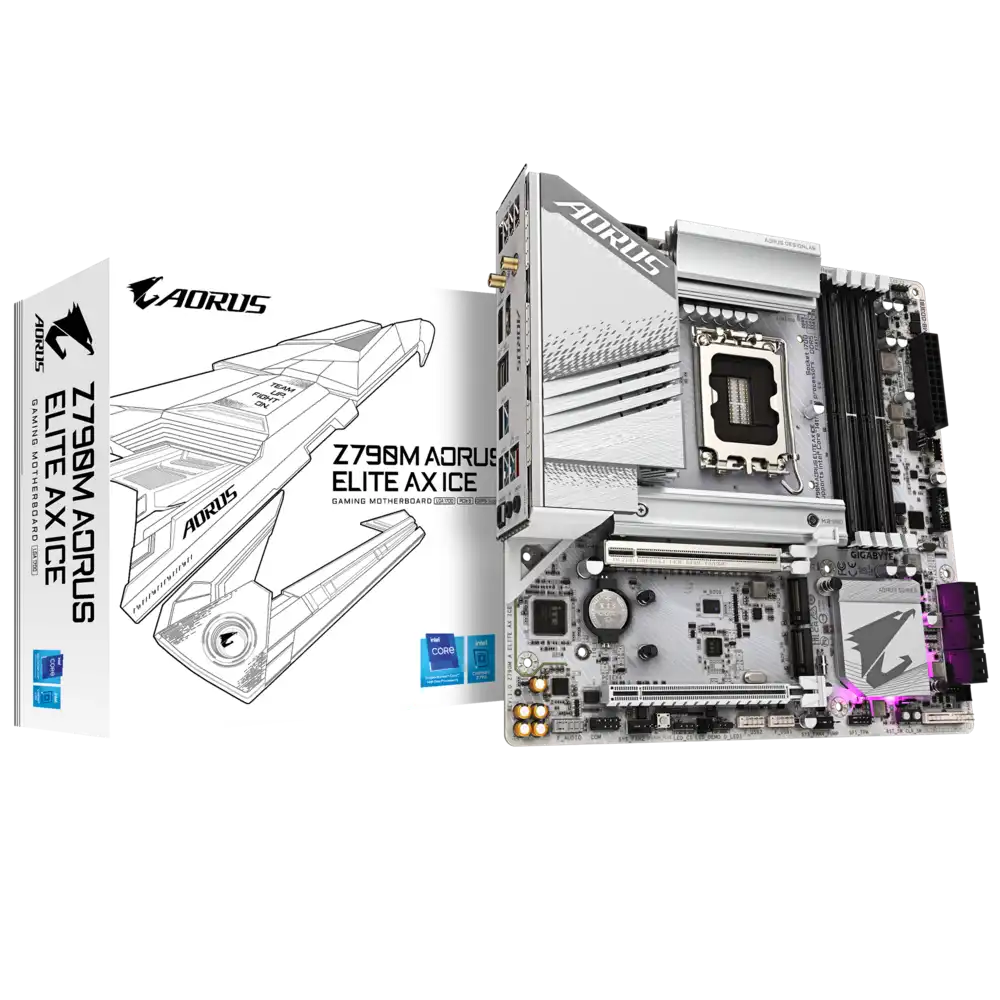
Gigabyte Z790M AORUS ELITE AX ICE Motherboard
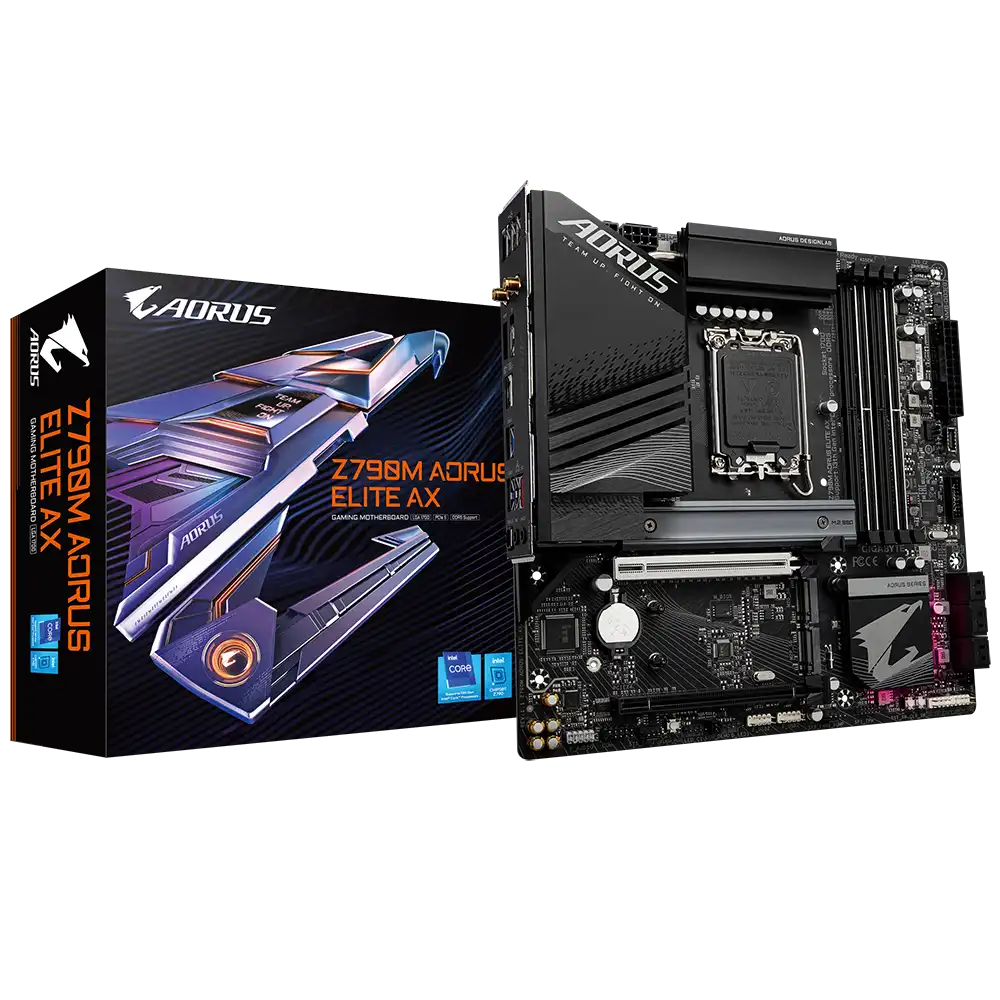
Gigabyte Z790M AORUS ELITE AX Motherboard
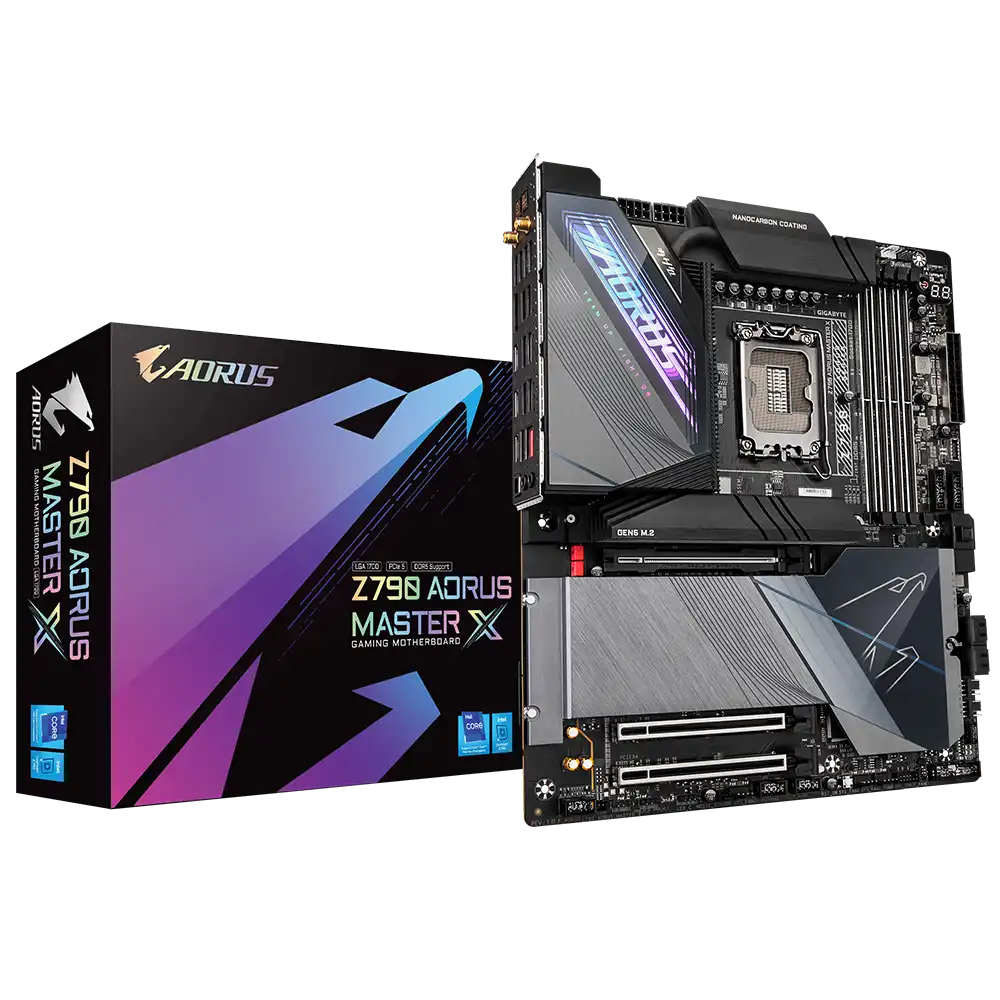
Gigabyte Z790 AORUS MASTER X Motherboard
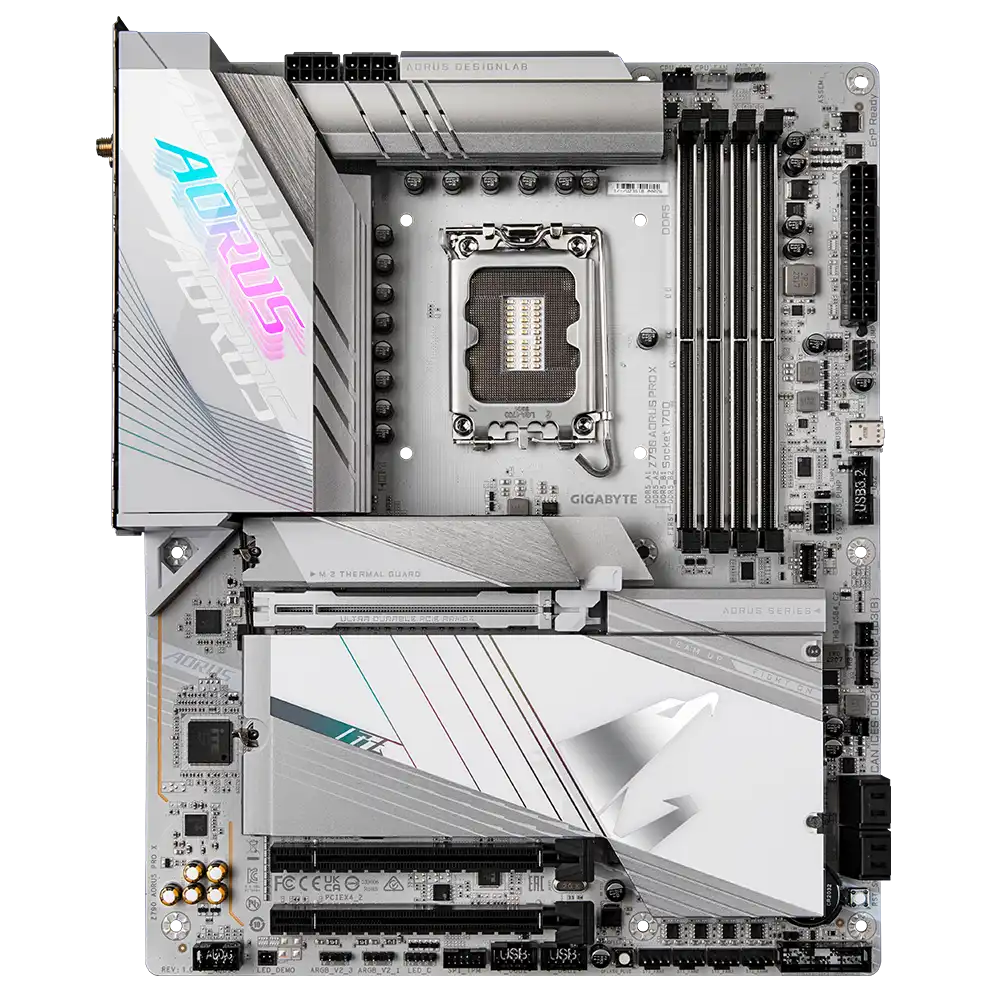
Gigabyte Z790 AORUS PRO X Motherboard
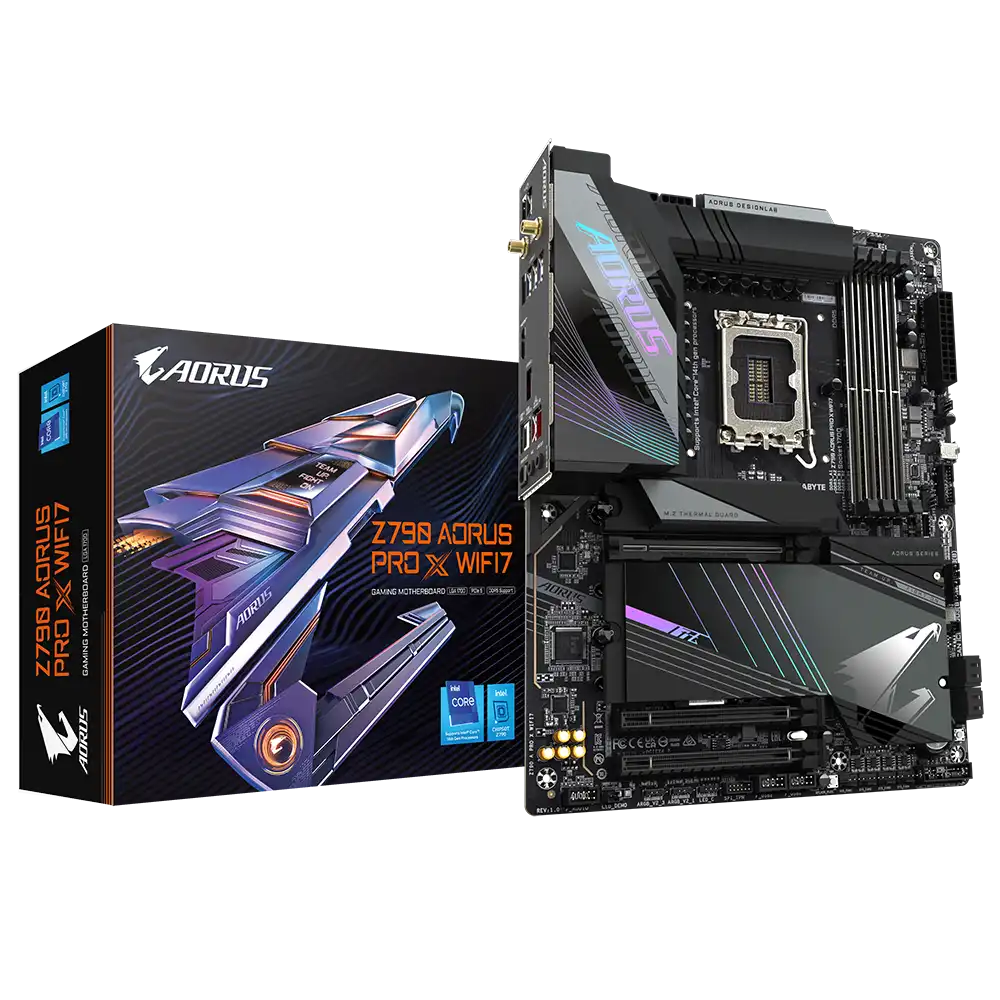
Gigabyte Z790 AORUS PRO X WIFI7 Motherboard
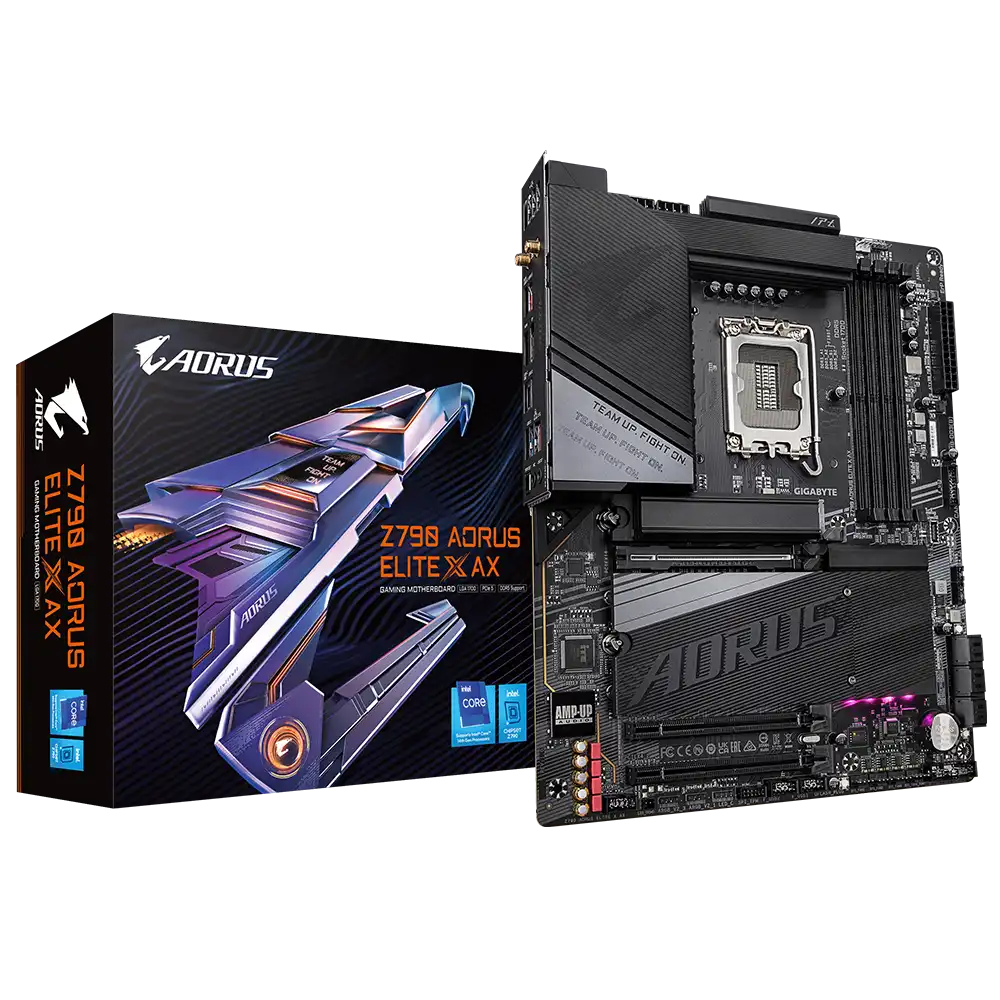
Gigabyte Z790 AORUS ELITE X AX Motherboard
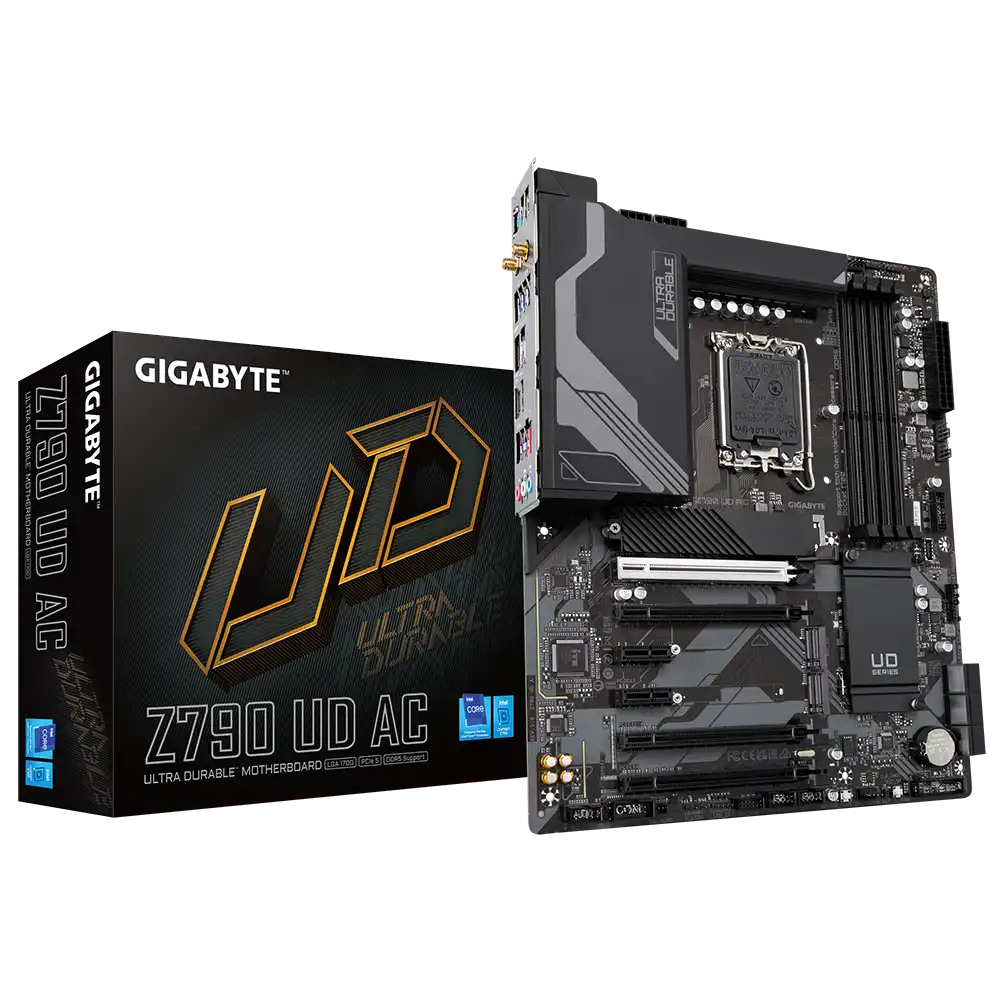
Gigabyte Z790 UD AC Motherboard
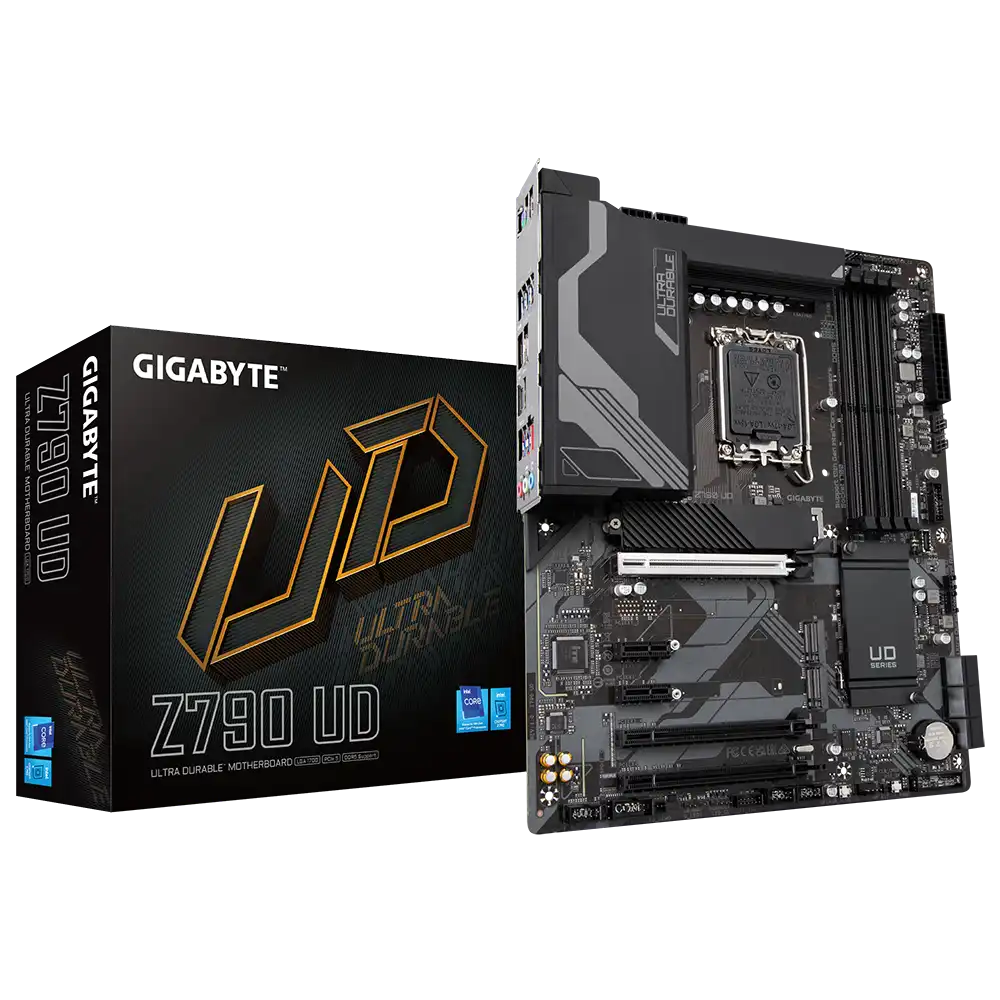
Gigabyte Z790 UD Motherboard
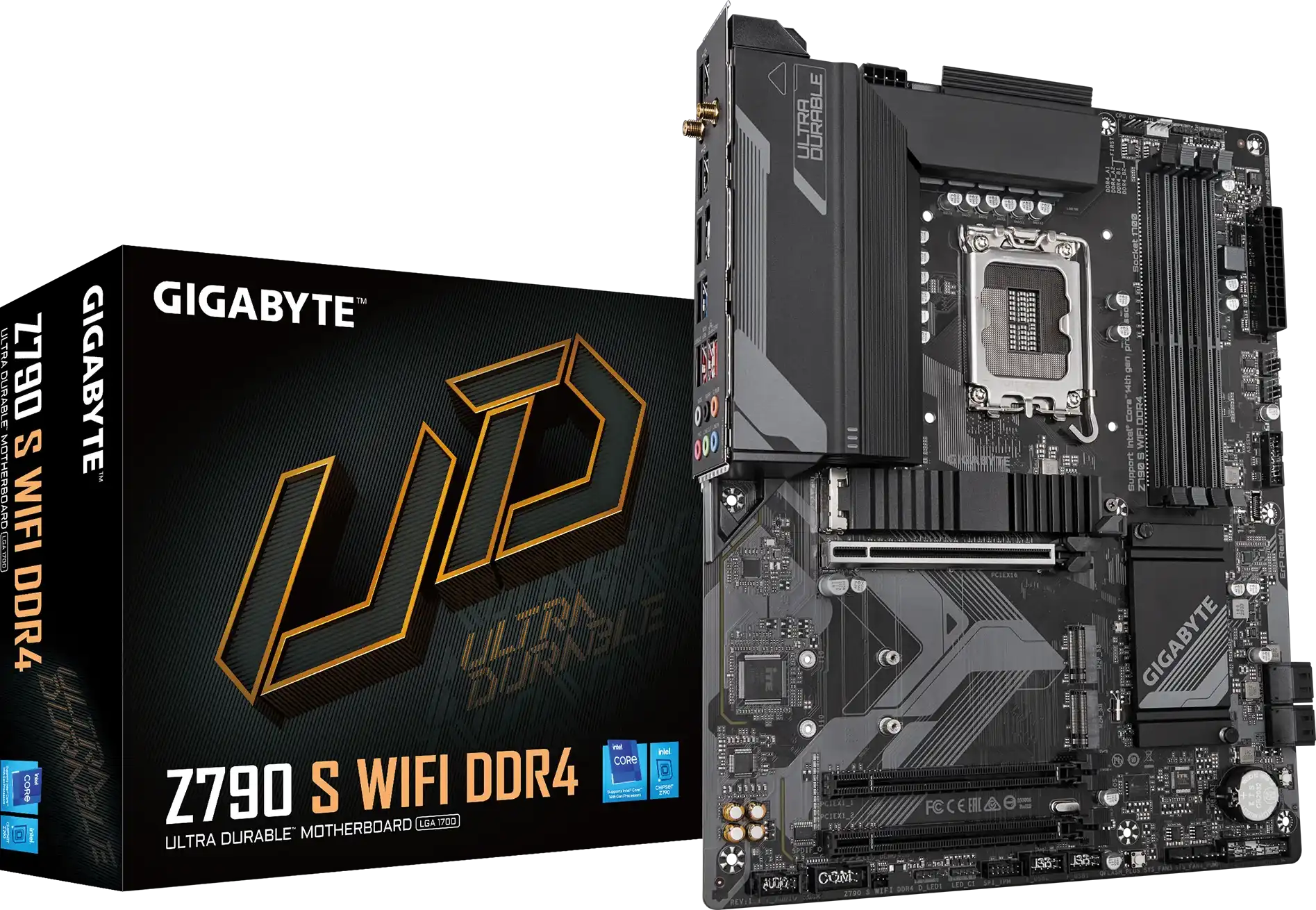
Gigabyte Z790 S WIFI DDR4 Motherboard
The Gigabyte Z790 boards here run from the entry Z790 D and Z790 UD, through the Z790 EAGLE AX and Z790 AORUS ELITE AX, up to the Z790 AORUS PRO X WIFI7 and the E-ATX Z790 AORUS MASTER X. The Z790M AORUS ELITE AX and its ICE version are micro-ATX. All use the Intel LGA1700 socket and DDR5 memory, with four RAM slots, three to five M.2 slots and four or six SATA ports.
Z790 is Intel's chipset for overclocking unlocked K-series Core processors, so these boards differ mainly in connectivity, storage and size. Models with AX or WIFI7 in the name have built-in Wi-Fi, while the Z790 D and Z790 UD have none and need a wired connection or an add-in card. For several NVMe drives, the AORUS PRO X, PRO X WIFI7 and MASTER X have five M.2 slots, the two ELITE ATX boards have four, and the rest have three. The MASTER X needs a cabinet with E-ATX support, while the Z790M boards suit smaller micro-ATX cases.
Frequently asked questions
Can I use DDR4 RAM on these boards? No. The Gigabyte Z790 boards here take DDR5 memory only.
What is the difference between the Z790 AORUS ELITE AX and ELITE X AX? The catalogue lists the ELITE X AX with up to 256 GB of memory support, against 128 GB for the ELITE AX. Both have four M.2 slots and six SATA ports.