


G.Skill 16 GB RAM
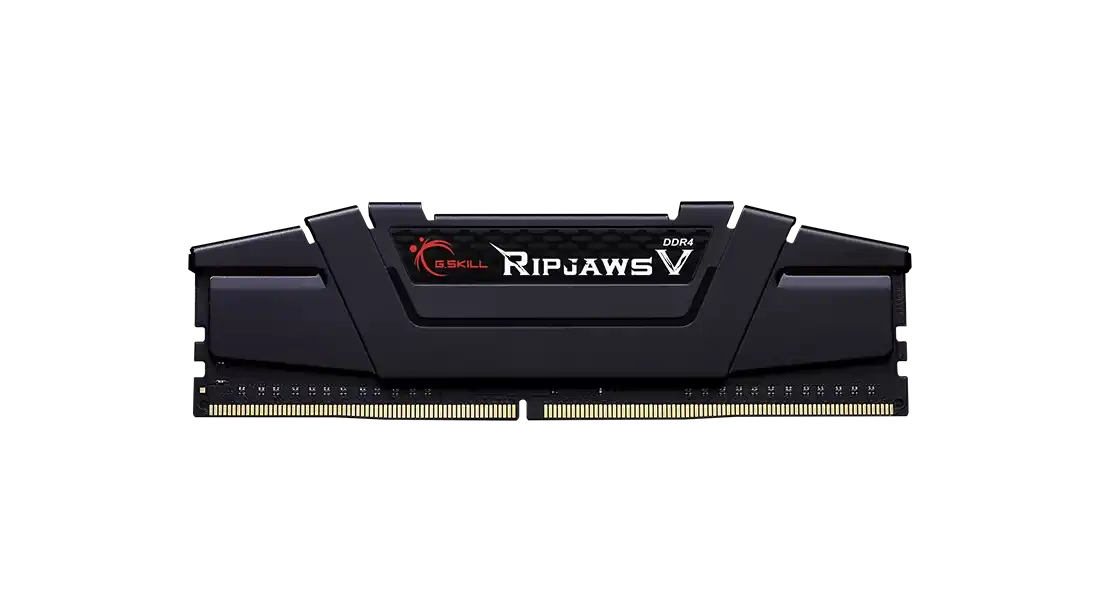
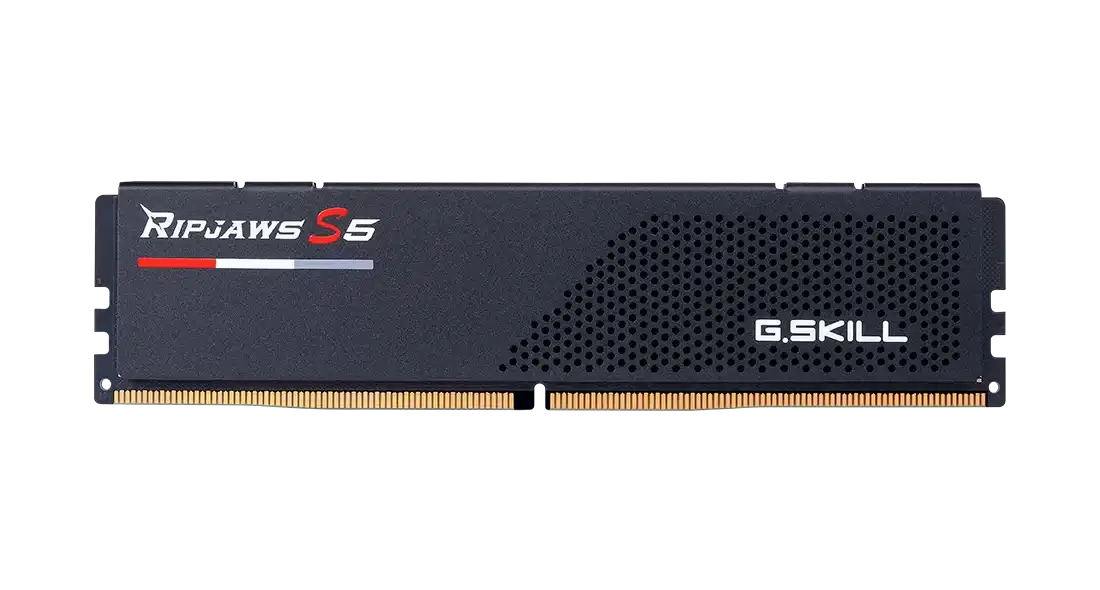
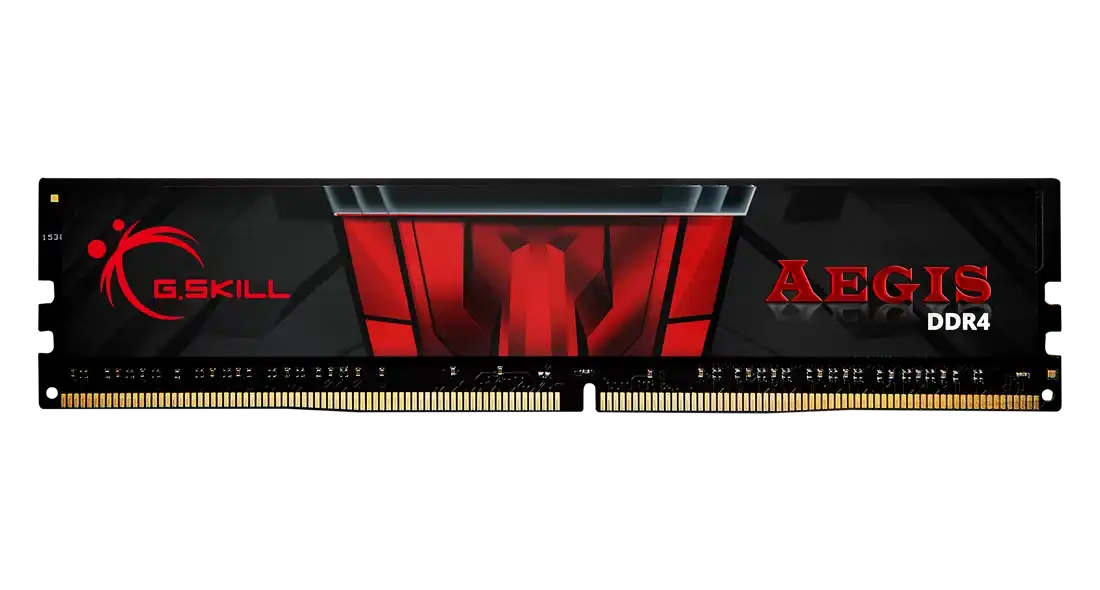
G.Skill Aegis 16GB DDR4 3200MHz CL16-18-18-38 1.35V Intel XMP RAM

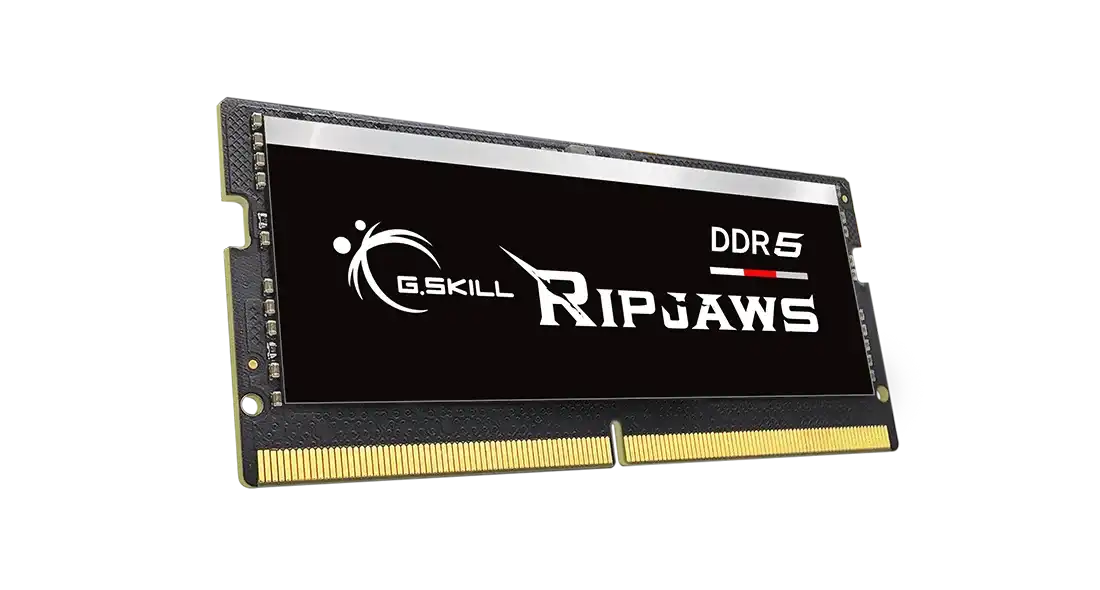
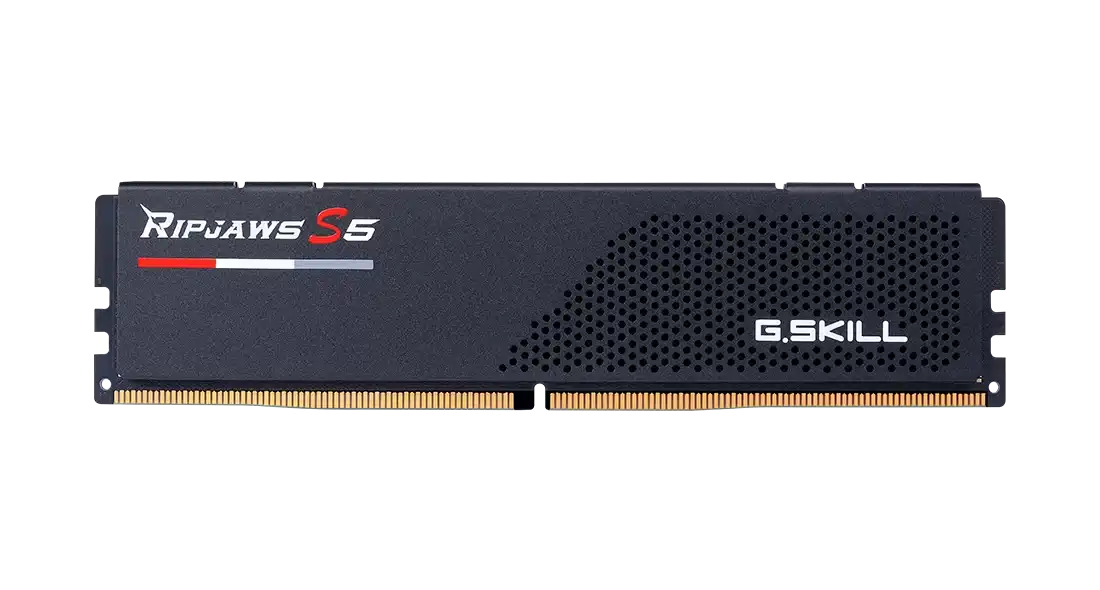
G.Skill Ripjaws 16GB DDR5 5600MHz CL46-45-45-89 1.10V Intel XMP 3.0 RAM
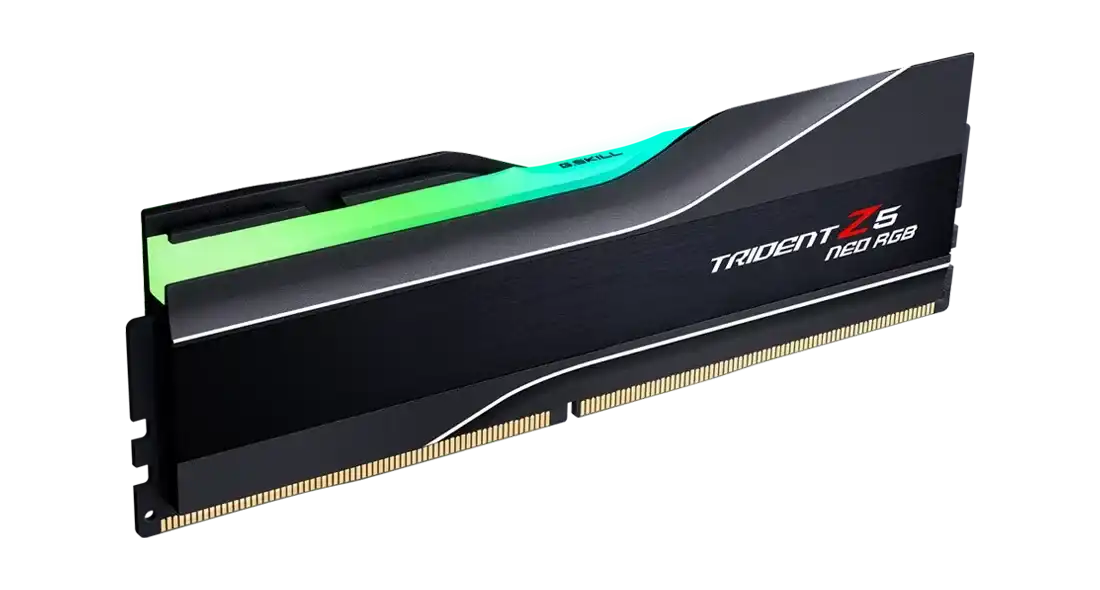
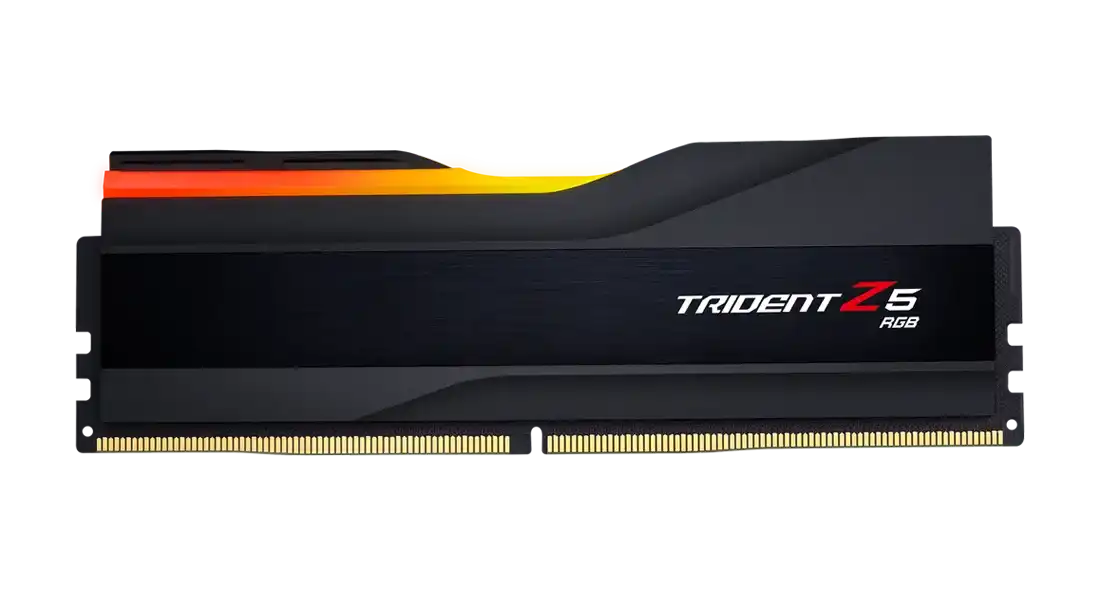
G.Skill Trident Z5 Neo RGB 16GB DDR5 6000MHz CL30-38-38-96 1.35V AMD EXPO RAM
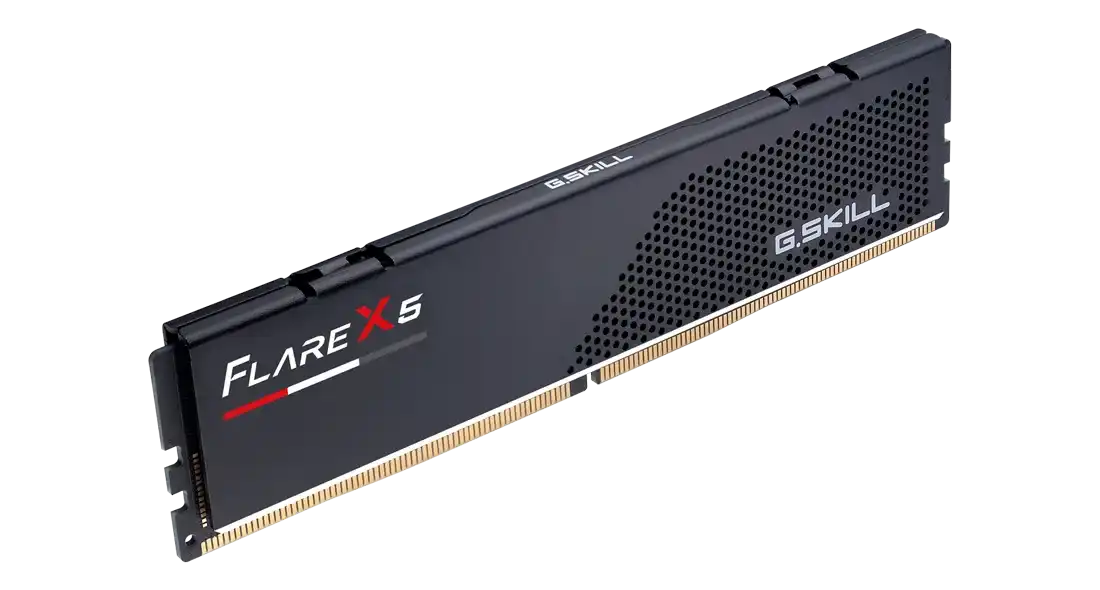
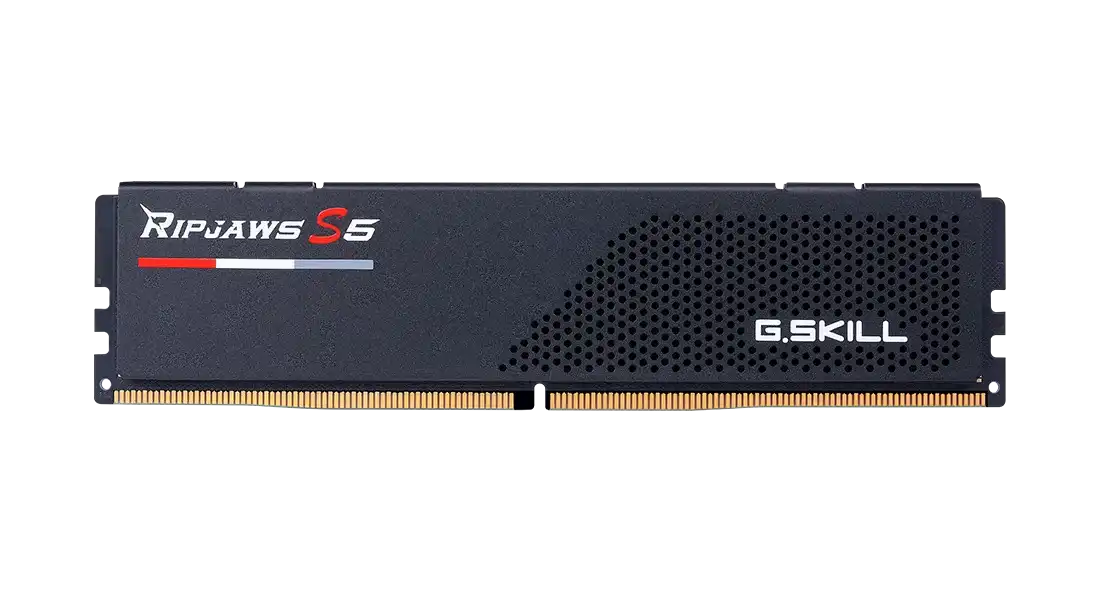
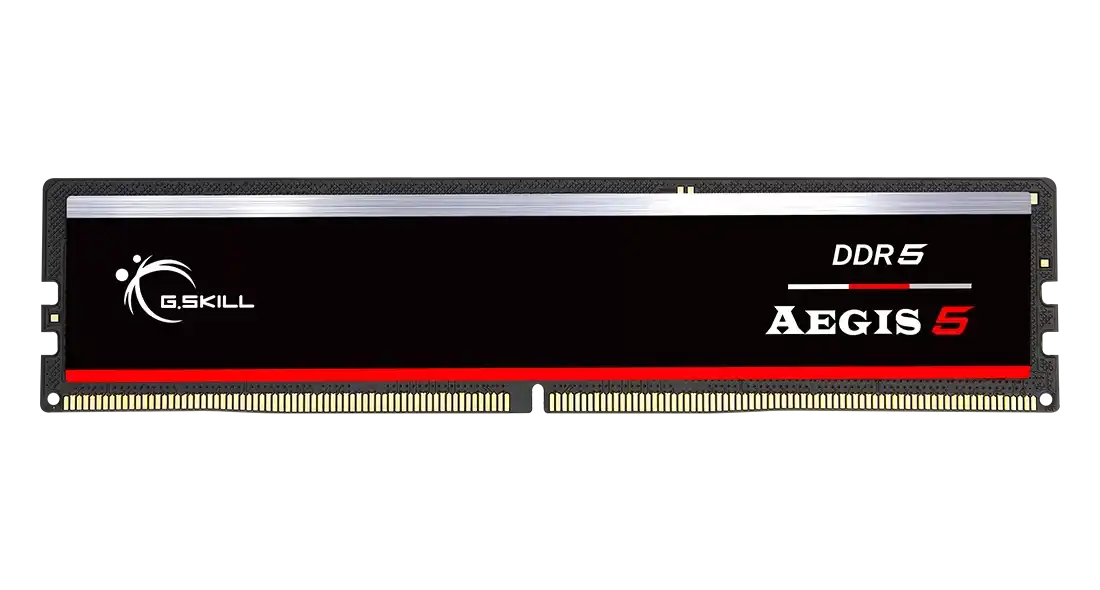
The G.Skill 16 GB modules here are single sticks that run from DDR4 3200 MHz CL16, in the Aegis F4-3200C16S-16GIS and Ripjaws V F4-3200C16S-16GVK, to DDR5 at 5200, 5600 and 6000 MHz. On the DDR5 side are the Ripjaws S5 at 5200 MHz CL40 and 6000 MHz CL36, the Aegis 5 F5-5600J3636C16GX1-IS, the Flare X5 F5-6000J3636F16GX1-FX5 and the Trident Z5 Neo RGB F5-6000J3038F16GH1-TZ5NR at CL30. G.Skill covers them with a 10 year warranty.
Start with the motherboard. DDR4 and DDR5 slots are keyed differently, so a DDR4 board takes only the two 3200 MHz modules. For AM5 Ryzen builds, the 6000 MHz EXPO modules suit well, and the Flare X5 and Trident Z5 Neo RGB are EXPO-only. The Ripjaws S5 5600 MHz CL40 module is XMP-only, so it fits Intel boards. Only the Trident Z5 RGB and Trident Z5 Neo RGB have RGB lighting. The Ripjaws 5600 MHz CL46 module is a laptop SO-DIMM. Desktop sticks, DDR5 RAM and the 6000 MHz and 5600 MHz modules each have their own page.
Frequently asked questions
Should I buy one 16 GB stick or two? Each listing is a single 16 GB module. Two matching sticks give 32 GB in dual channel, which helps in games and multitasking.
Will an AMD EXPO-only stick work on an Intel board? It will run at standard JEDEC speed. The rated speed is set by the EXPO profile, which is meant for AMD boards, so Intel builds should pick an XMP module.
Is CL30 6000 MHz worth it over CL36? The Trident Z5 Neo RGB has lower latency than the CL36 6000 MHz sticks. The gain is small but measurable in CPU-bound games on Ryzen.