


G.Skill Single Channel Desktop RAM
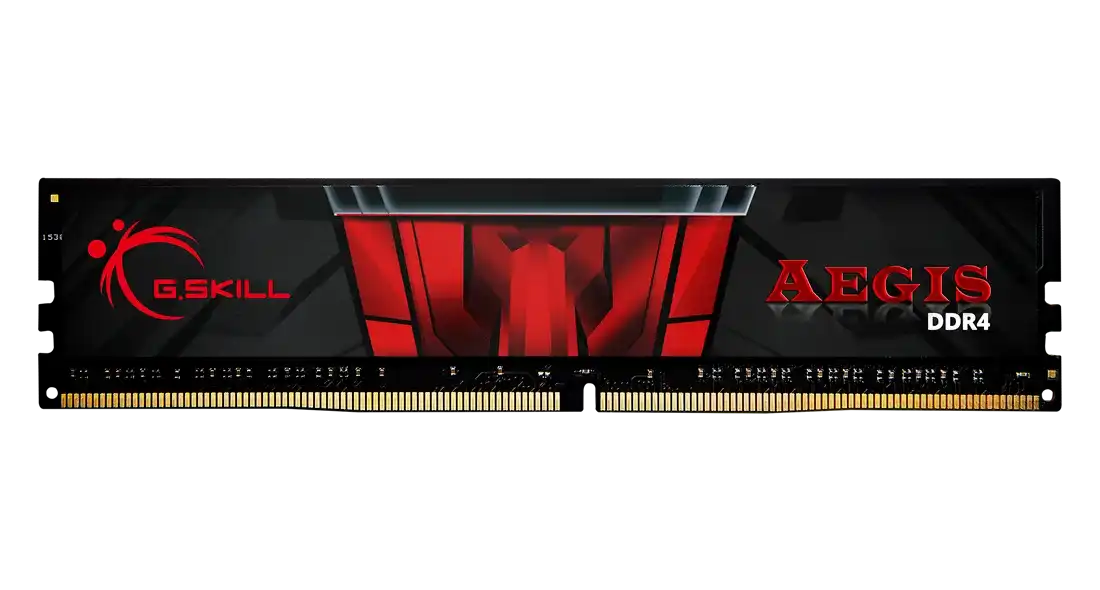
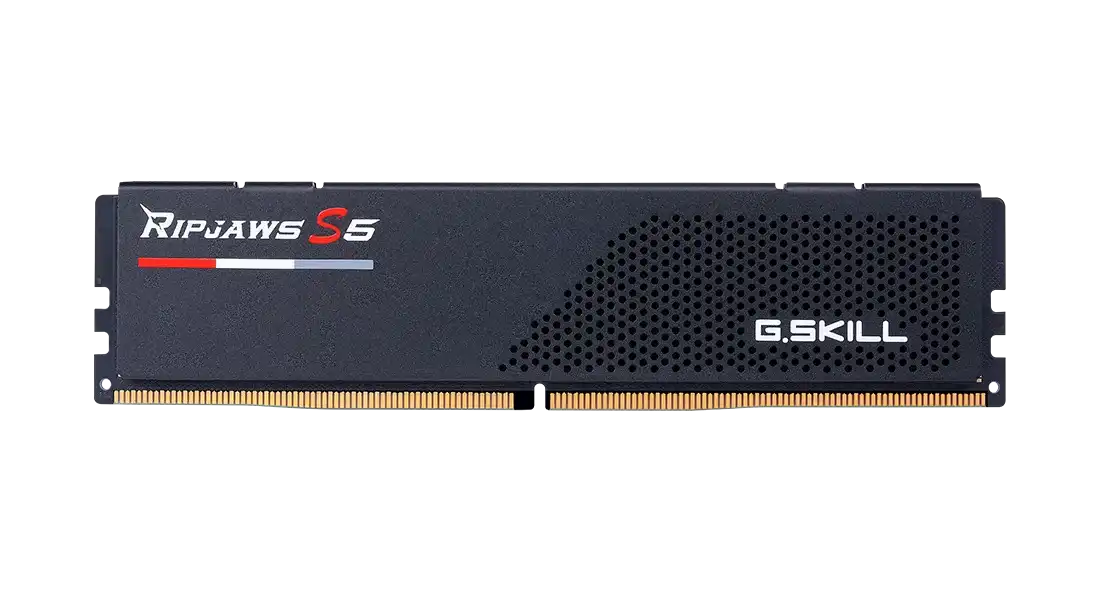
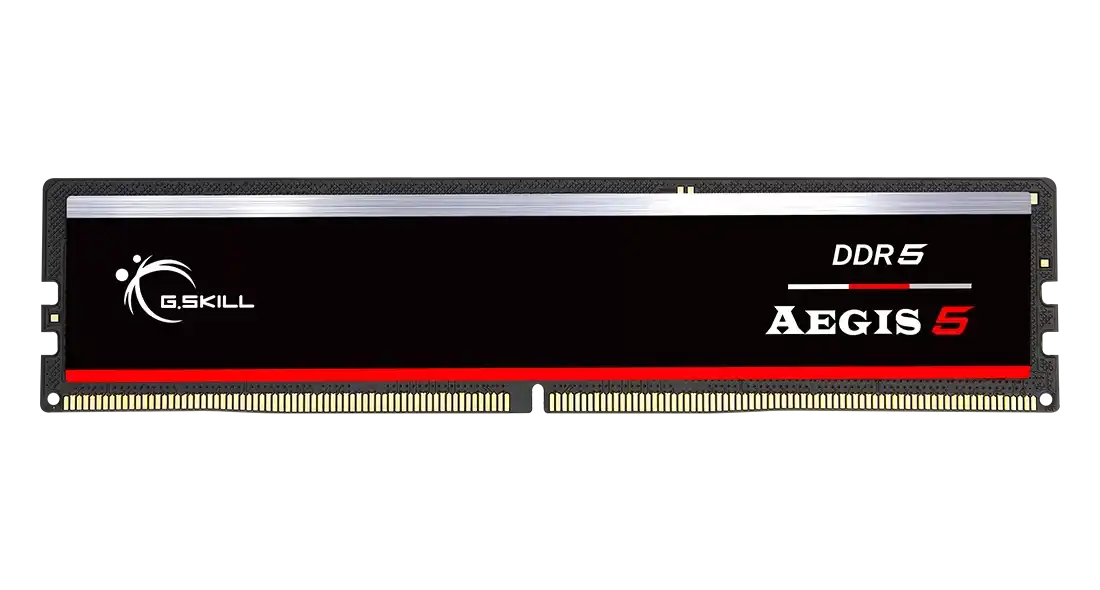
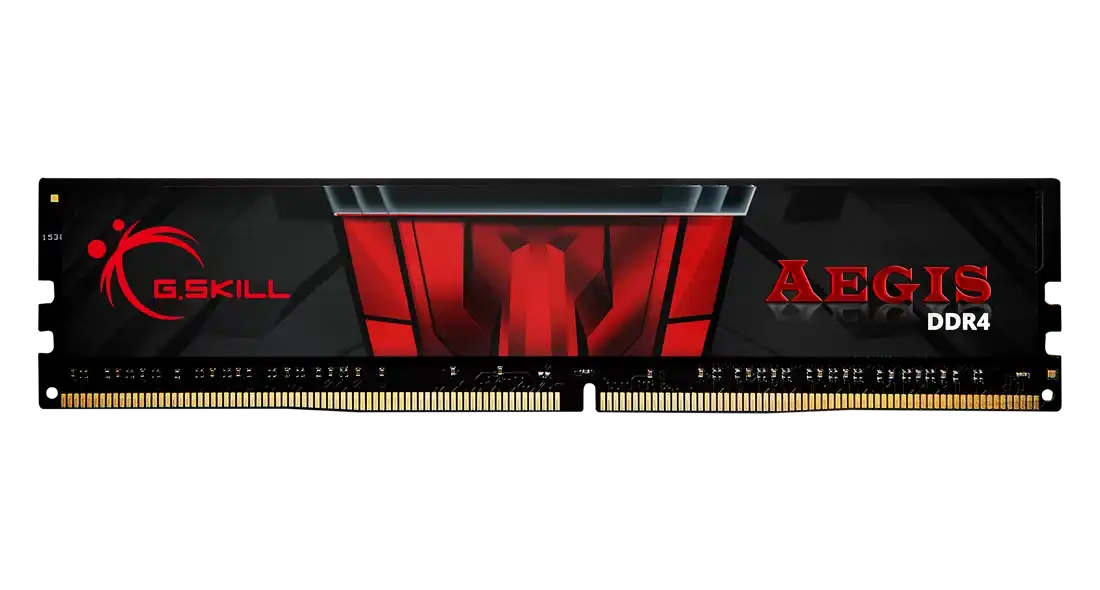
G.Skill Aegis 16GB DDR4 3200MHz CL16-18-18-38 1.35V Intel XMP RAM
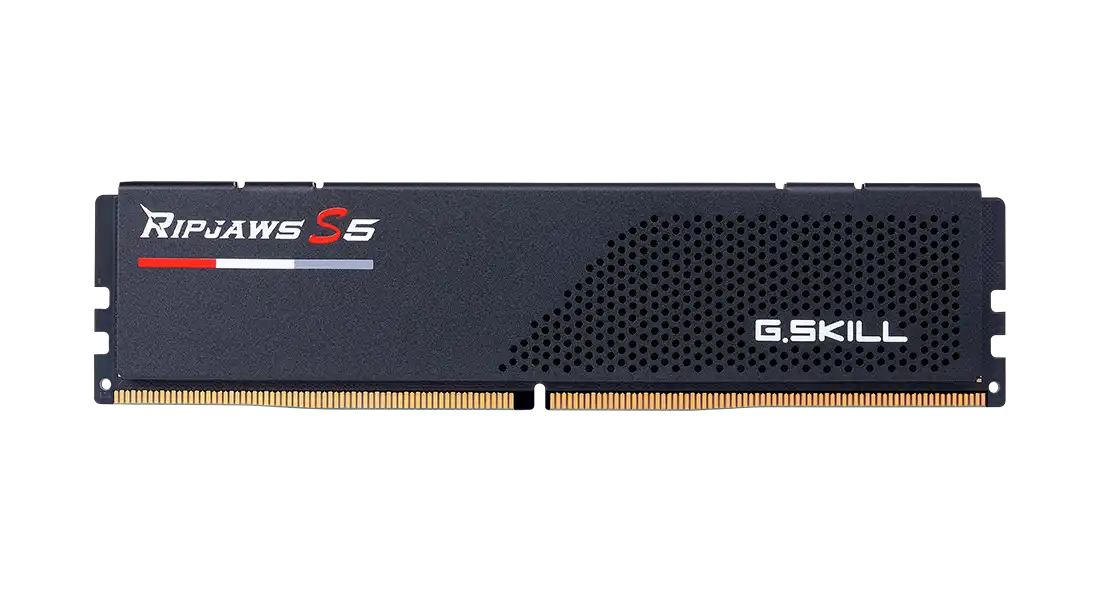
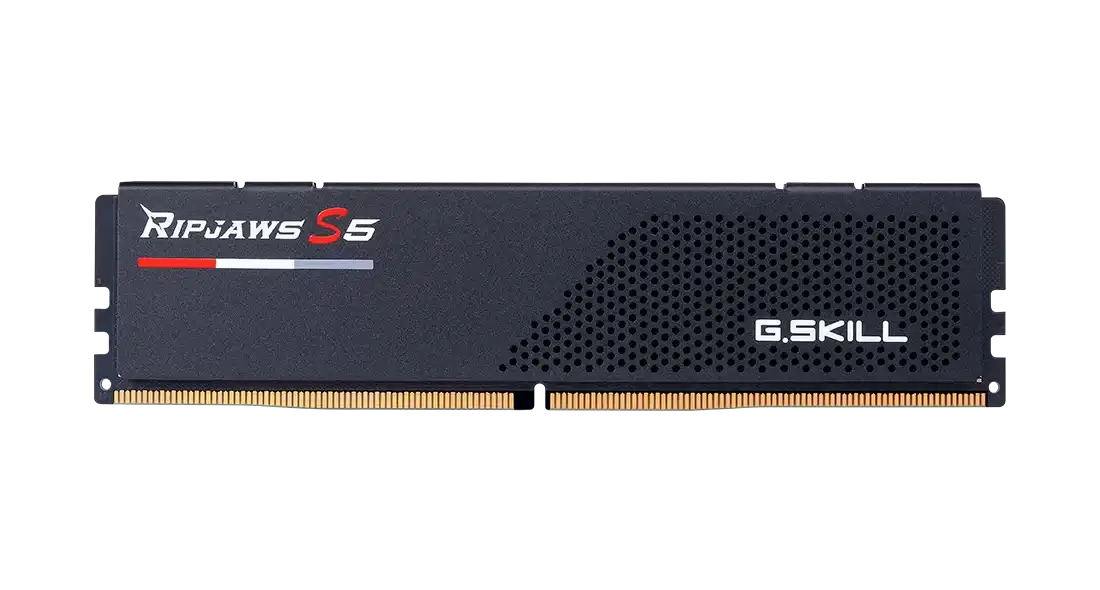
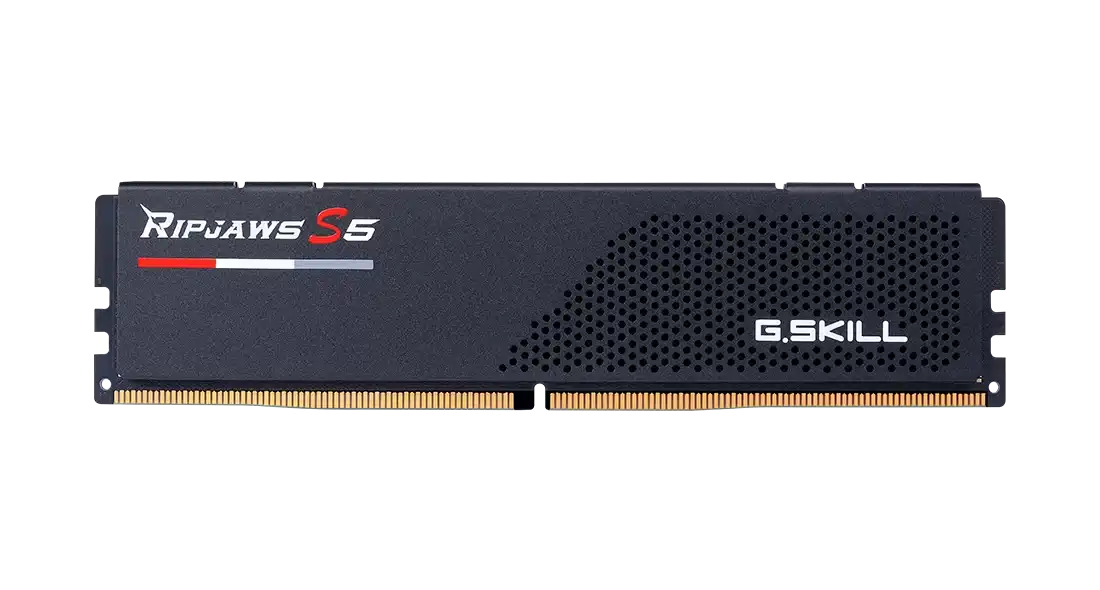
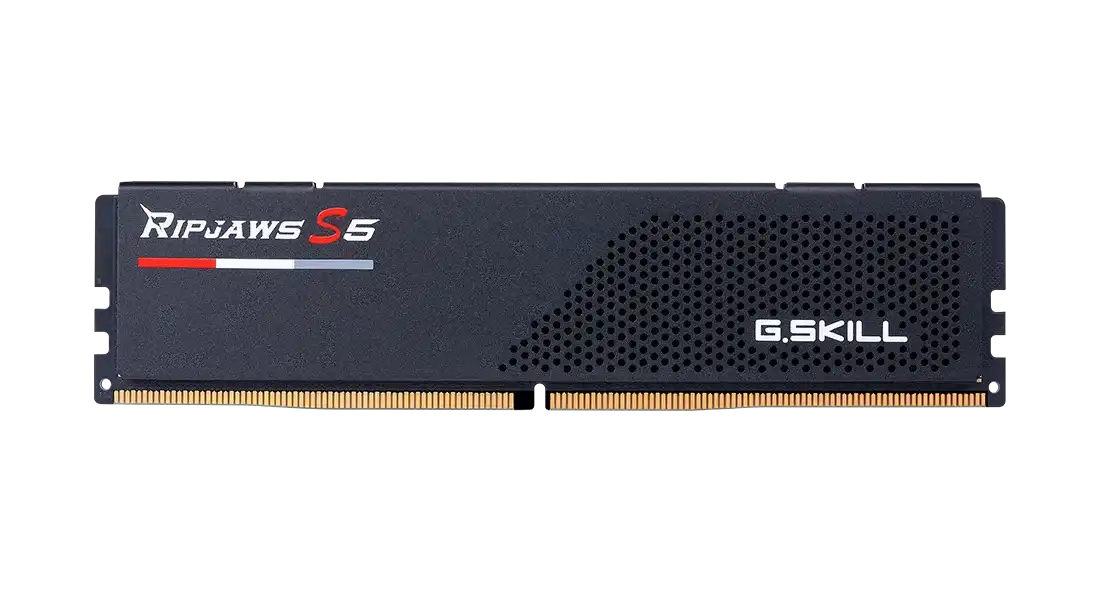
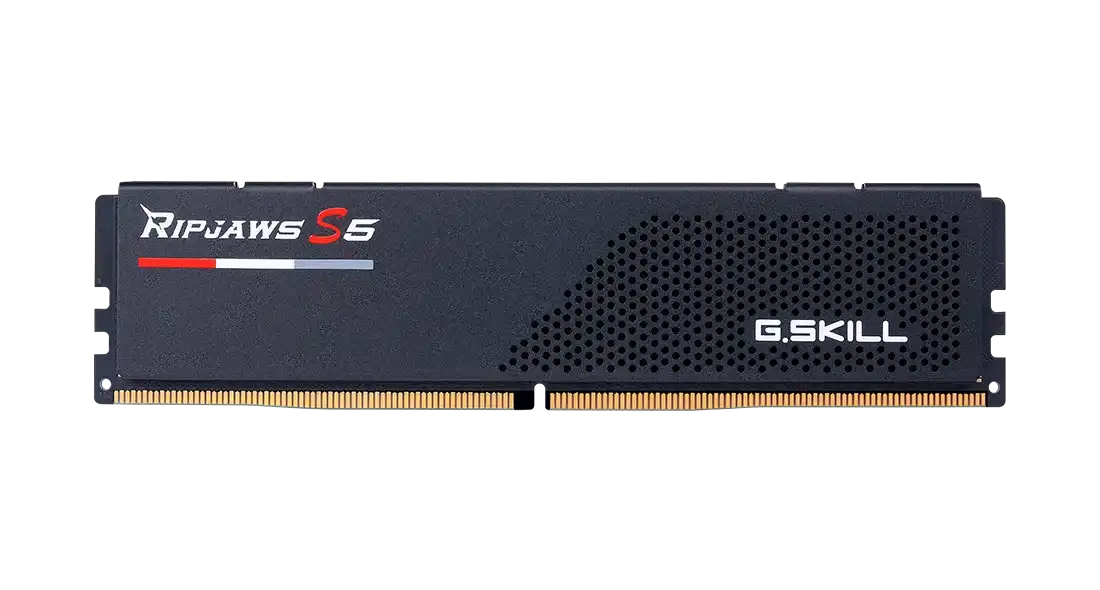
G.Skill Ripjaws S5 48GB DDR5 5200MHz CL40-40-40-83 1.10V Intel XMP RAM
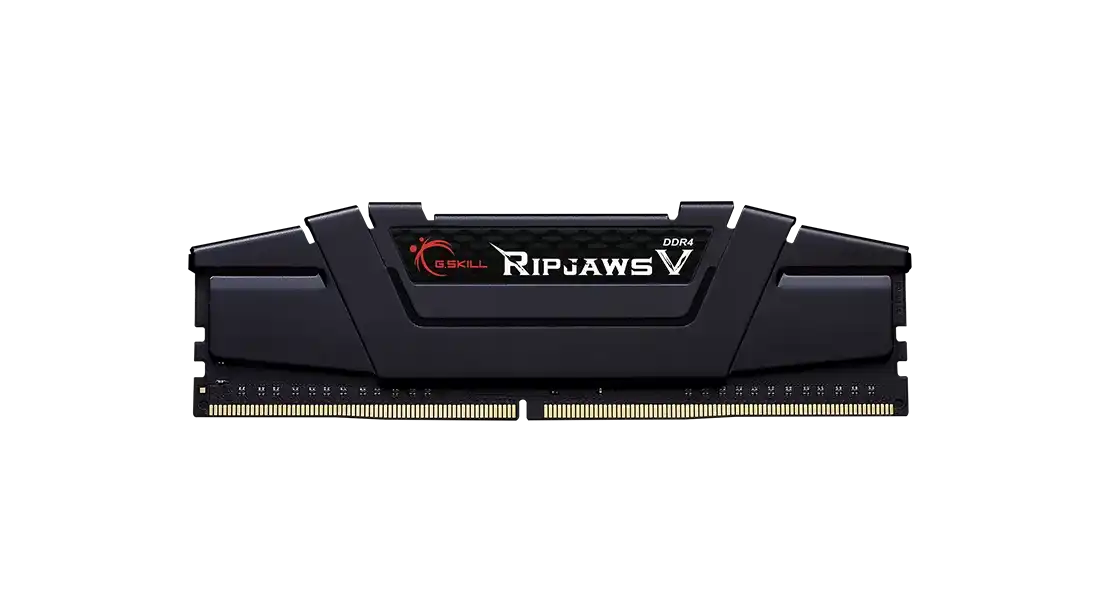
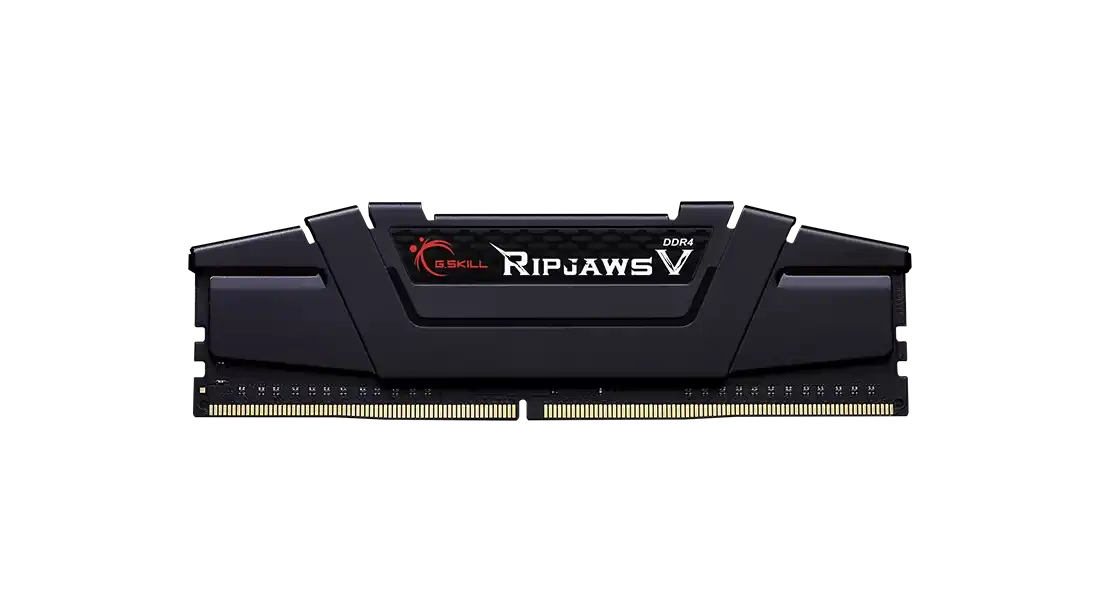
G.Skill Ripjaws V 8GB DDR4 3200MHz CL16-18-18-38 1.35V Intel XMP RAM
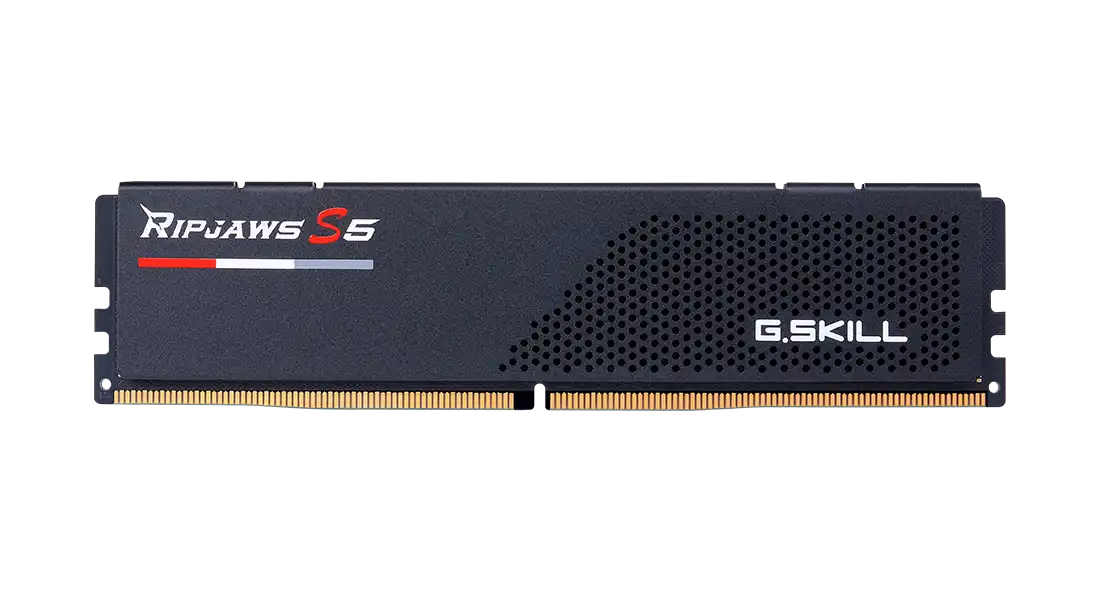
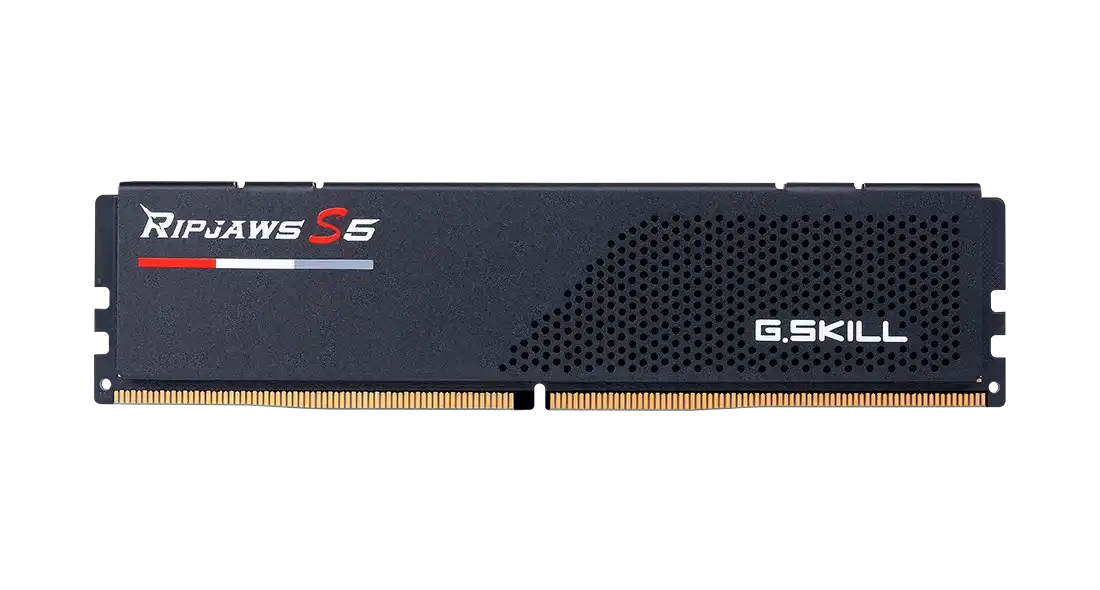
G.Skill Ripjaws S5 32GB DDR5 5600MHz CL36-36-36-89 1.25V Intel XMP RAM

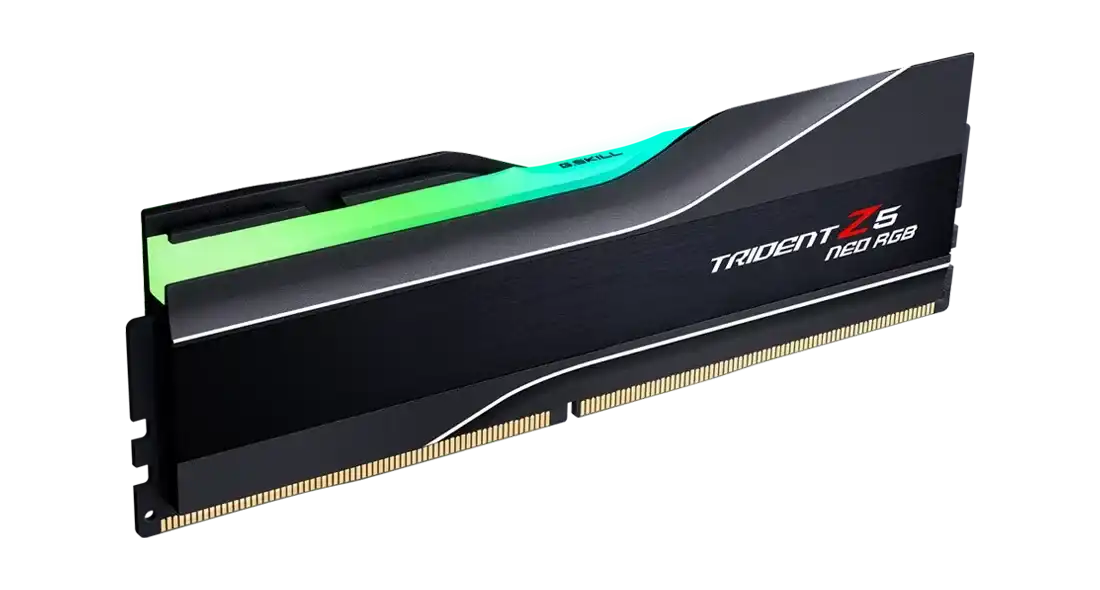
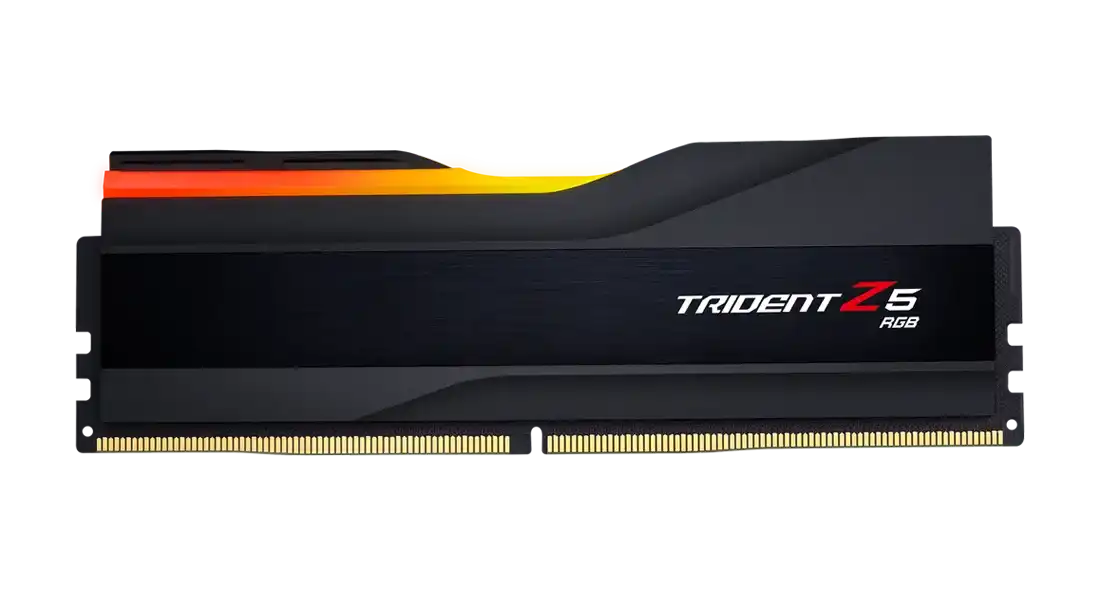
G.Skill Trident Z5 Neo RGB 16GB DDR5 6000MHz CL30-38-38-96 1.35V AMD EXPO RAM
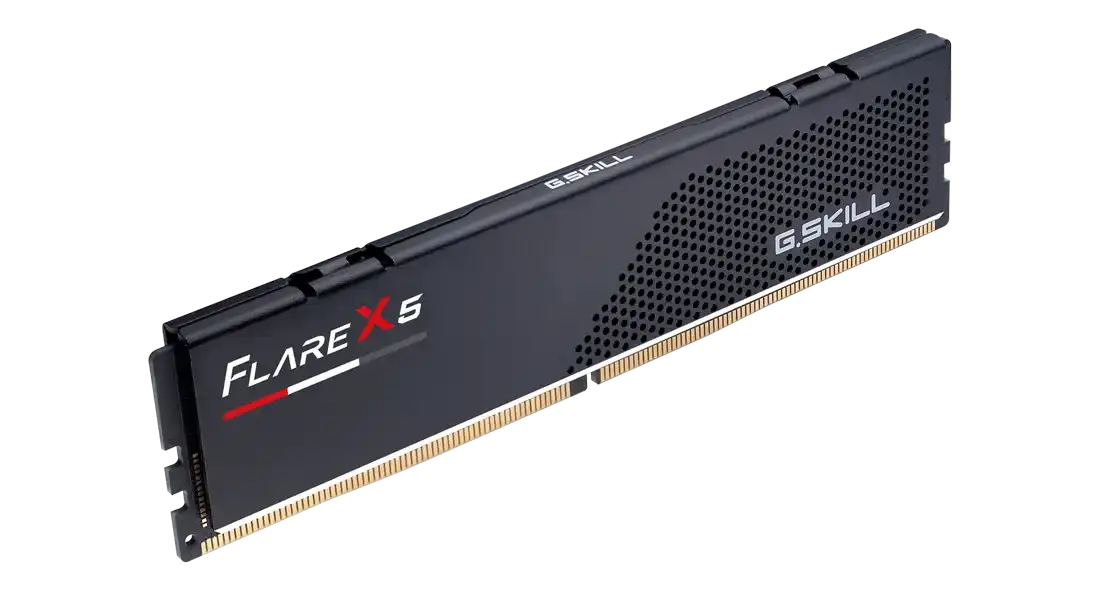
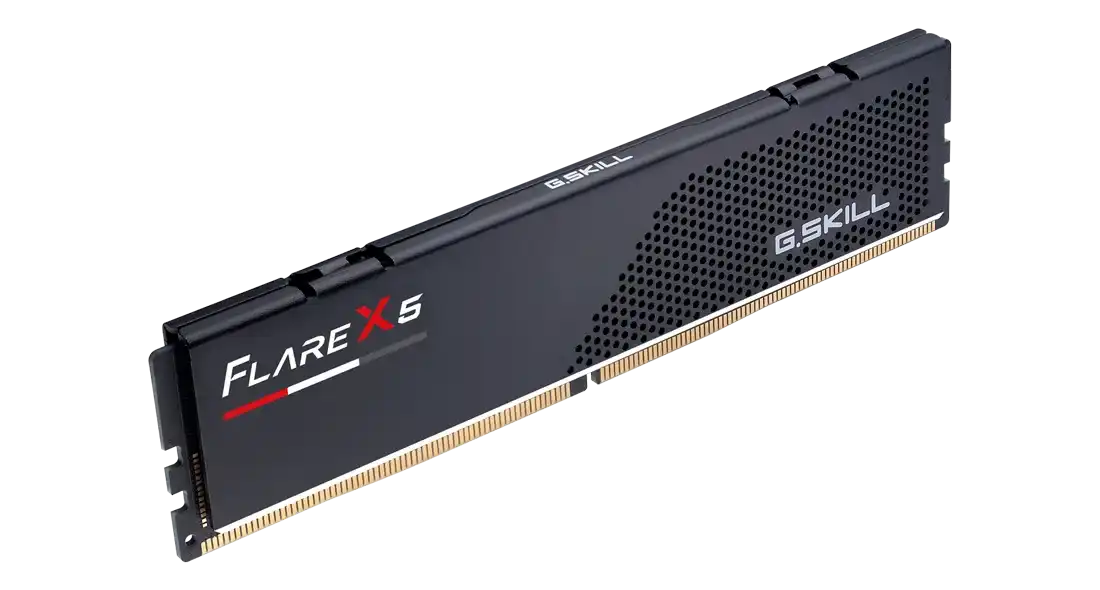
These are single G.Skill desktop memory sticks, sold one module at a time. On the DDR4 side there are the Aegis F4-3200C16S-8GIS and the Ripjaws V F4-3200C16S-16GVK, both 3200MHz CL16 in 8GB and 16GB. The DDR5 range runs from the Ripjaws S5 16GB 5200MHz CL40 through the Ripjaws S5 48GB 5200MHz to 6000MHz modules such as the Flare X5 32GB, the Trident Z5 RGB in white and the Trident Z5 Neo RGB F5-6000J3038F16GH1-TZ5NR at CL30. G.Skill covers them with a 10 year warranty.
Start with the motherboard. DDR4 and DDR5 slots are keyed differently, so a DDR4 board takes only the Aegis or Ripjaws V sticks, and a DDR5 board only the DDR5 ones. For dual channel speed, buy two identical sticks of the same model. On AMD Ryzen AM5 builds, the Flare X5 and Trident Z5 Neo RGB are tuned with AMD EXPO profiles. Several Ripjaws S5 and Aegis 5 models carry both XMP and EXPO. Some, like the 24GB and 48GB Ripjaws S5, list only Intel XMP. The 6000MHz CL30 Trident Z5 Neo RGB has the tightest timings here. The 24GB and 48GB Ripjaws S5 suit builds that need more memory than 16GB or 32GB sticks give. Only the two Trident Z5 models have RGB lighting.
Frequently asked questions
Can two single channel sticks run in dual channel? Yes. Fit two identical modules in the slots the motherboard manual marks for dual channel. Buying the same model number twice keeps speed and timings matched.
Will an XMP-only stick work on an AMD board? It will run at its standard base speed. Reaching the rated speed may need manual settings in the BIOS. For AMD systems, the EXPO models are the simpler choice.