


MSI RTX 5060 Ti Graphics Cards
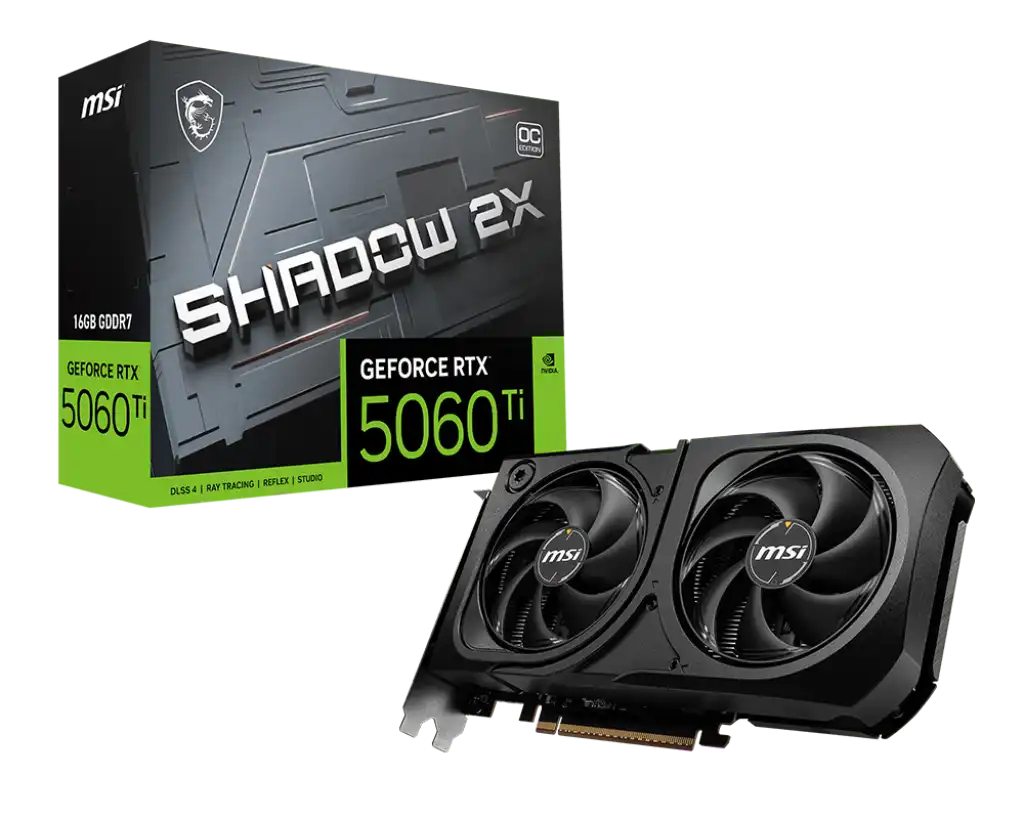
MSI GeForce RTX 5060 Ti 16G SHADOW 2X OC PLUS Graphics Card
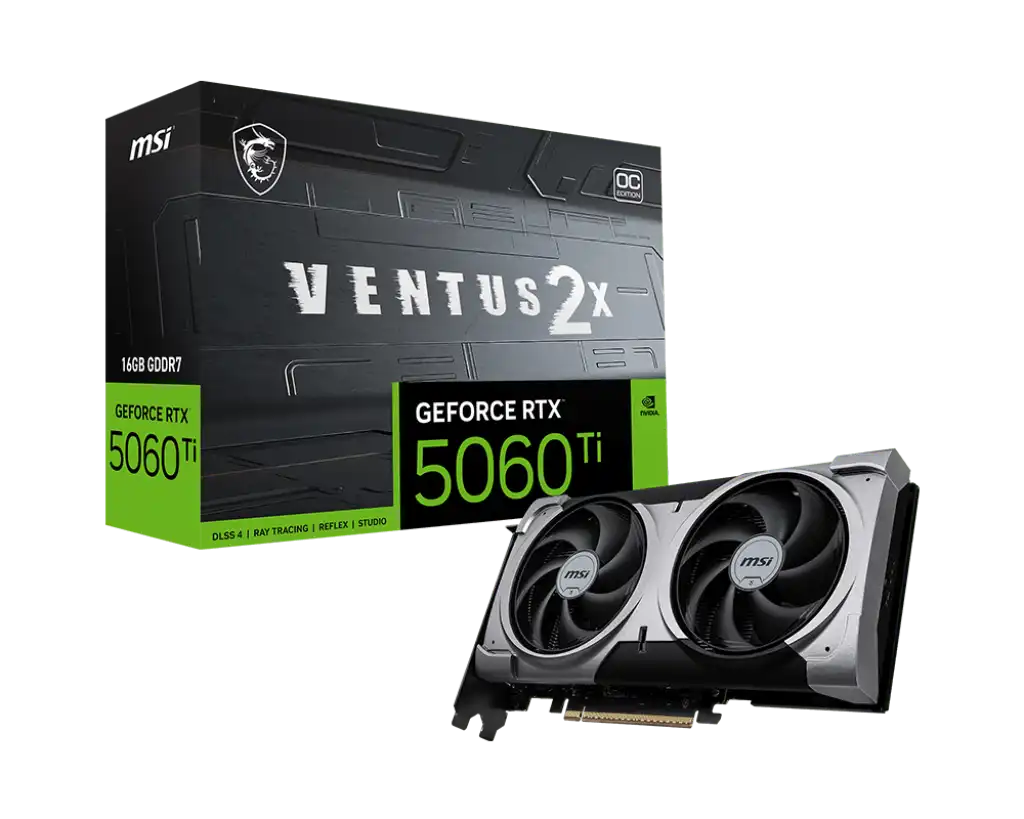
MSI GeForce RTX 5060 Ti 16G VENTUS 2X PLUS Graphics Card
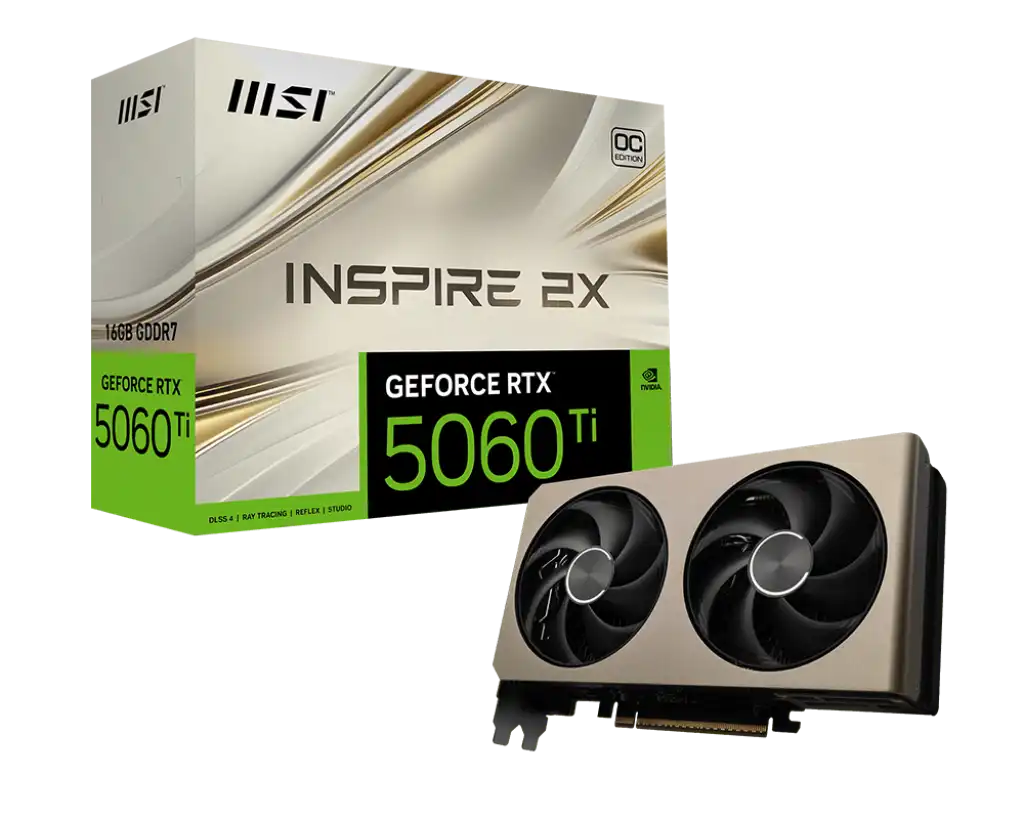
MSI GeForce RTX 5060 Ti 16G INSPIRE 2X OC Graphics Card
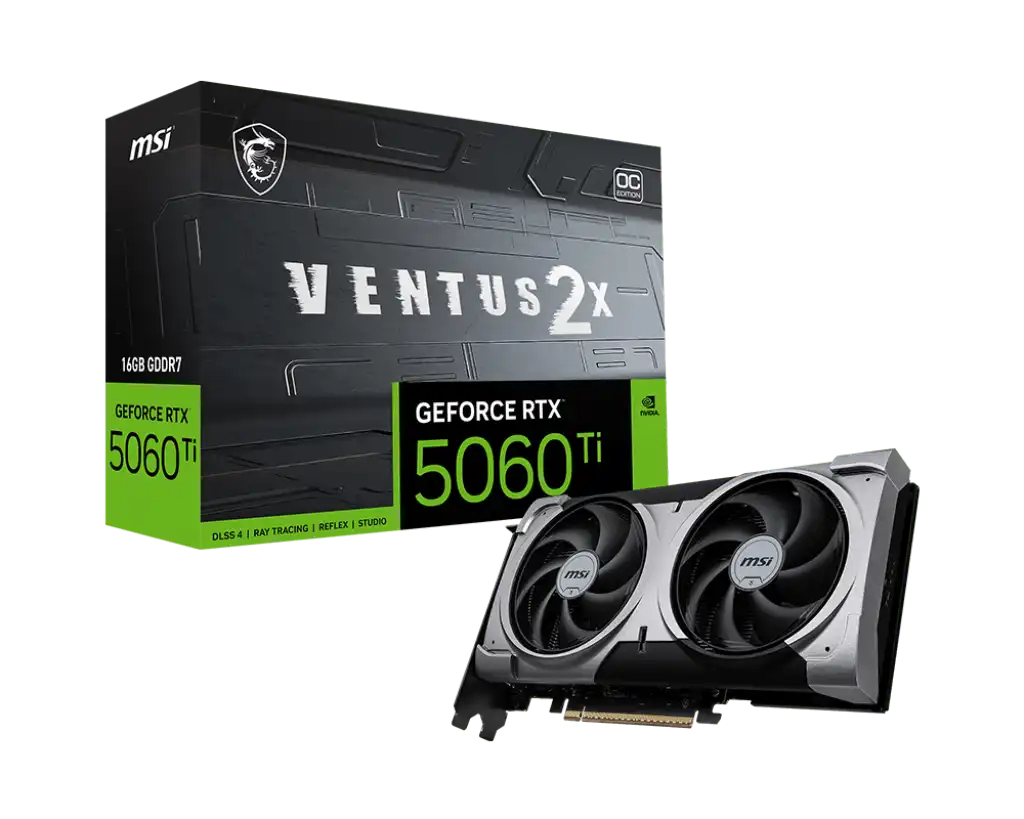
MSI GeForce RTX 5060 Ti 16G VENTUS 2X OC PLUS Graphics Card
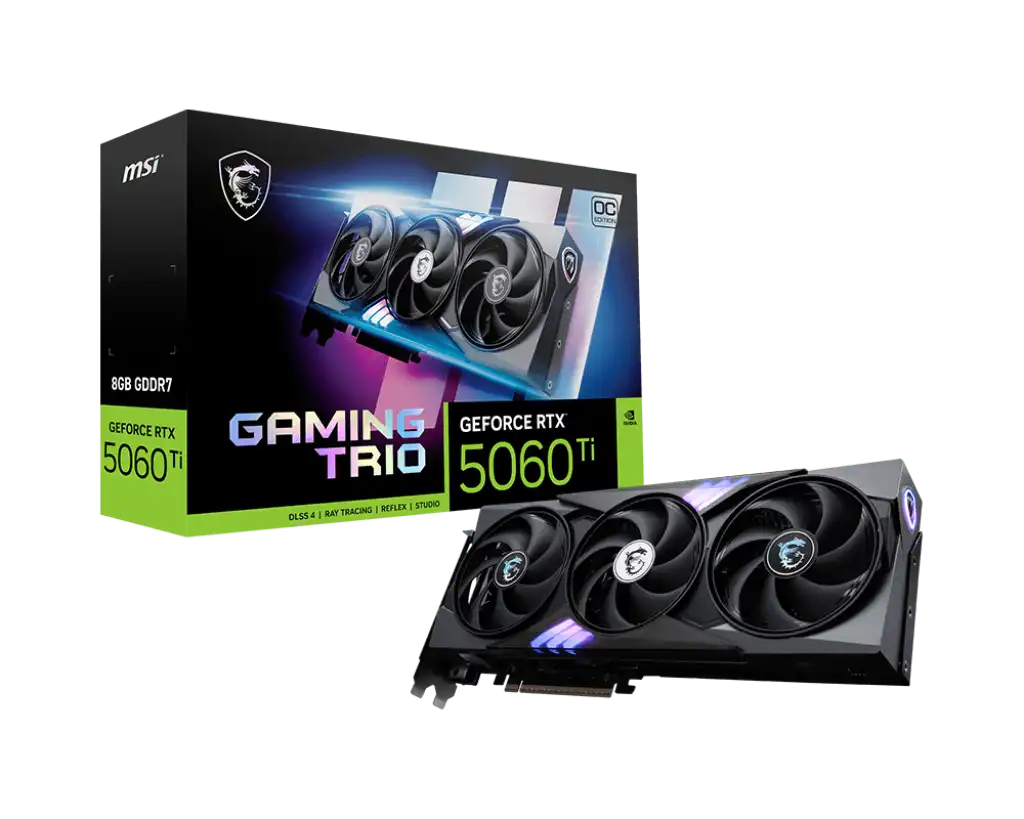
MSI GeForce RTX 5060 Ti 8G GAMING TRIO OC Graphics Card
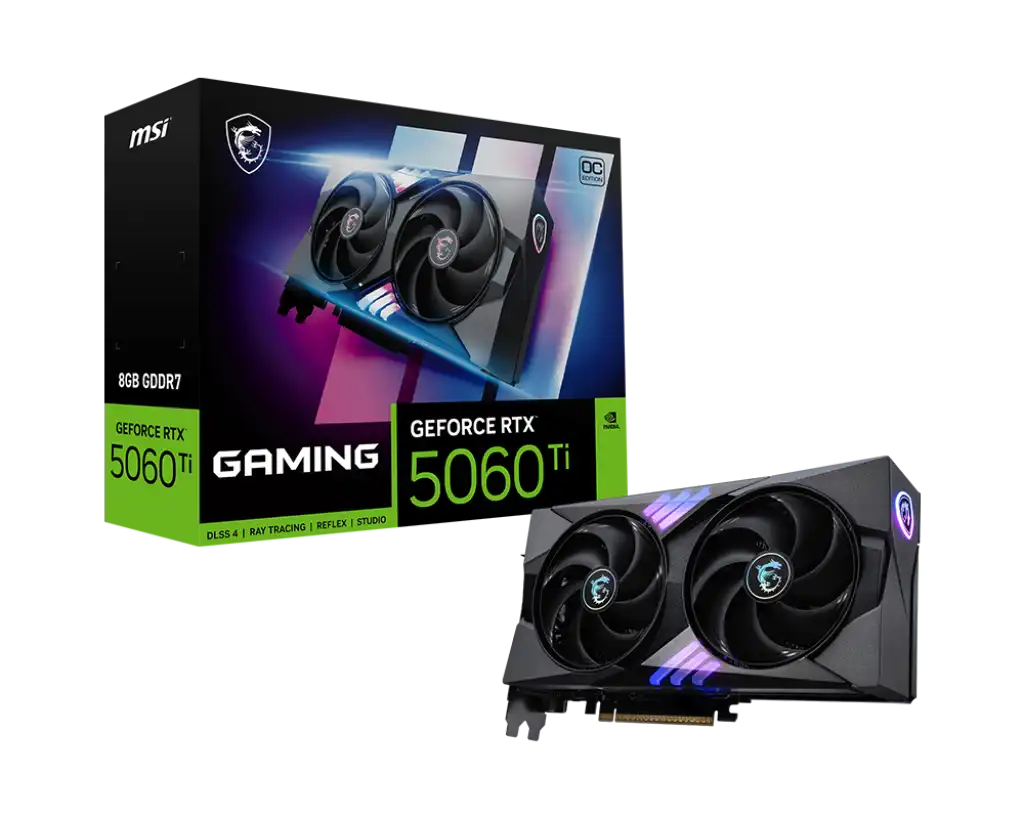
MSI GeForce RTX 5060 Ti 8G GAMING OC Graphics Card
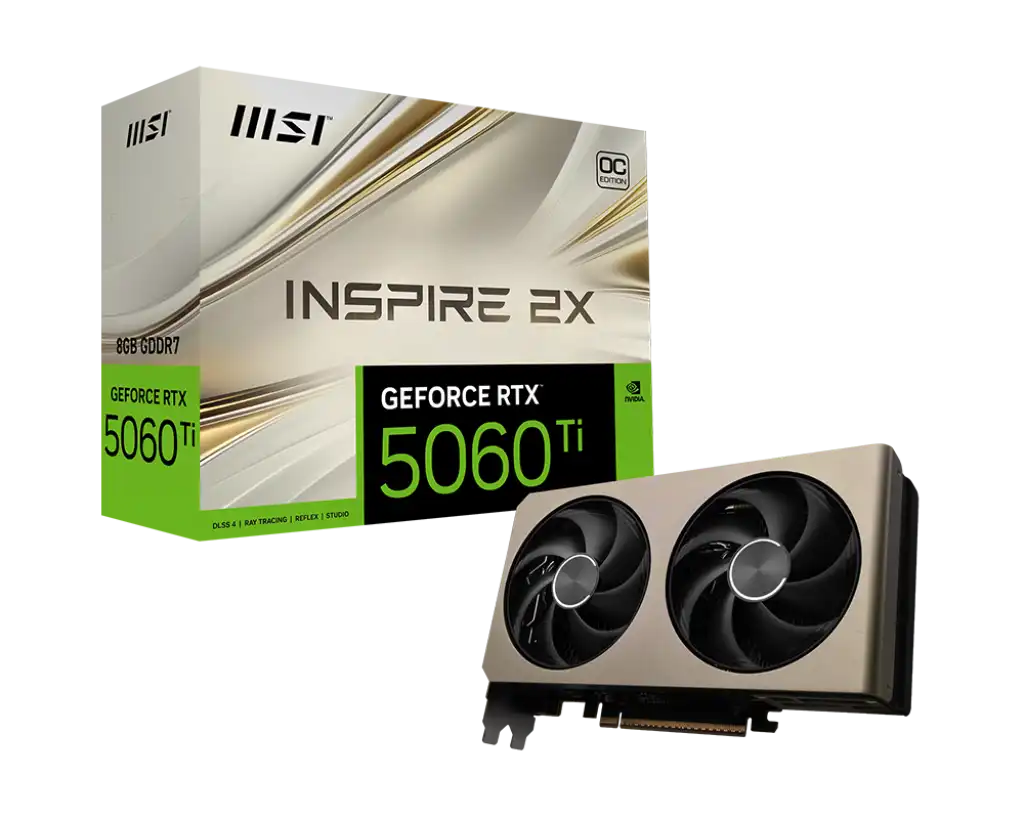
MSI GeForce RTX 5060 Ti 8G INSPIRE 2X OC Graphics Card
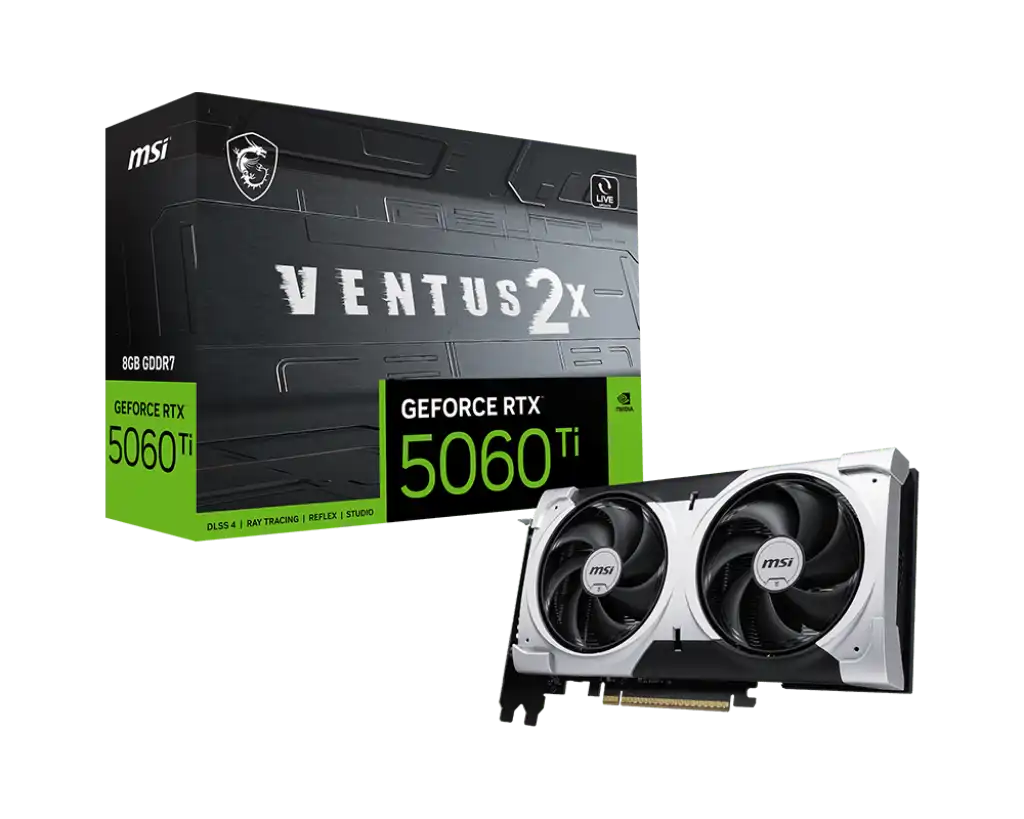
MSI GeForce RTX 5060 Ti 8G VENTUS 2X PLUS Graphics Card
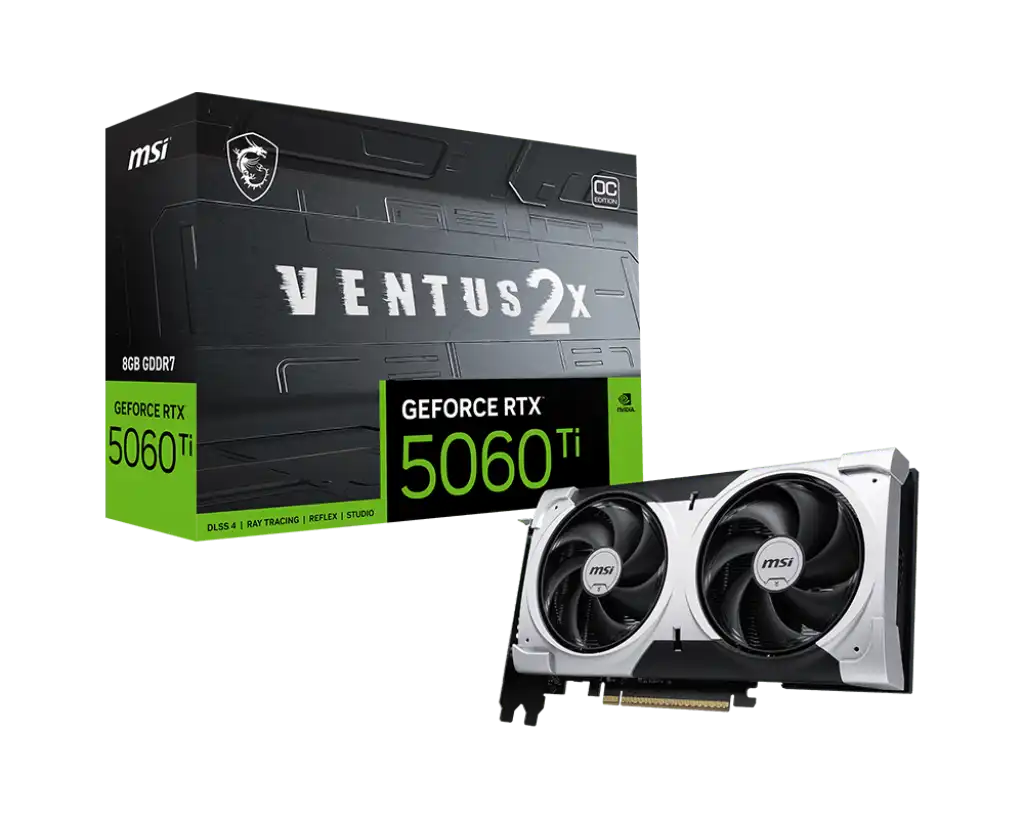
MSI GeForce RTX 5060 Ti 8G VENTUS 2X OC PLUS Graphics Card
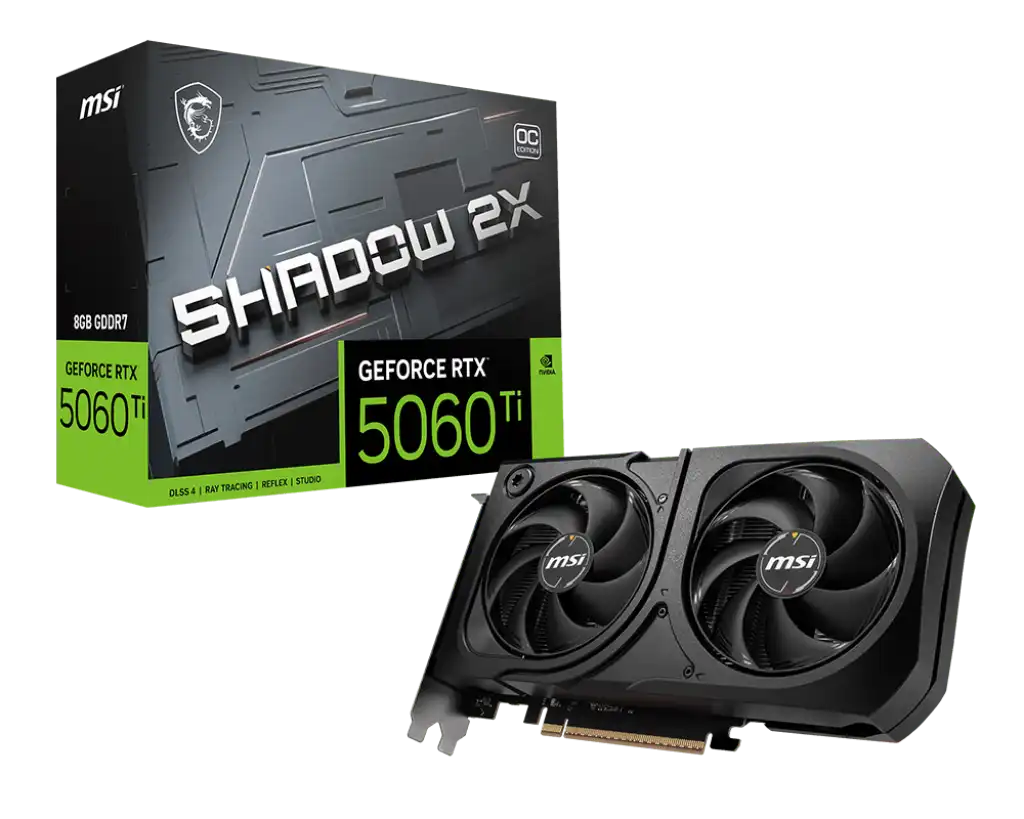
MSI GeForce RTX 5060 Ti 8G SHADOW 2X OC PLUS Graphics Card
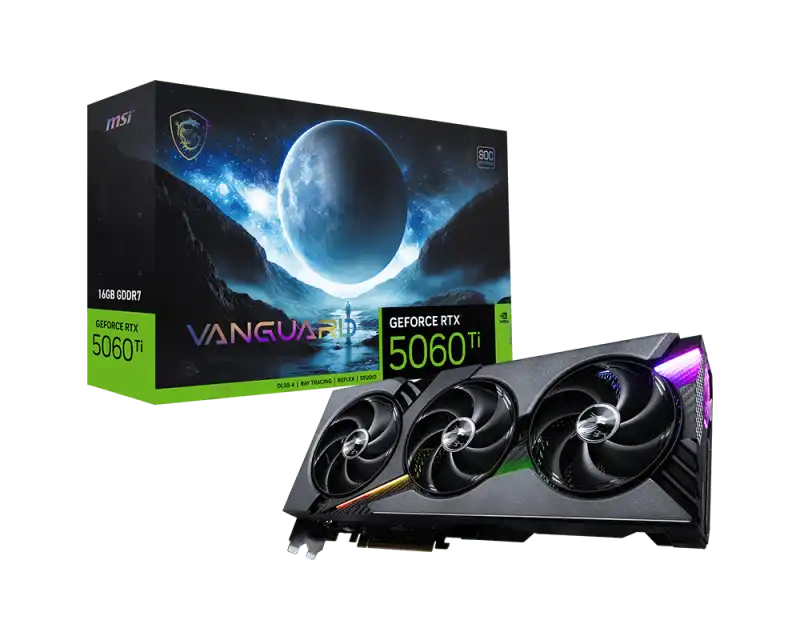
MSI GeForce RTX 5060 Ti 16G VANGUARD SOC Graphics Card
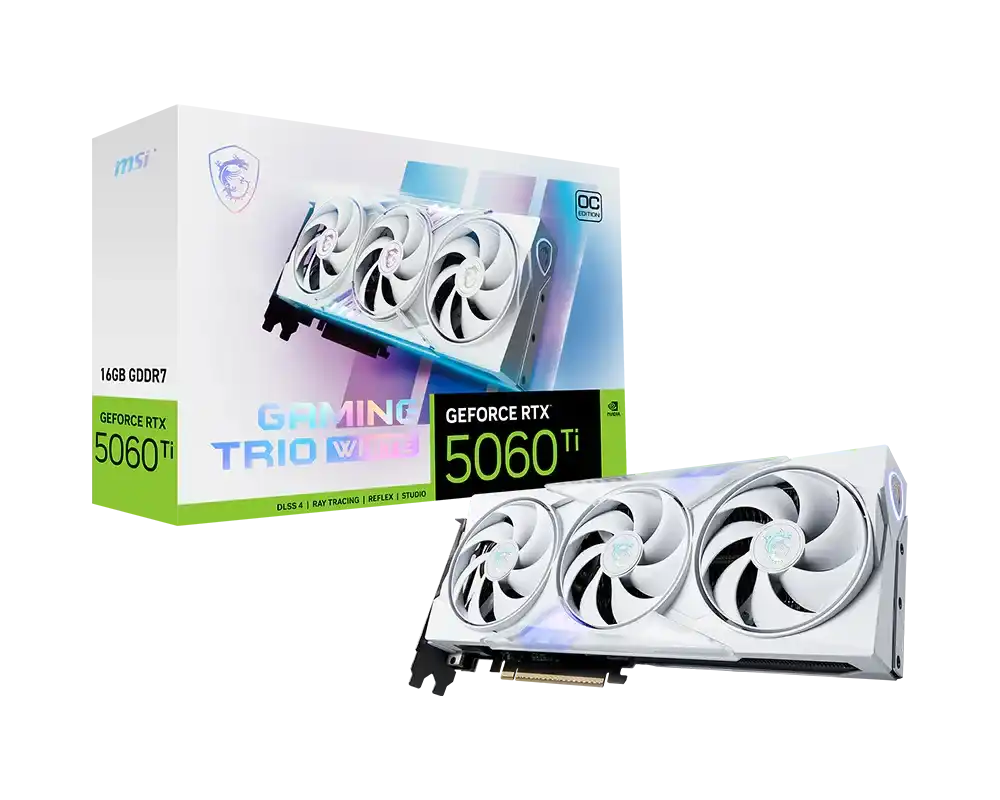
MSI GeForce RTX 5060 Ti 16G GAMING TRIO OC WHITE Graphics Card
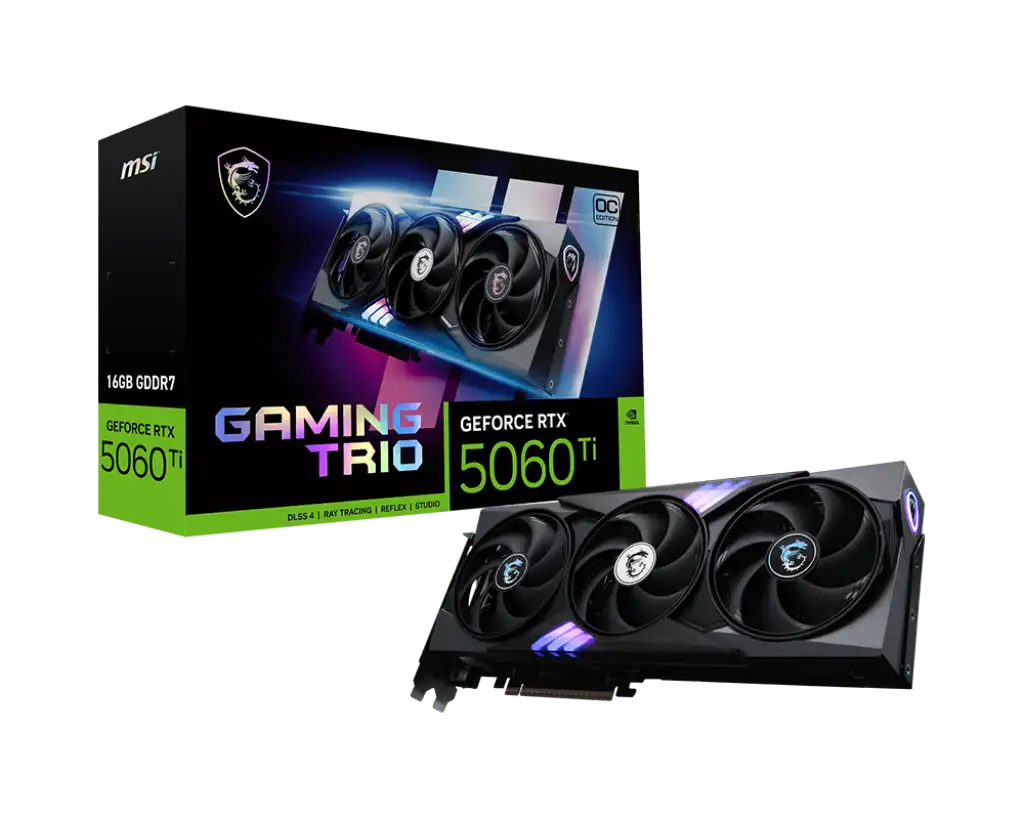
MSI GeForce RTX 5060 Ti 16G GAMING TRIO OC Graphics Card
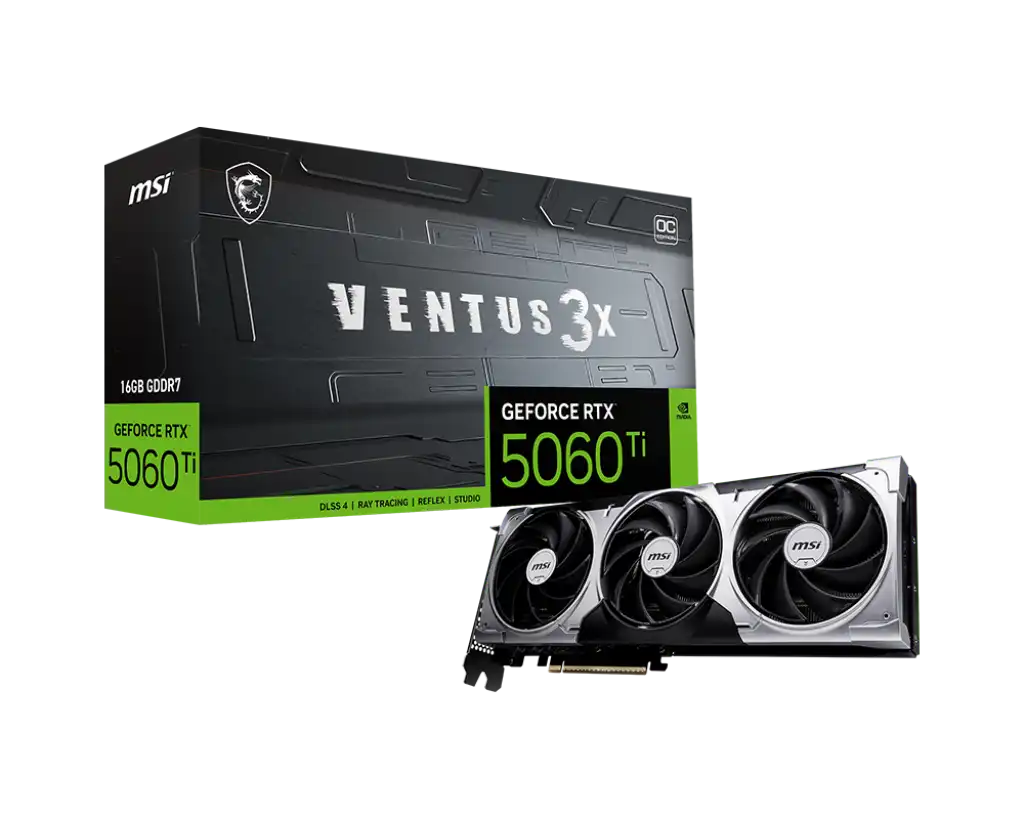
MSI GeForce RTX 5060 Ti 16G Ventus 3X OC Graphics Card
The MSI RTX 5060 Ti cards here come in 8GB and 16GB versions, from the compact 204 mm INSPIRE 2X OC through the dual-fan VENTUS 2X PLUS and SHADOW 2X OC PLUS (about 227 mm) to the 300 mm VENTUS 3X OC and GAMING TRIO OC, also sold as a GAMING TRIO OC WHITE. The 337 mm, 61 mm thick VANGUARD SOC sits at the top. All use the same GeForce RTX 5060 Ti chip on NVIDIA's Blackwell architecture with DLSS 4 and ray tracing, rated at 180 W. MSI covers them with a 3 year warranty.
Choose the memory first. The 16G cards suit 1440p gaming with high texture settings, video editing and other creative work. The 8G cards are fine for 1080p and esports titles. Then check your case. Length runs from 204 mm to 337 mm and thickness from 41 mm to 61 mm, so small cases need the INSPIRE or a 2X model. Power is the last check. The VENTUS, SHADOW and INSPIRE cards take a single 8-pin connector. The GAMING TRIO, GAMING OC and VANGUARD SOC take a 16-pin connector.
Frequently asked questions
Should I buy the 8GB or 16GB RTX 5060 Ti? Pick 16GB for 1440p, newer games at high textures or creative workloads. The 8GB version suits 1080p gaming.
What power supply does an MSI RTX 5060 Ti need? MSI recommends a 600 W PSU for every model here. Check whether your PSU has an 8-pin or 16-pin connector to match the card.
Will it work on a PCIe 4.0 or 3.0 motherboard? Yes. These PCIe 5.0 cards run in older x16 slots at that slot's lower bandwidth.