


16 GB Desktop RAM
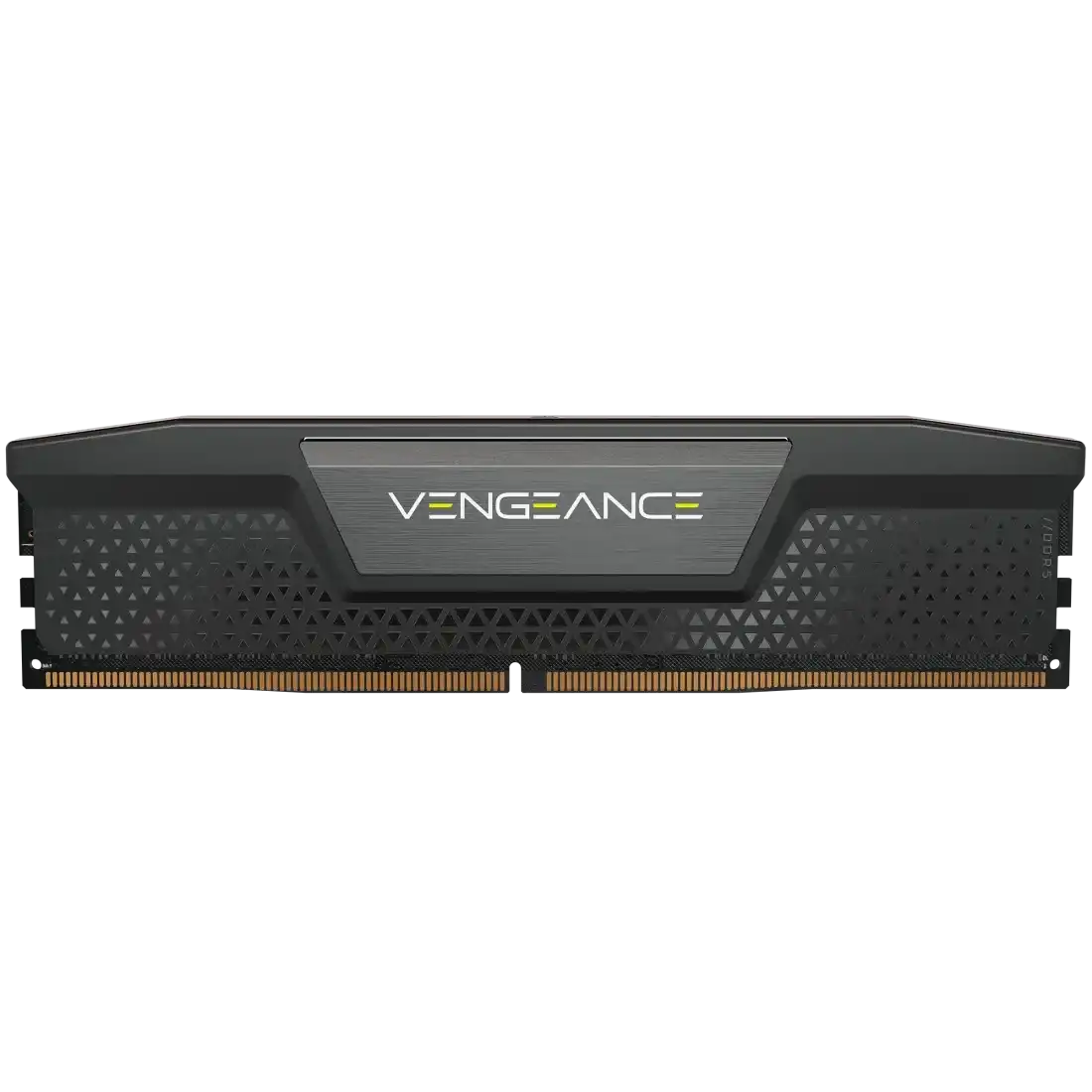
Corsair Vengeance 16GB DDR5 5600MHz CL40 1.25V Intel XMP RAM
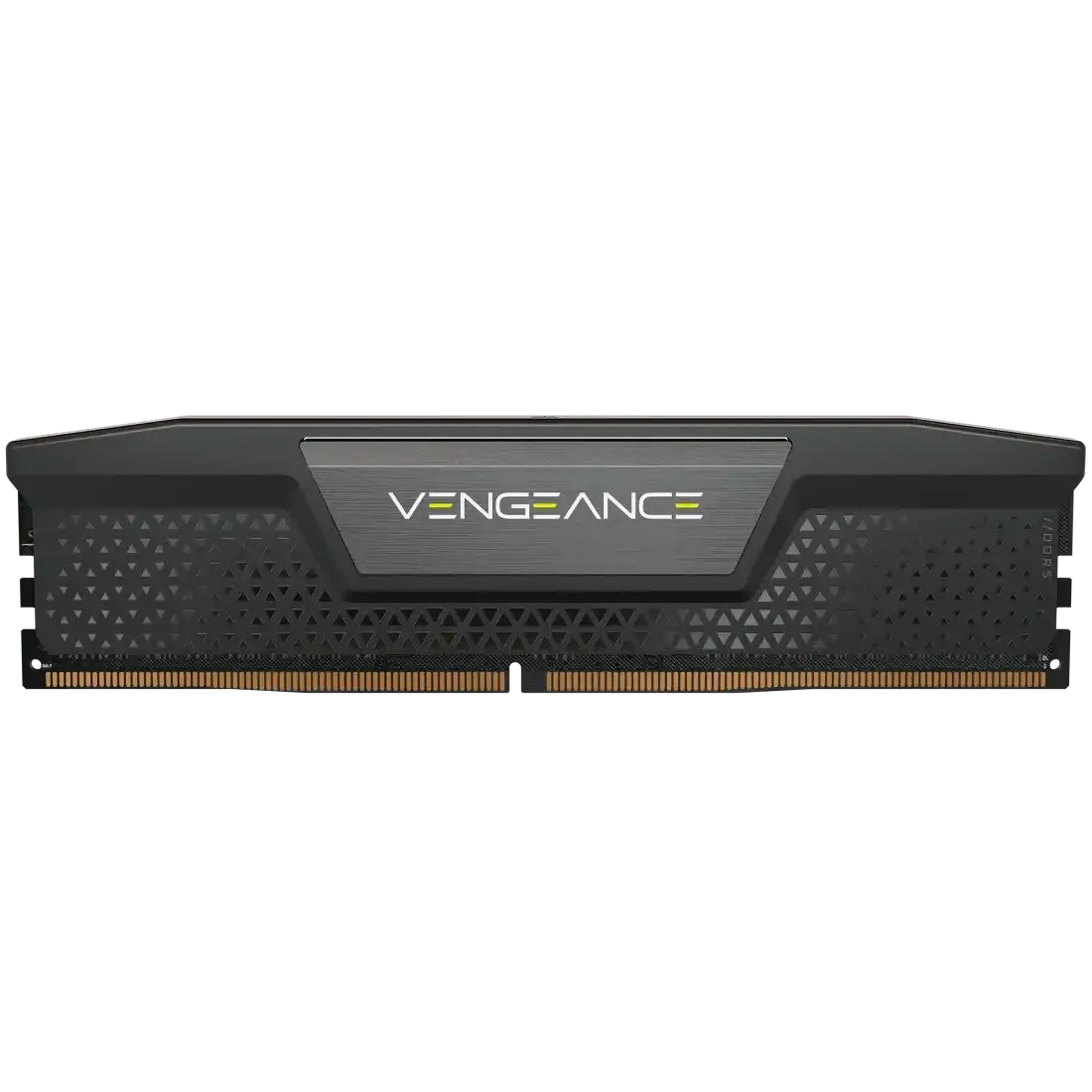
Corsair Vengeance 16GB DDR5 5200MHz CL40 1.25V Intel XMP RAM
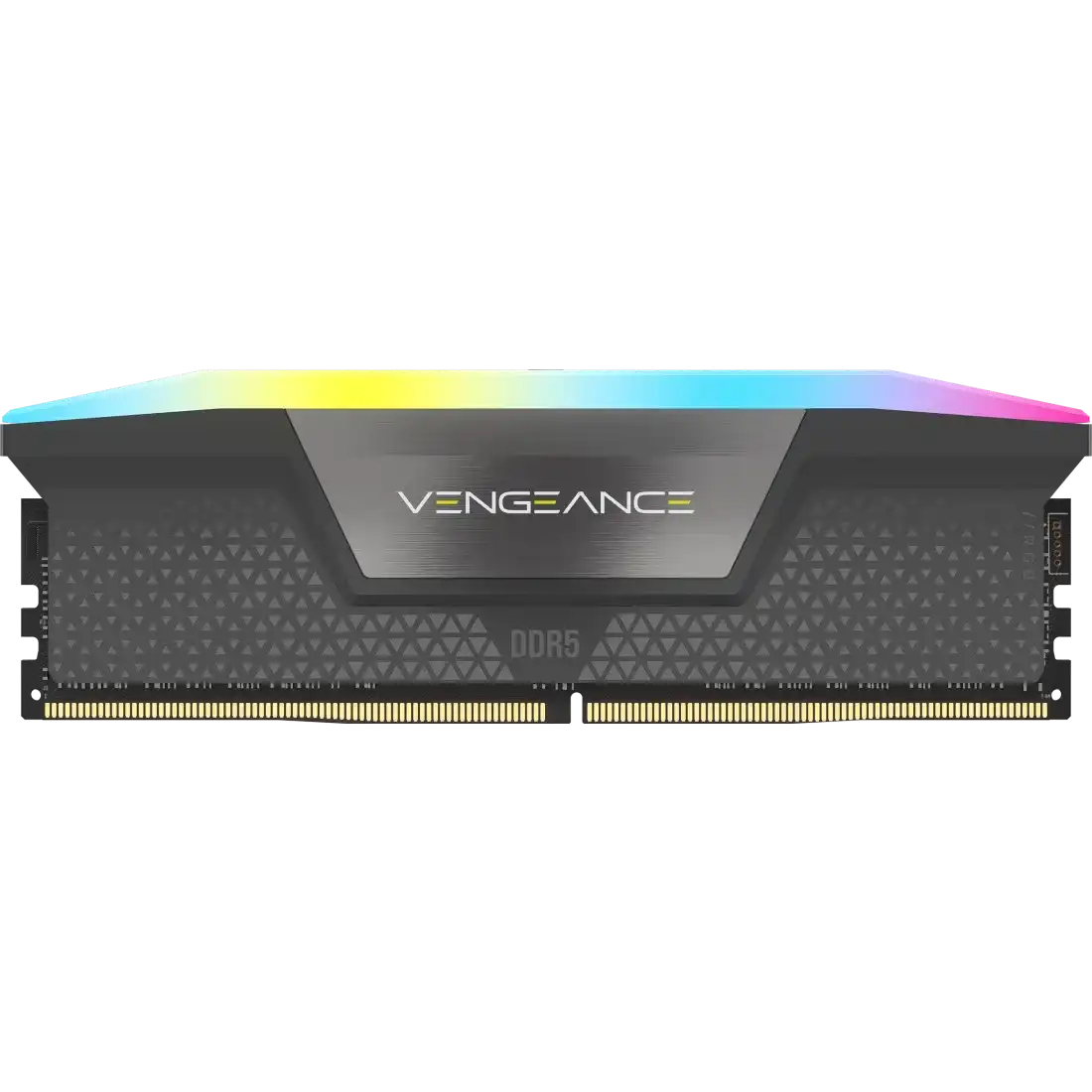
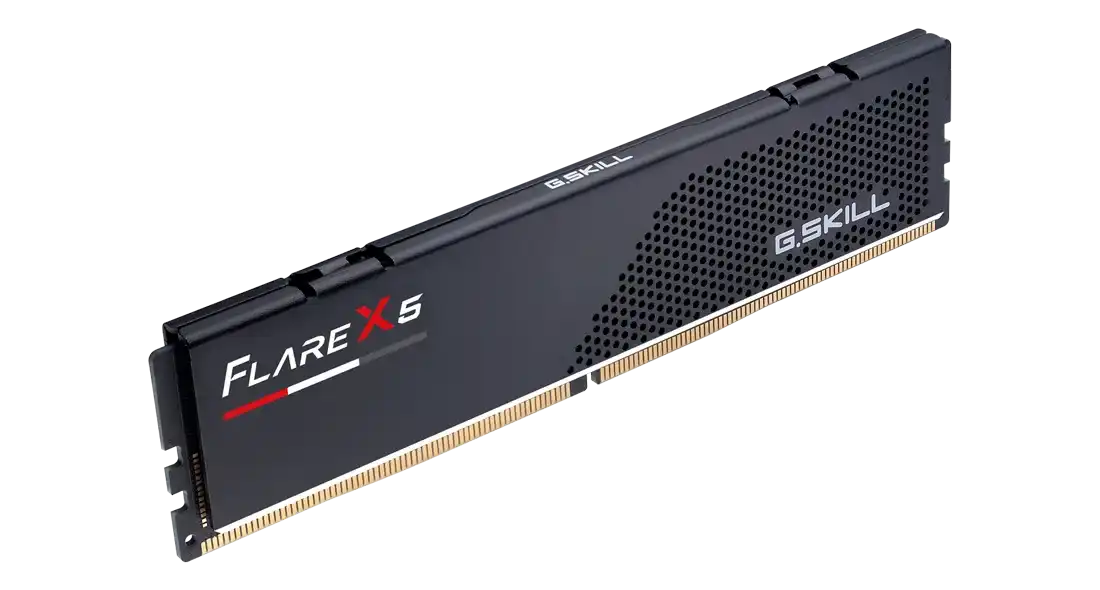
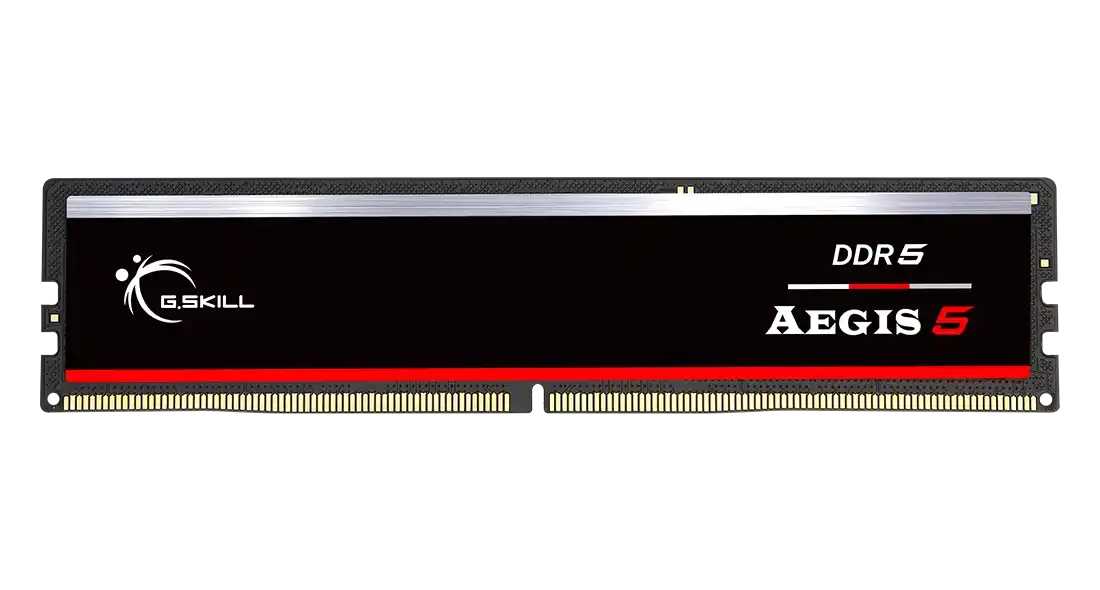
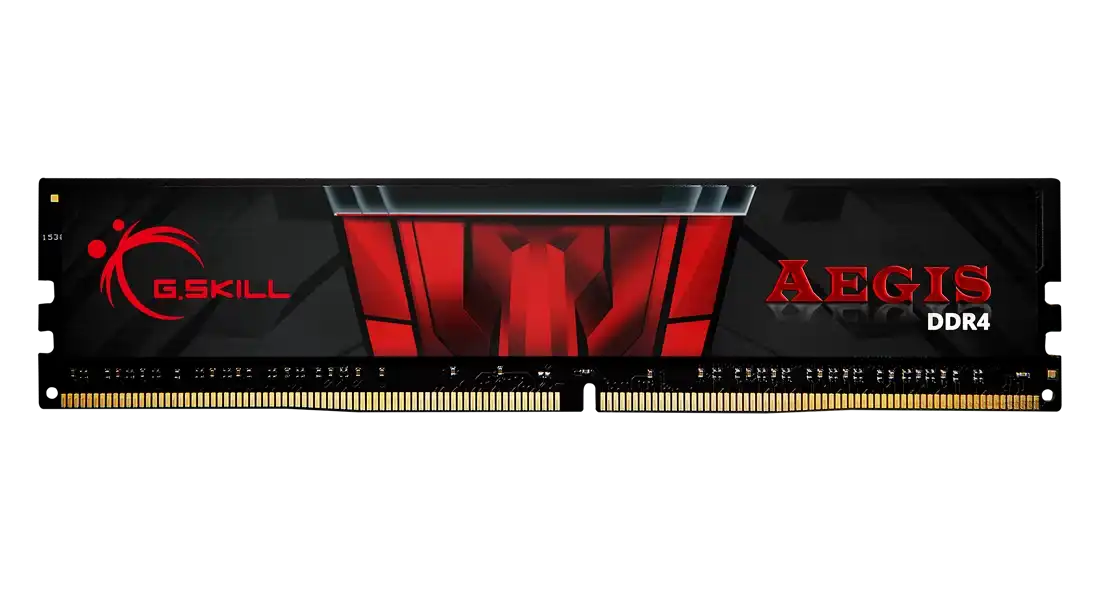
G.Skill Aegis 16GB DDR4 3200MHz CL16-18-18-38 1.35V Intel XMP RAM

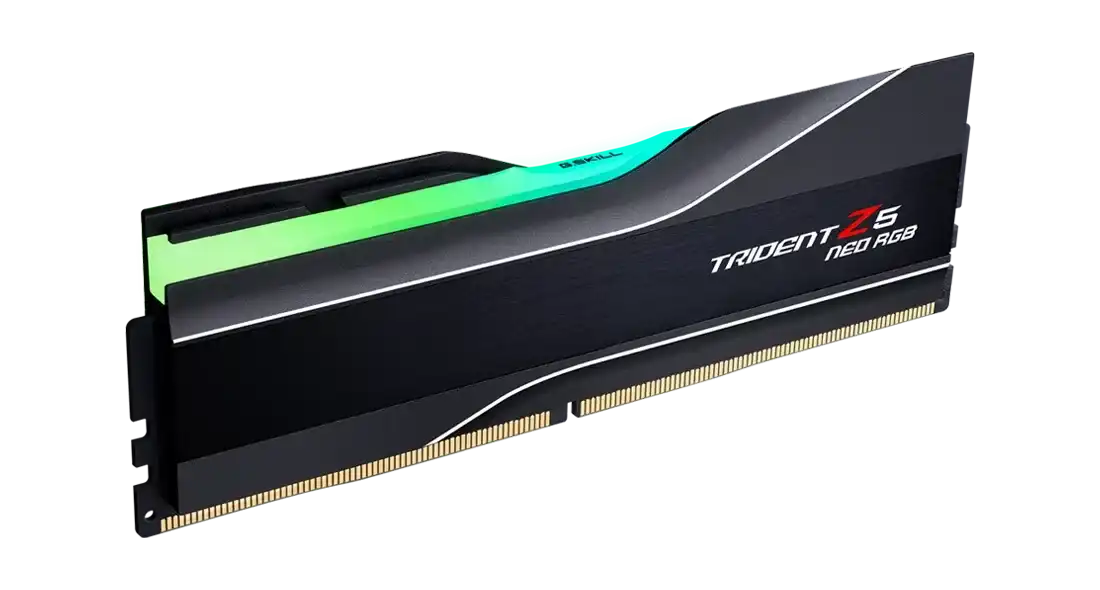
G.Skill Trident Z5 Neo RGB 16GB DDR5 6000MHz CL30-38-38-96 1.25V AMD EXPO RAM
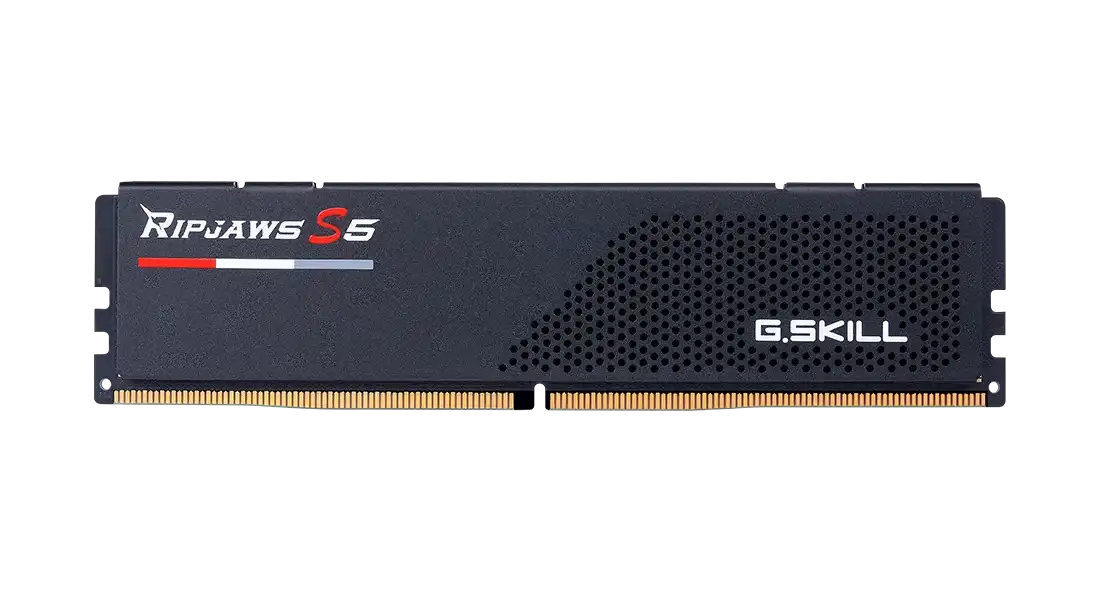
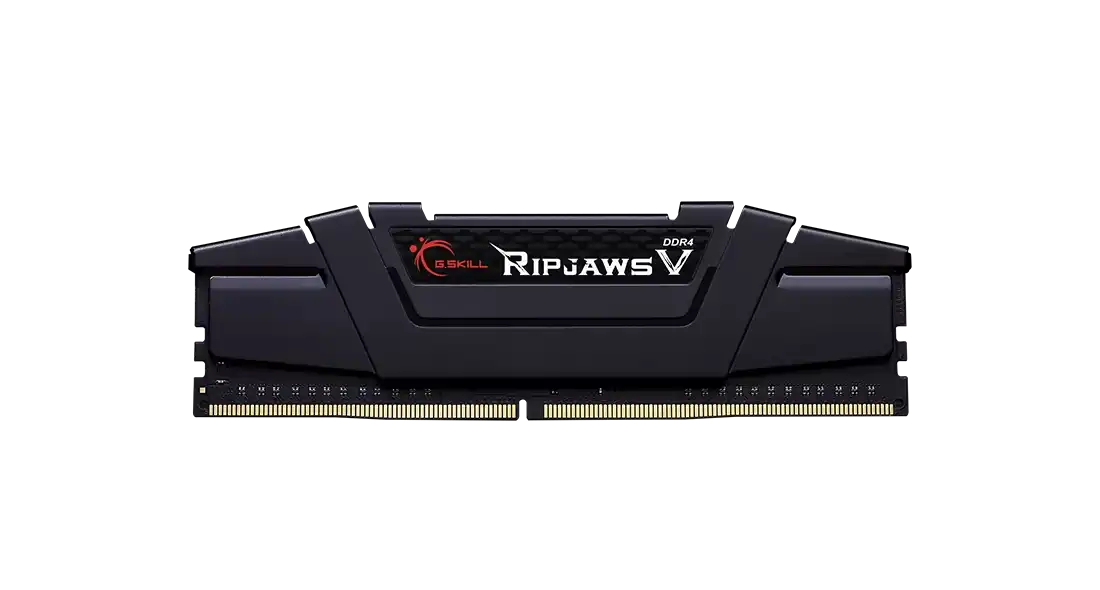
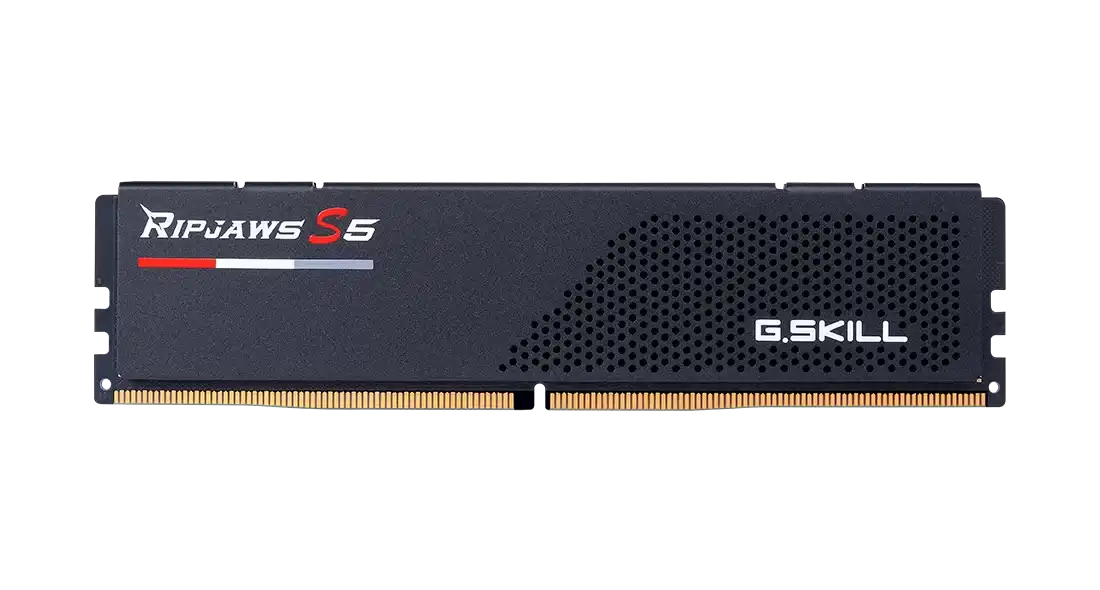
The 16 GB desktop modules here are single sticks from G.Skill and Corsair. For DDR4 there are the G.Skill Aegis and Ripjaws V at 3200 MHz CL16. DDR5 runs from the Corsair Vengeance and G.Skill Ripjaws S5 at 5200 MHz CL40, through the Aegis 5 at 5600 MHz CL36, up to 6000 MHz kits such as the Flare X5, Corsair Vengeance RGB and Trident Z5 Neo RGB at CL30. G.Skill and Corsair cover them with a 10 year warranty.
Start with the motherboard. DDR4 and DDR5 slots are keyed differently, so a DDR4 board needs the Aegis or Ripjaws V, while DDR5 Intel and AMD boards need DDR5. For AMD Ryzen DDR5 builds, the EXPO-rated 6000 MHz sticks load their rated speed with one BIOS setting. The Corsair Vengeance 5200/5600 and Ripjaws S5 5600 CL40 carry Intel XMP profiles. At the same speed, a lower CL figure means tighter timings. The Trident Z5 RGB, Trident Z5 Neo RGB and Vengeance RGB add lighting, and the Ripjaws S5 uses a low heatspreader that clears large air coolers. The G.Skill models also have their own page.
Frequently asked questions
Should I buy one 16 GB stick or two? Two identical sticks give 32 GB in dual channel, which helps games and integrated graphics. A single stick runs in single channel.
Will DDR5 work in a DDR4 motherboard? No. The slots are physically different, so match the RAM type to the board.
Which stick suits an AMD Ryzen DDR5 build? A 6000 MHz module with an AMD EXPO profile, such as the Flare X5 or Trident Z5 Neo RGB.