


Samsung 4 TB SSDs
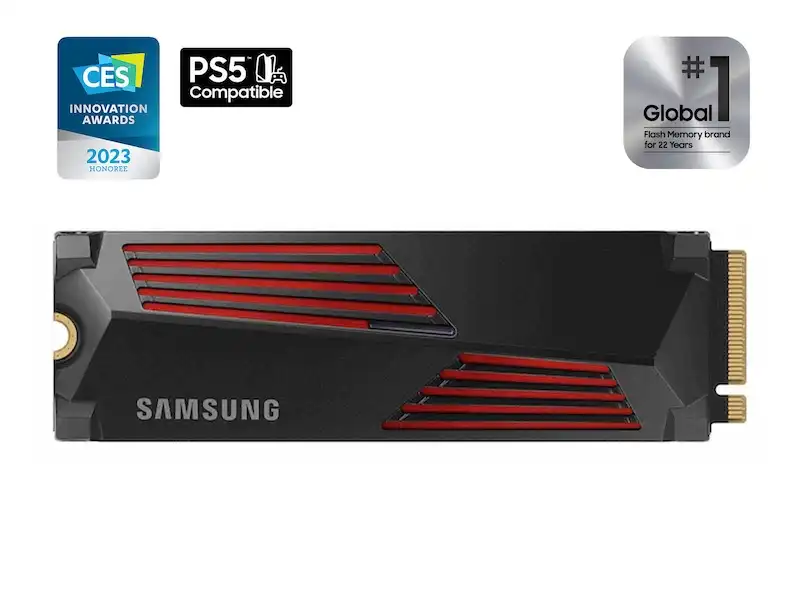
Samsung 990 PRO 4TB NVMe M.2 Gen4 SSD with Heatsink
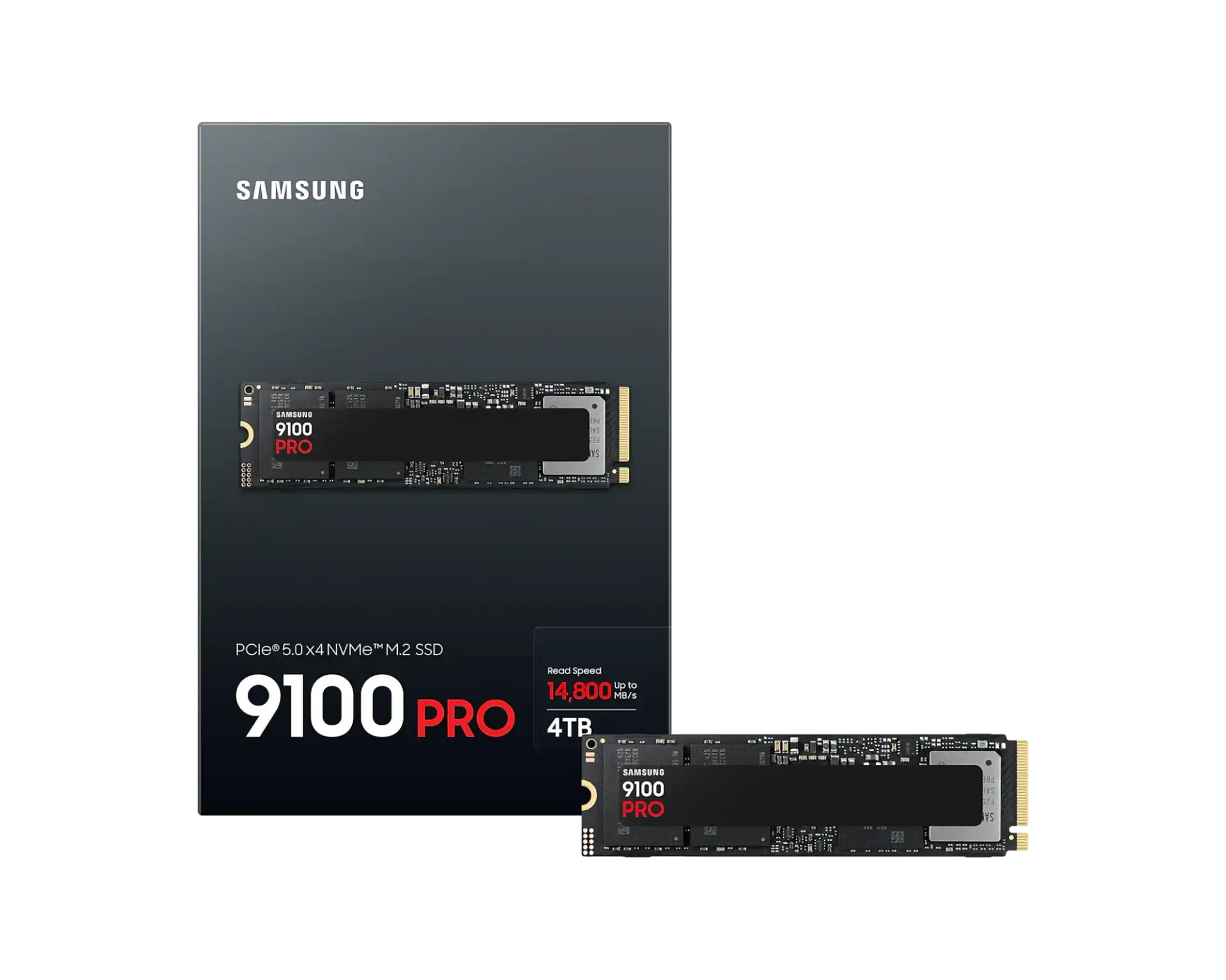
Samsung 9100 PRO 4TB NVMe M.2 Gen5 SSD
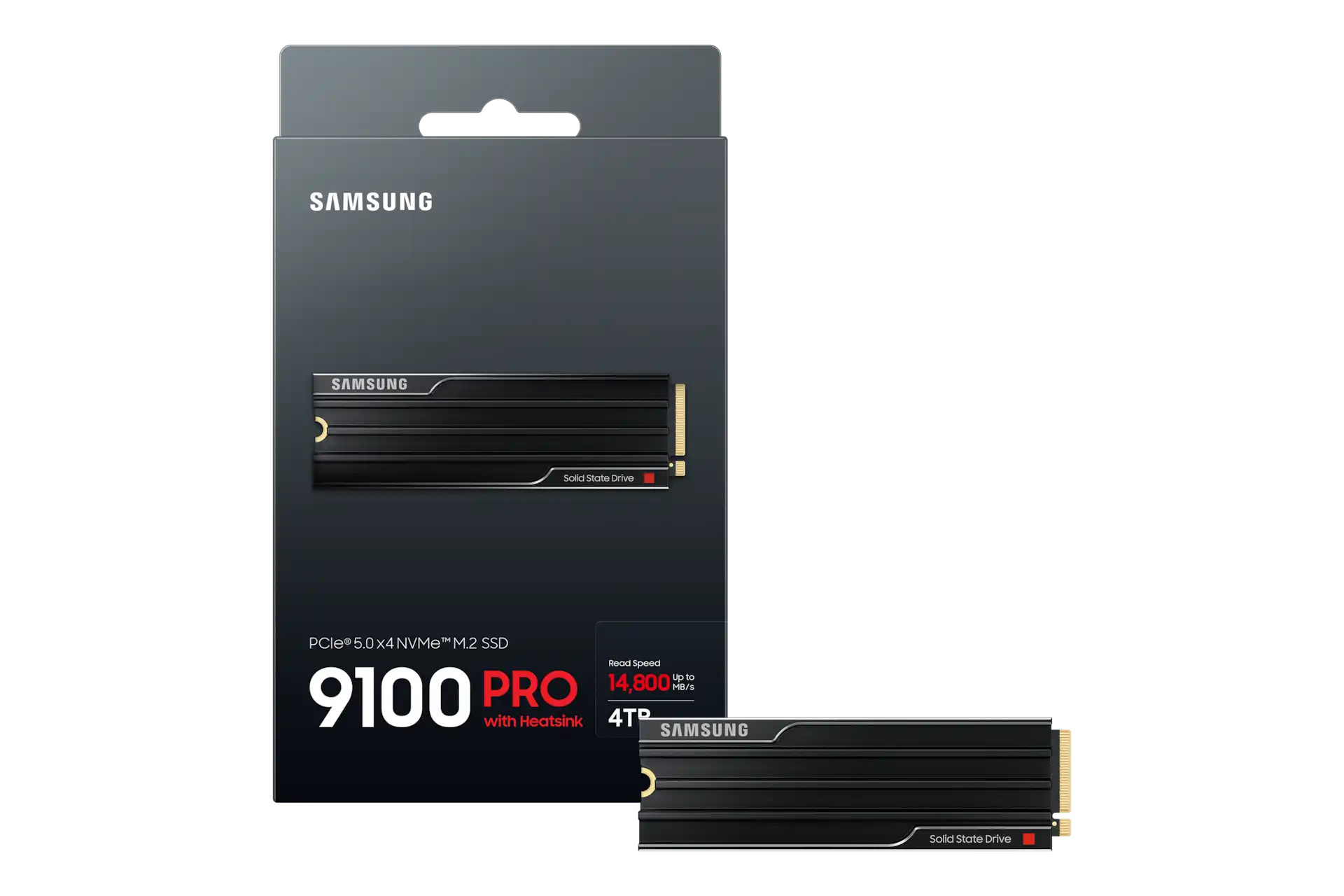
Samsung 9100 PRO 4TB NVMe M.2 Gen5 SSD with Heatsink
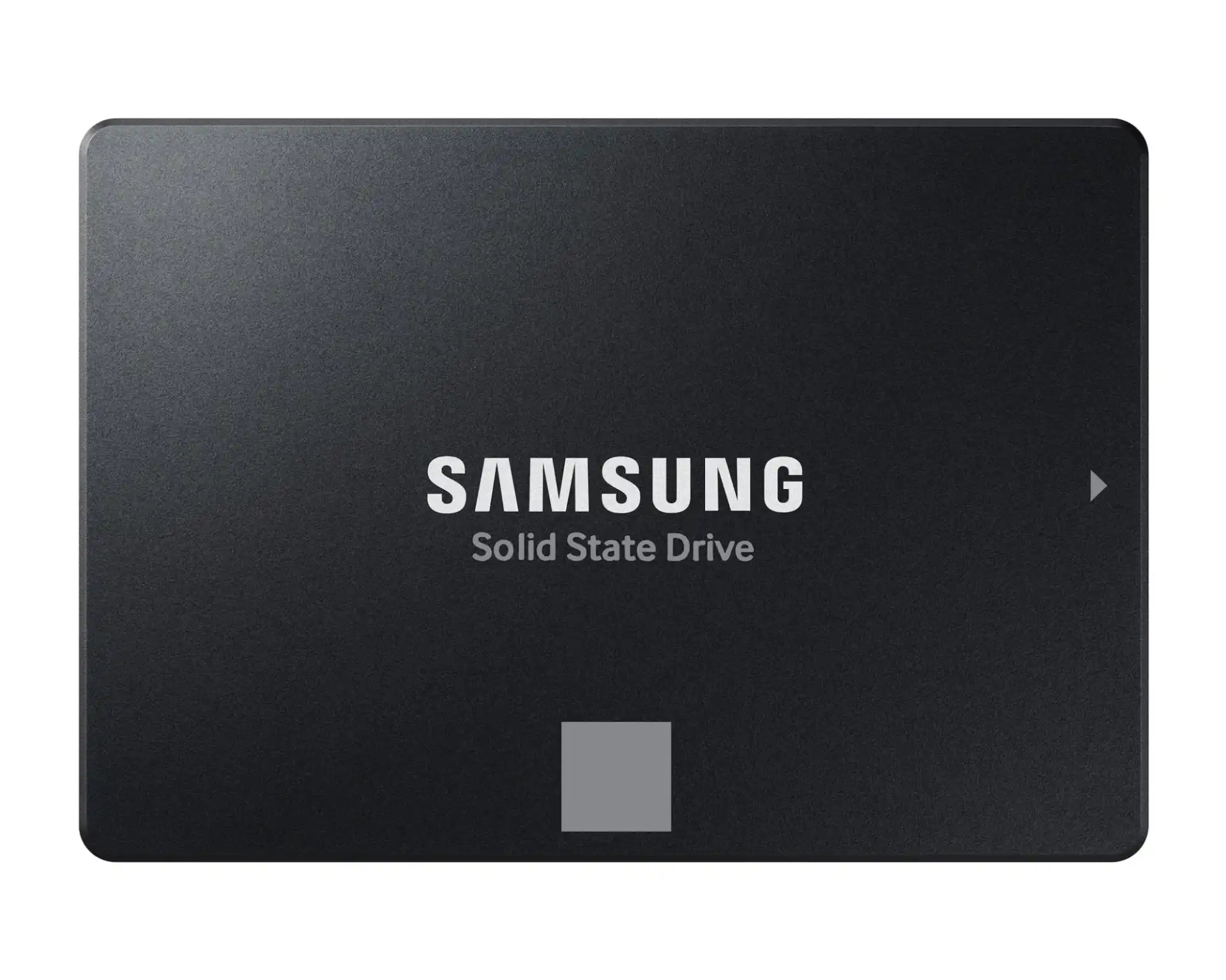
Samsung 870 EVO 4TB SATA 2.5 SSD
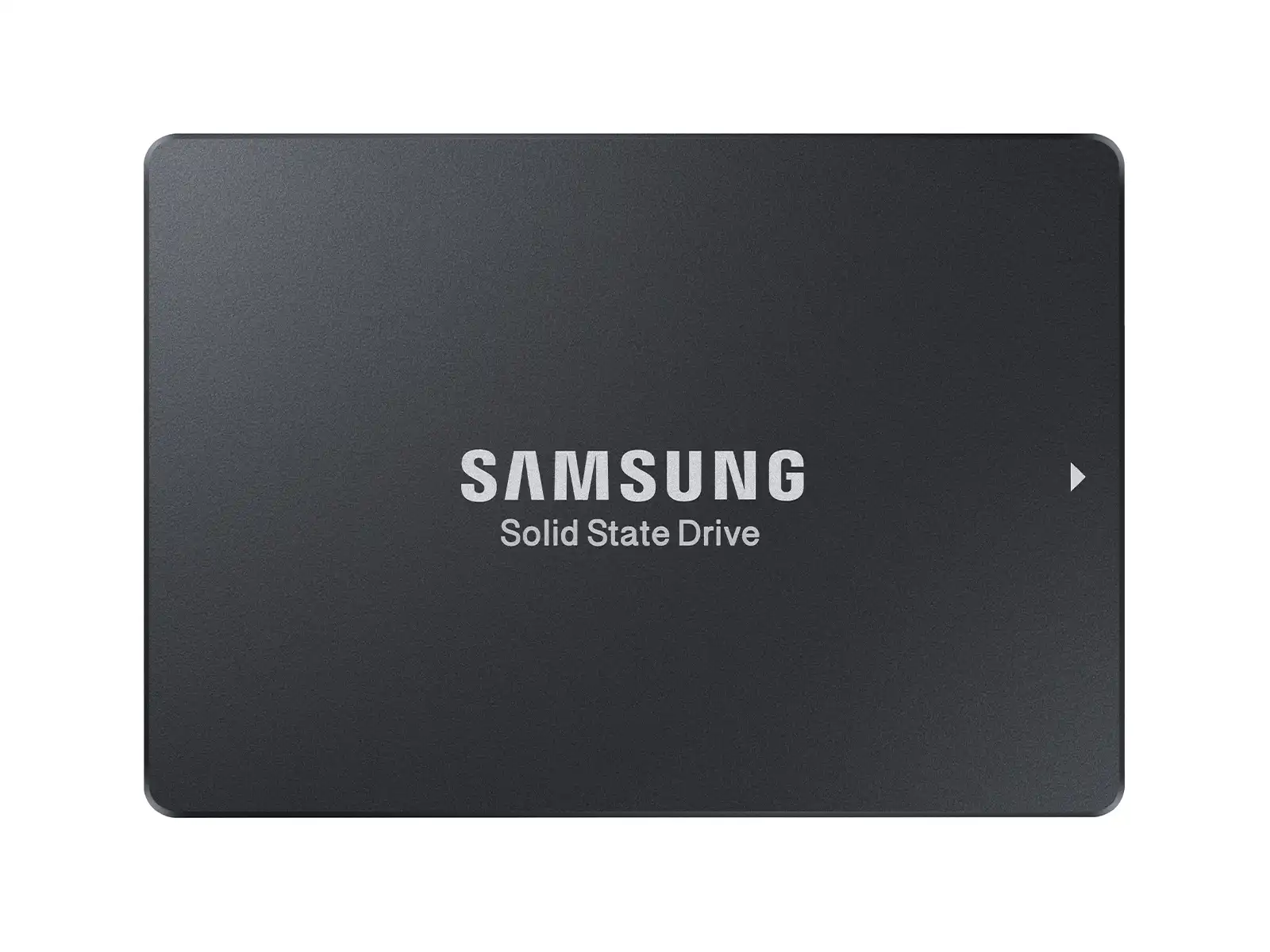
Samsung PM893 3.84TB SATA 2.5 SSD
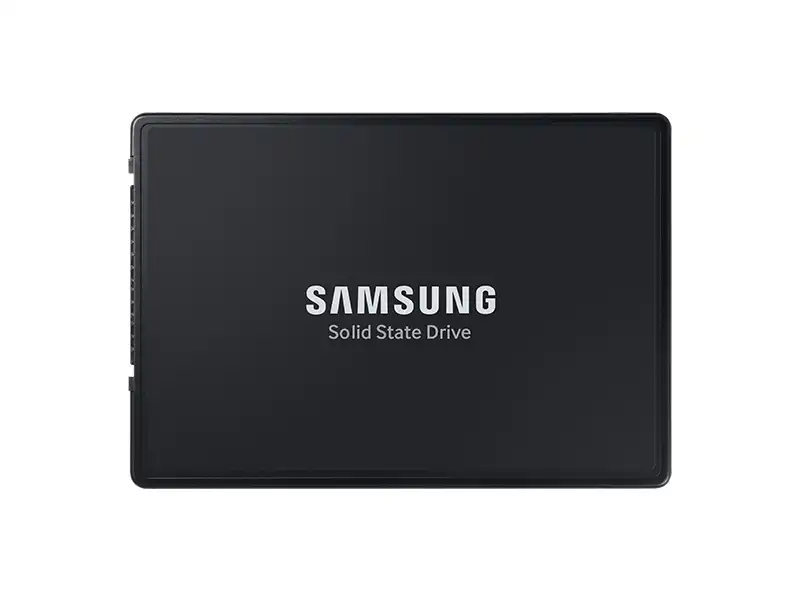
Samsung PM9A3 3.84TB NVMe U.2 Gen4 SSD
The Samsung 4 TB drives here cover three interfaces. For desktops and laptops there is the 870 EVO 4TB (MZ-77E4T0BW), a 2.5 inch SATA drive rated up to 560/530 MB/s. There is also the 9100 PRO 4TB, a PCIe 5.0 M.2 drive rated up to 14.8/13.4 GB/s read/write, offered bare (MZ-VAP4T0BW) or with a heatsink (MZ-VAP4T0CW). For servers there are two 3.84 TB data-centre drives: the PM893 SATA (up to 550/520 MB/s) and the PM9A3 U.2 PCIe 4.0 (up to 6900/4100 MB/s). Samsung covers all of them with a 5 year warranty.
Choose by the connector your system has. An older PC or a laptop with only a 2.5 inch bay takes the 870 EVO. The 9100 PRO needs an M.2 slot and reaches its rated speed only in a PCIe 5.0 slot. In a PCIe 4.0 slot it still works, at Gen4 speeds. Pick the heatsink version if your board has no M.2 cover. The two Gen5 models have their own M.2 NVMe Gen 5 page. The PM893 and PM9A3 are built for servers and continuous storage workloads, with end-to-end data protection and power loss protection.
Frequently asked questions
Will the PM9A3 fit in an M.2 slot? No. It is a U.2 drive, as used in servers and workstations, and needs a U.2 port or a suitable adapter card.
Why are the PM893 and PM9A3 3.84 TB and not 4 TB? Enterprise drives keep extra flash in reserve for endurance, so their usable capacity is listed as 3.84 TB.
Is the 9100 PRO worth it over the 870 EVO for gaming? The 9100 PRO is many times faster and suits large game libraries and video editing. The 870 EVO is the choice when the system has only SATA.