


Samsung 8 TB SSDs
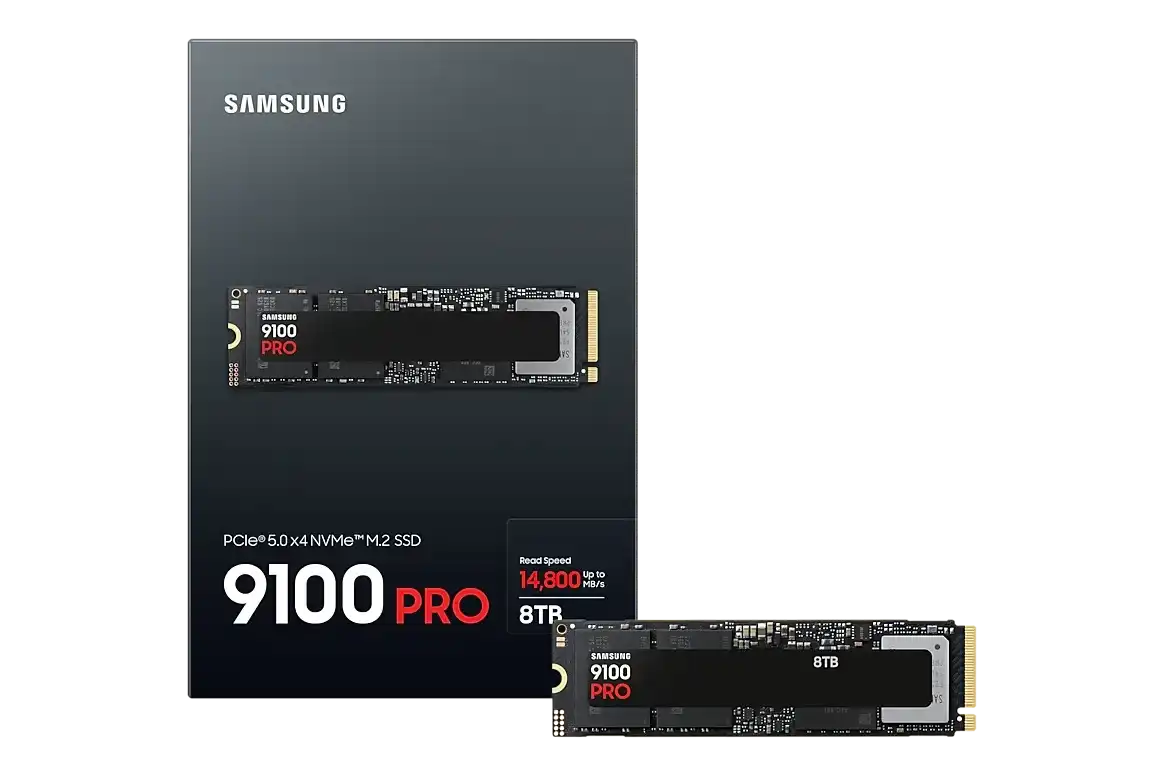
Samsung 9100 PRO 8TB NVMe M.2 Gen5 SSD
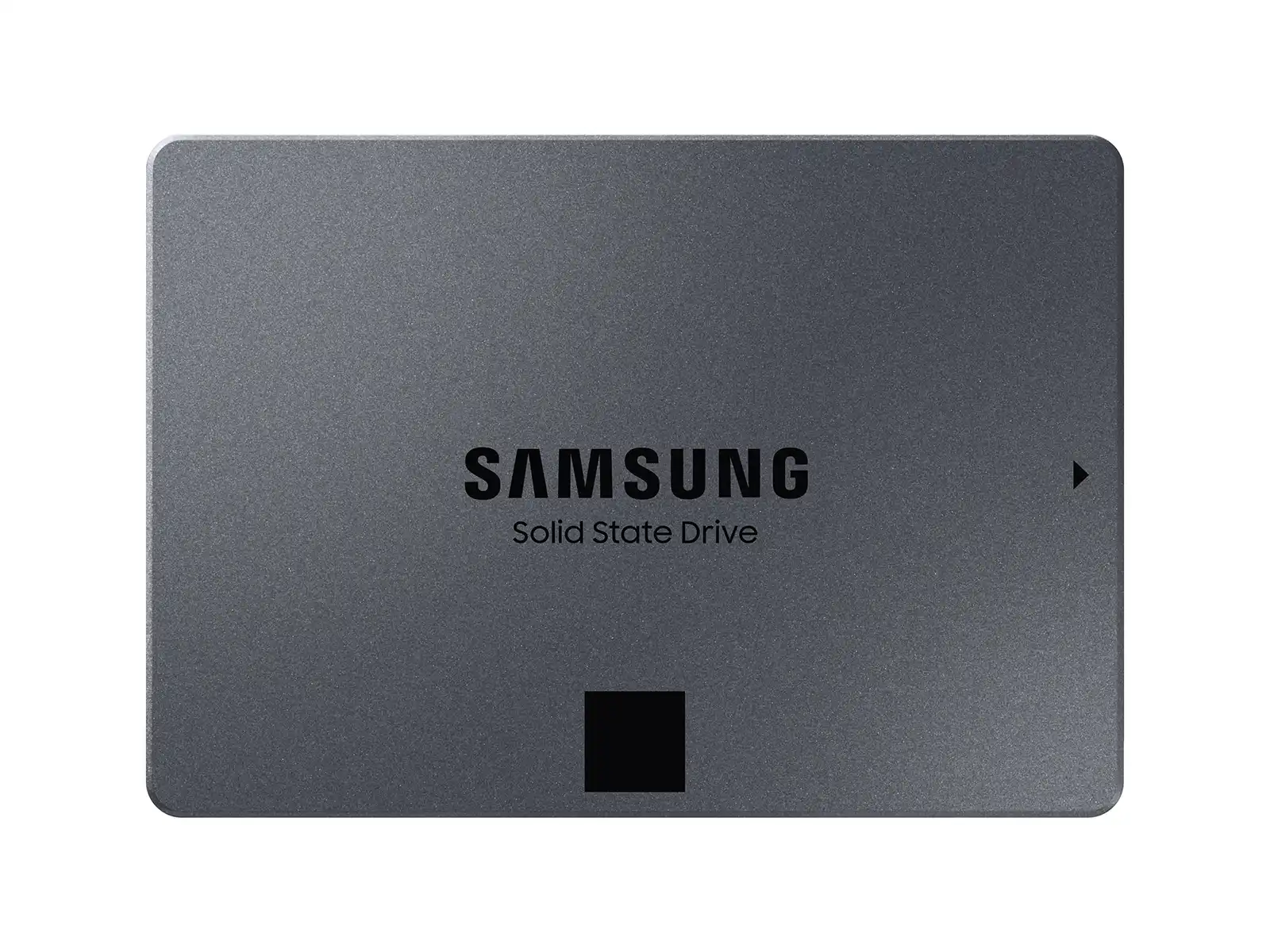
Samsung 870 QVO 8TB SATA 2.5 SSD
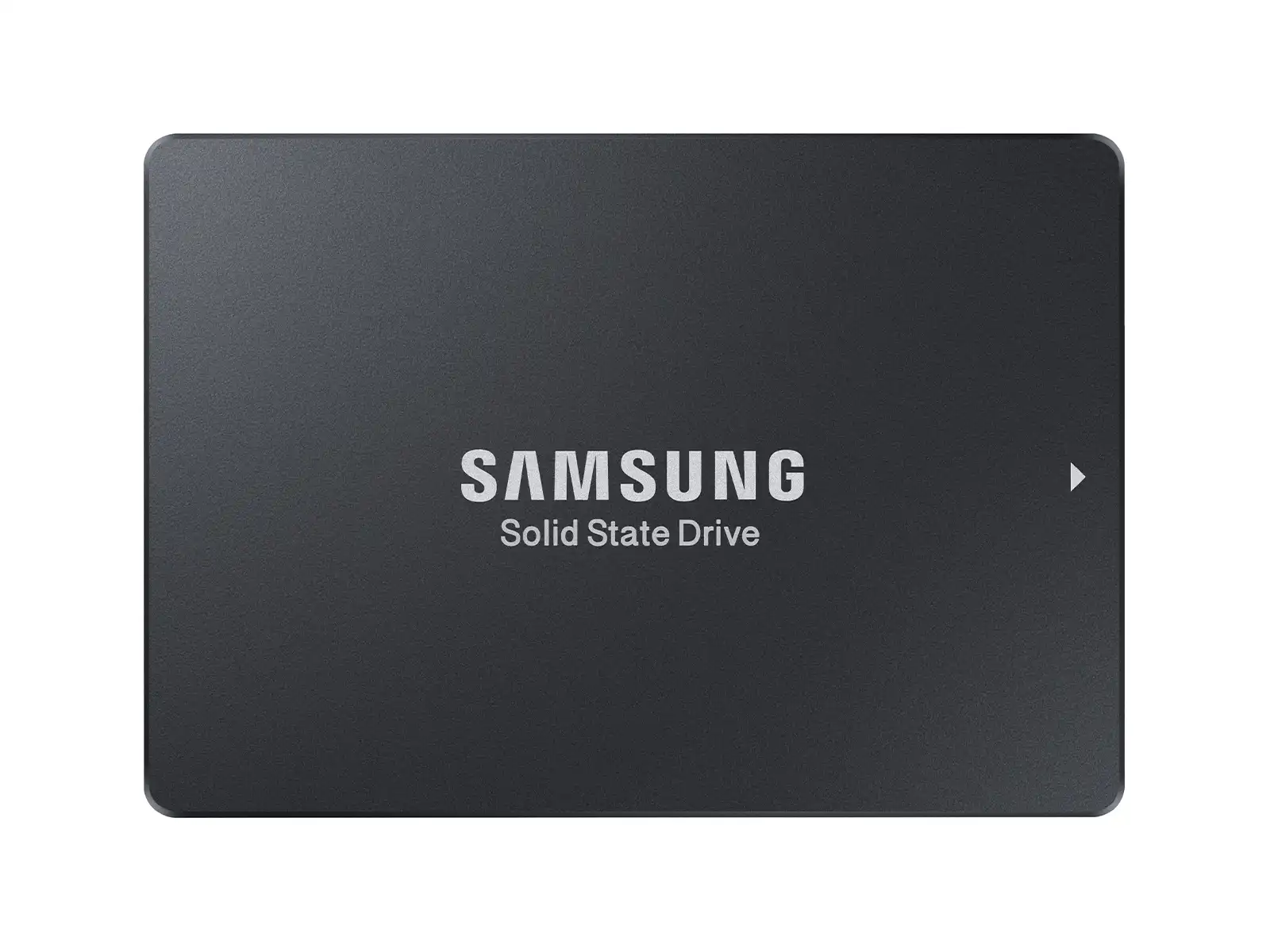
Samsung PM893 7.68TB SATA 2.5 SSD
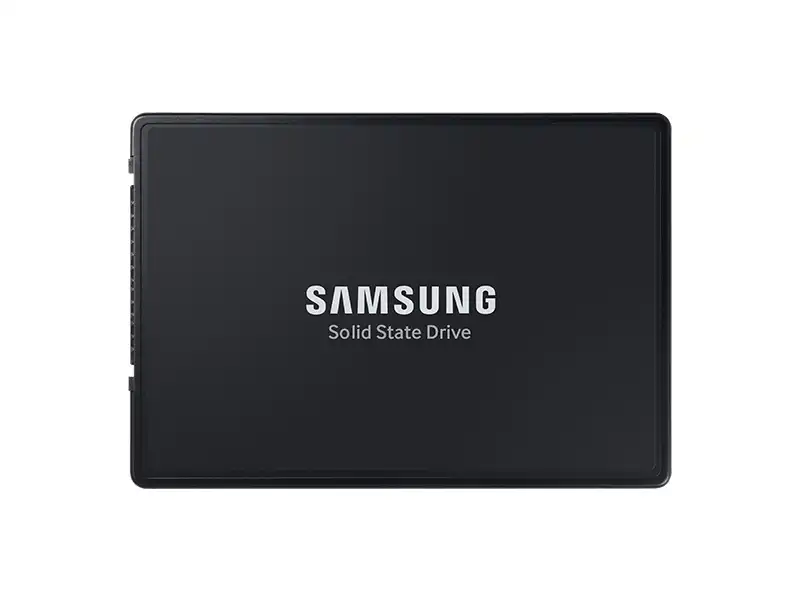
Samsung PM9A3 7.68TB NVMe U.2 Gen4 SSD
The Samsung 8 TB class drives here cover one consumer drive and two enterprise drives. The Samsung 870 QVO 8TB SATA 2.5 SSD (MZ-77Q8T0B/AM) is a desktop and laptop drive rated at up to 560/530 MB/s read/write. The Samsung PM893 7.68TB SATA 2.5 SSD (MZ-7L37T600) is a data-centre SATA drive with end-to-end data protection, rated at up to 550/520 MB/s. The Samsung PM9A3 7.68TB NVMe U.2 SSD (MZ-QL27T600) uses PCIe 4.0 and reaches up to 6.7 GB/s read and 4 GB/s write, with enterprise power loss protection. Samsung covers the 870 QVO for 3 years and the PM893 and PM9A3 for 5 years.
Start with the connector your system has. Any PC or laptop with a SATA port and a 2.5 inch bay can take the 870 QVO or the PM893. The PM9A3 needs a U.2 port, which is found on servers and workstations. It does not fit an M.2 slot directly. The 870 QVO uses QLC V-NAND, which suits large game libraries, media archives and backups that are mostly read. Long continuous writes slow down once its cache fills. For NAS units, servers or write-heavy work that runs all day, choose the PM893. Pick the PM9A3 where NVMe speed matters.
Frequently asked questions
Why are two of these drives 7.68TB instead of 8TB? Enterprise drives keep extra flash in reserve for endurance and consistent performance, so the PM893 and PM9A3 show 7.68TB of usable space.
Can the PM9A3 go in a normal desktop? Only if the board has a U.2 port or you add a suitable U.2 adapter card. It does not fit an M.2 slot as it is.
Which drive suits a home PC? The 870 QVO 8TB is built for desktops and laptops and fits any SATA 2.5 inch bay.