


Samsung M.2 NVMe Gen 5 SSDs
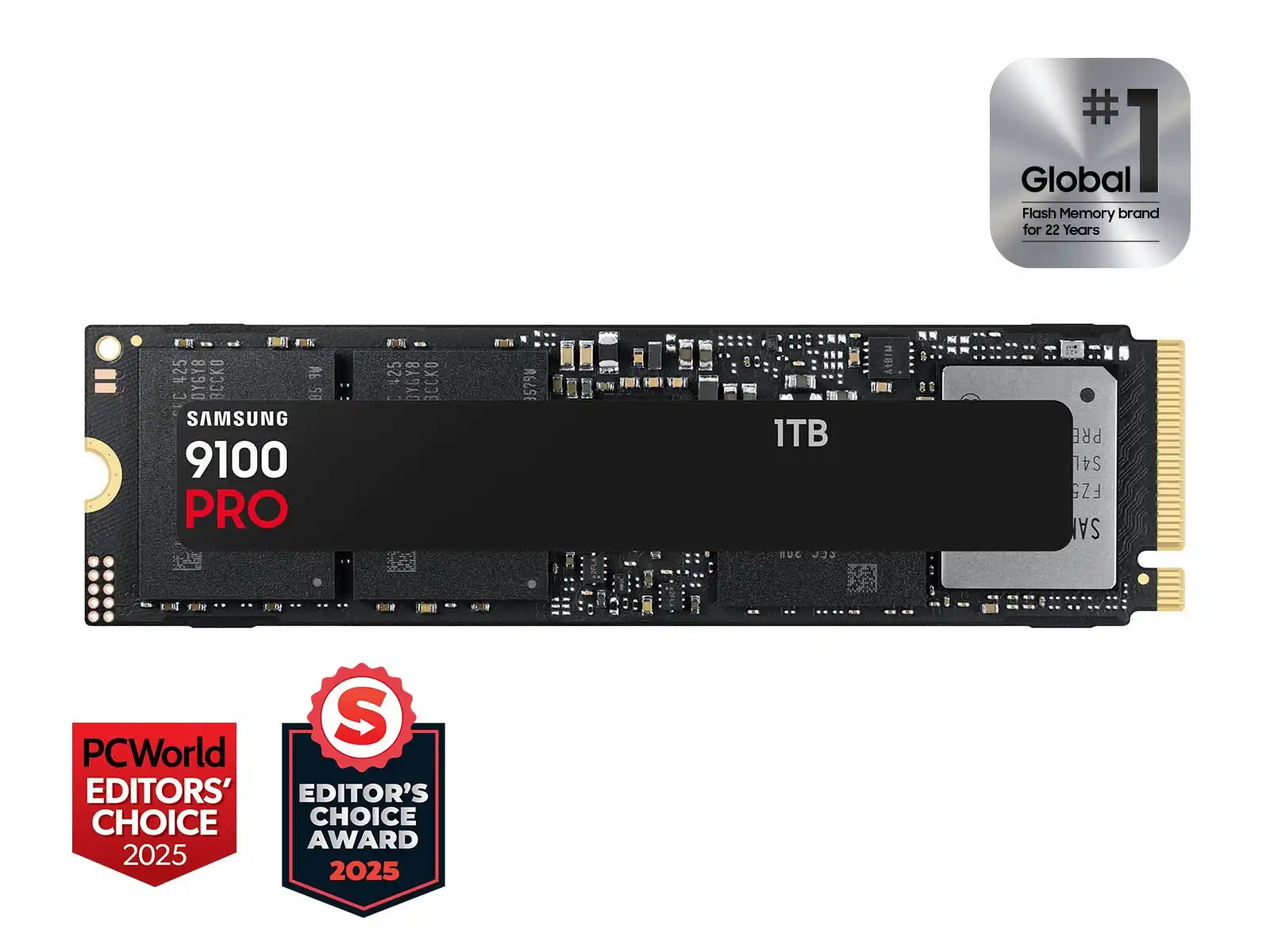
Samsung 9100 PRO 1TB NVMe M.2 Gen5 SSD
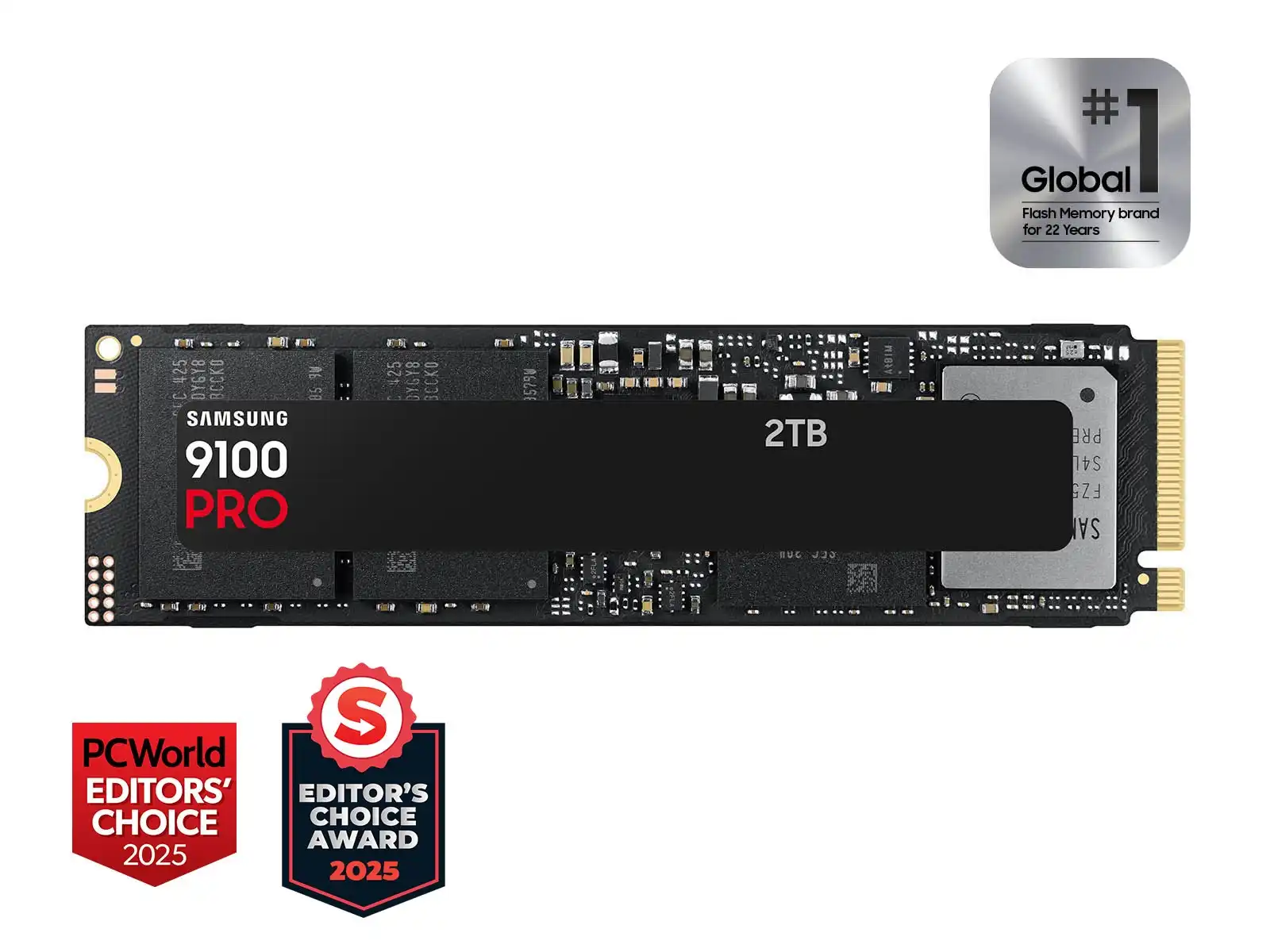
Samsung 9100 PRO 2TB NVMe M.2 Gen5 SSD
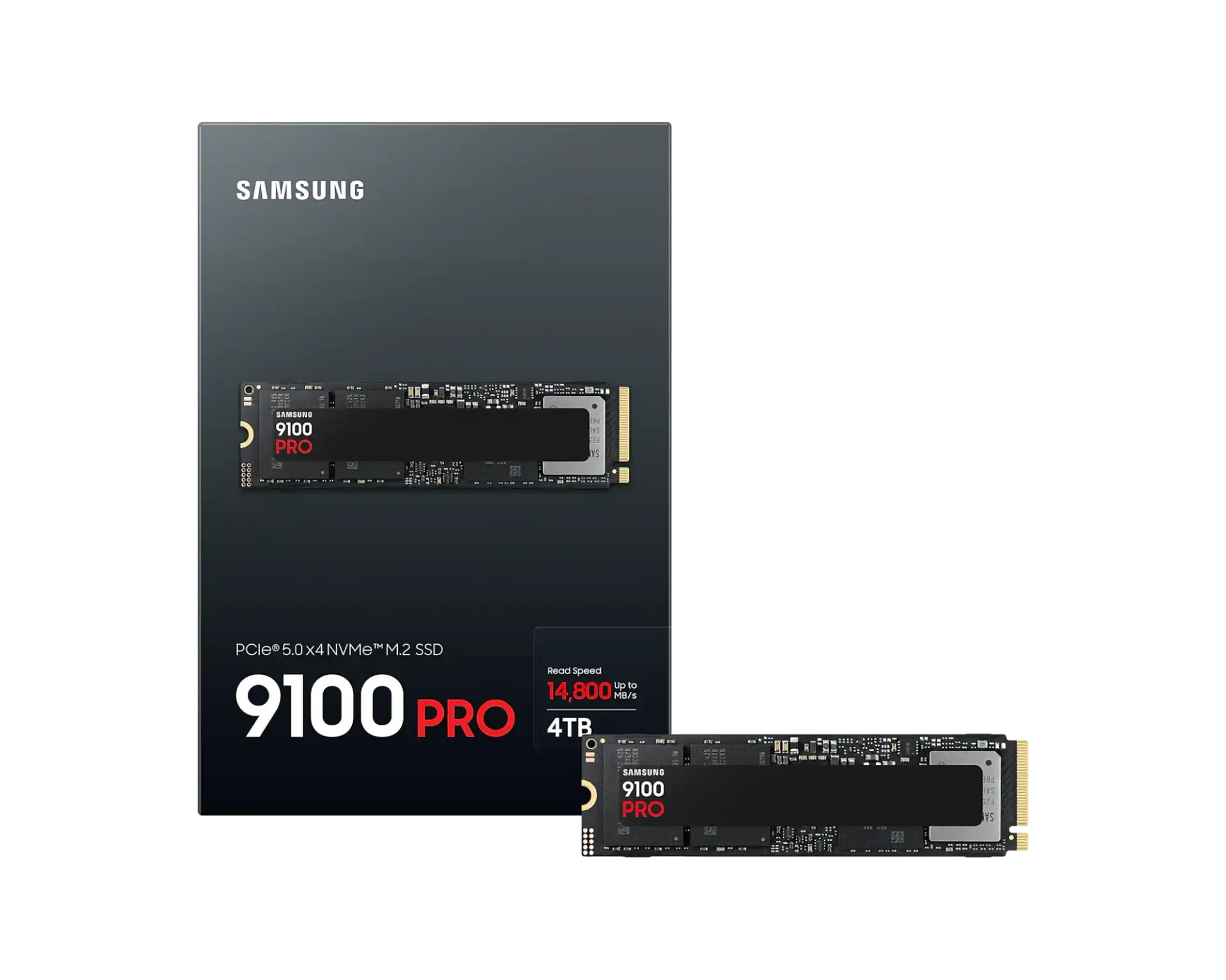
Samsung 9100 PRO 4TB NVMe M.2 Gen5 SSD
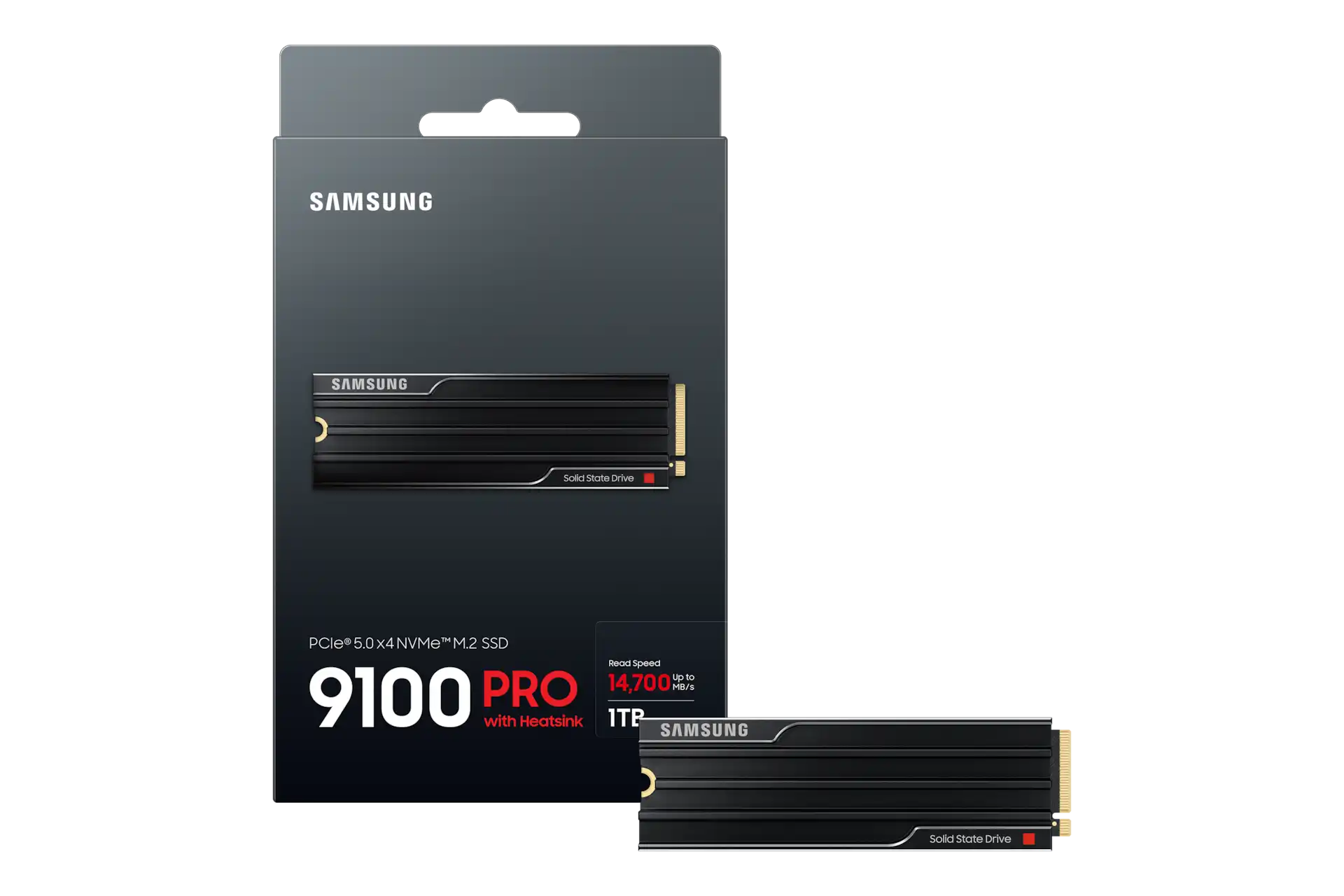
Samsung 9100 PRO 1TB NVMe M.2 Gen5 SSD with Heatsink
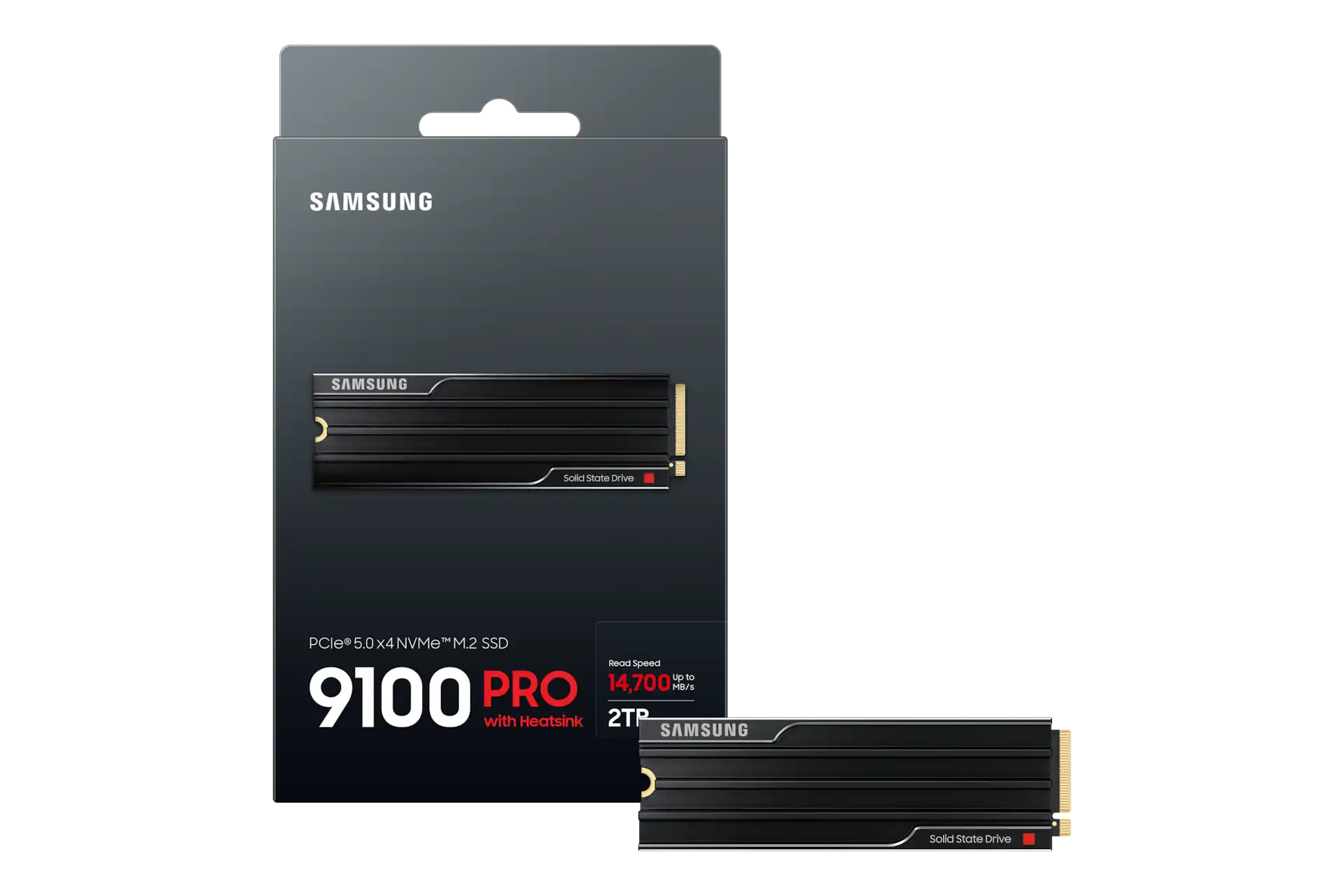
Samsung 9100 PRO 2TB NVMe M.2 Gen5 SSD with Heatsink
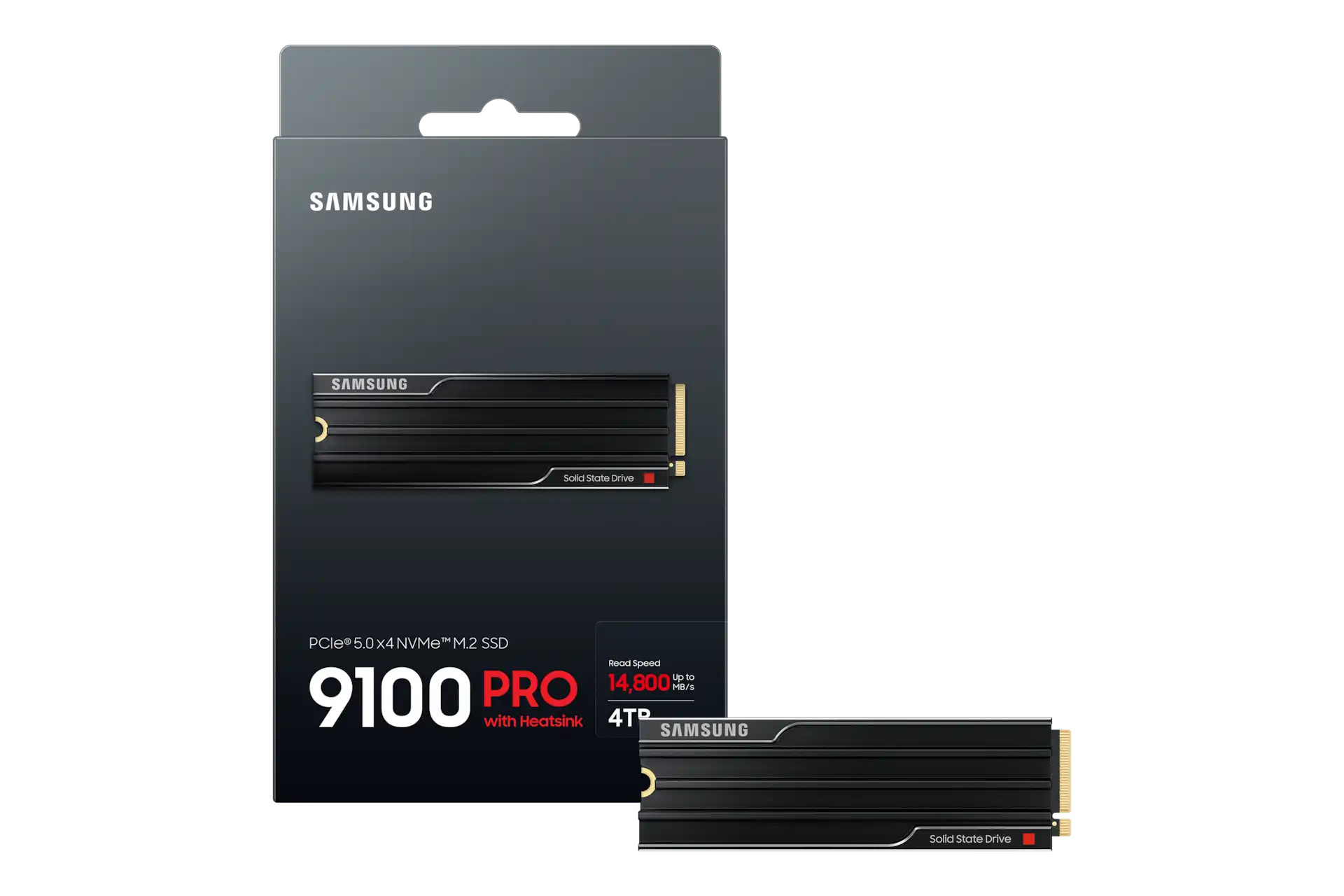
Samsung 9100 PRO 4TB NVMe M.2 Gen5 SSD with Heatsink
The Samsung Gen 5 drives here are all from the 9100 PRO series, in 1TB, 2TB and 4TB capacities, each sold bare or with a fitted heatsink. The bare 9100 PRO 1TB (MZ-VAP1T0B/AM) and 2TB (MZ-VAP2T0B/AM) are rated up to 14.7 GB/s read, and the 4TB (MZ-VAP4T0BW) up to 14.8 GB/s read and 13.4 GB/s write. The heatsink versions, the MZ-VAP1T0CW, MZ-VAP2T0CW and MZ-VAP4T0CW, carry the same speed ratings. All are M.2 drives on a PCIe 5.0 interface, and Samsung covers them with a 5 year warranty.
To get the full speed, the motherboard needs a PCIe 5.0 M.2 slot. Many recent AMD and Intel desktop boards have one, but check the board manual, since not every M.2 slot on a board runs at Gen 5. Choose the bare drive if the board has its own M.2 heatsink cover or space is tight, and the heatsink version for a slot with no cooling. Capacity is the other decision: 1TB suits an OS and a few games, 2TB a larger game or project library, and 4TB heavy video work. Each capacity has its own page: 1 TB, 2 TB and 4 TB.
Frequently asked questions
Will a 9100 PRO work in a PCIe 4.0 slot? Yes, it is backward compatible and runs at the lower speed of a PCIe 4.0 or 3.0 M.2 slot.
What is the difference between the bare and heatsink models? The models with "with Heatsink" in the name come with a heatsink fitted, while the others are bare drives. The rated speeds are the same.
Can the heatsink version go in a laptop? Usually not, as the heatsink adds height. Laptops need the bare version.