


MSI Z790 Motherboards
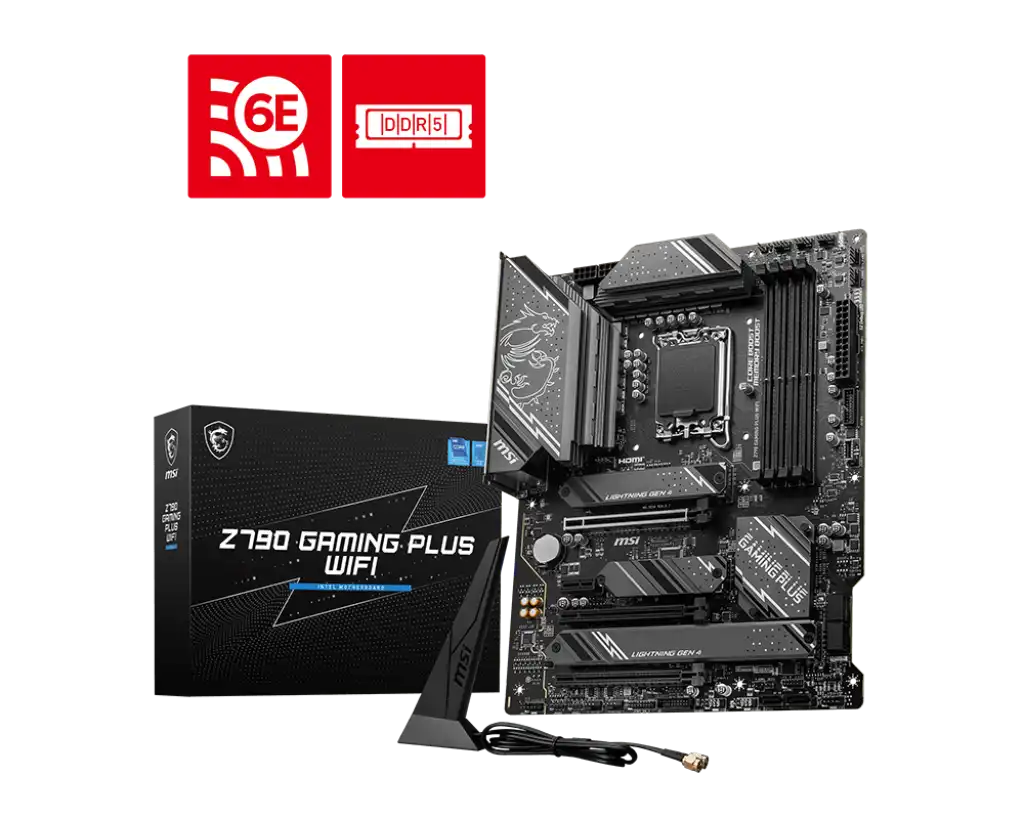
MSI Z790 GAMING PLUS WIFI Motherboard
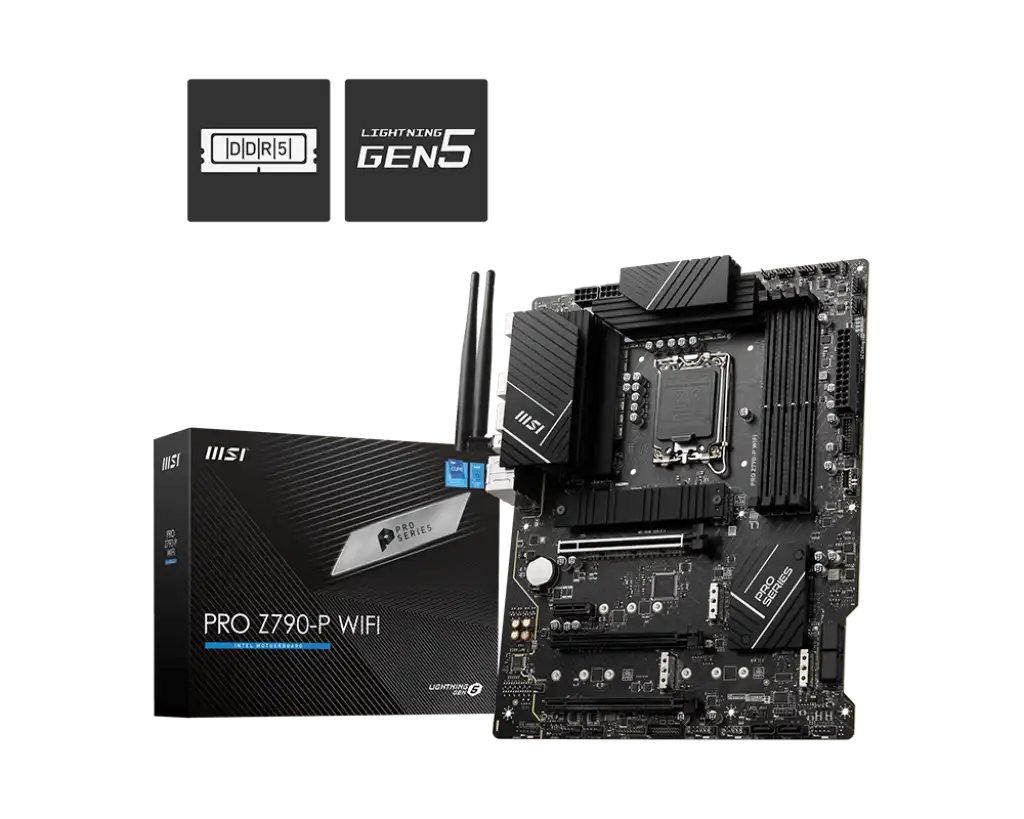
MSI PRO Z790-P WIFI Motherboard
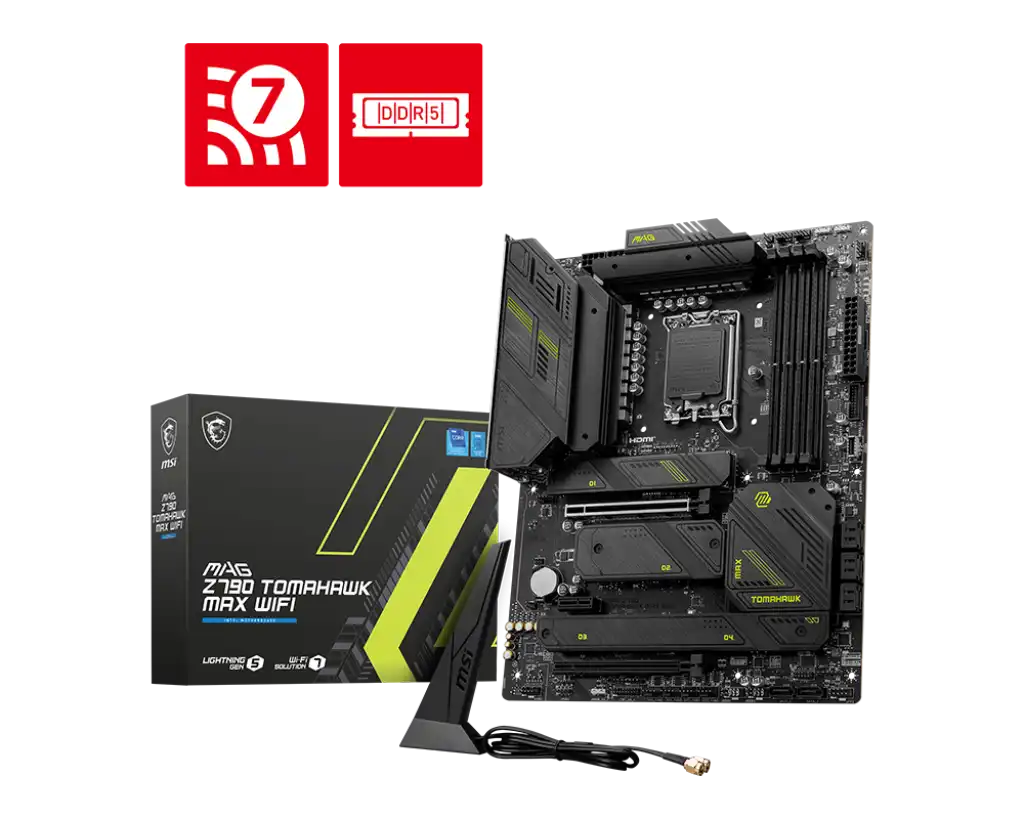
MSI MAG Z790 TOMAHAWK MAX WIFI Motherboard
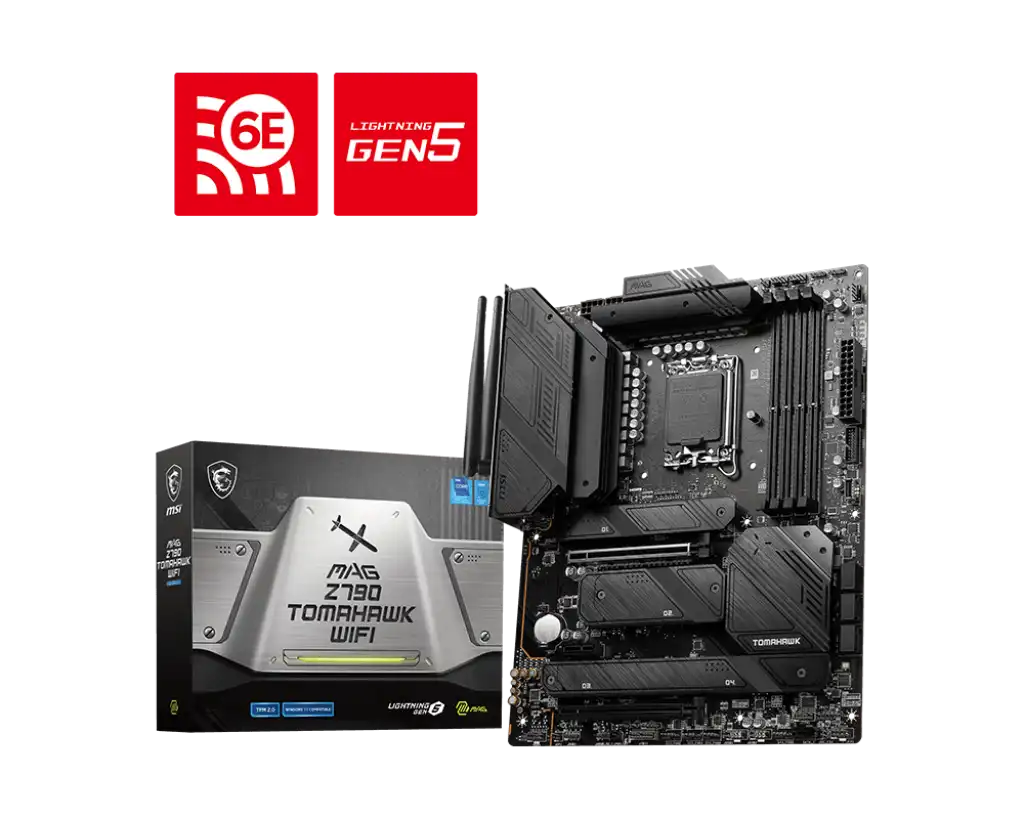
MSI MAG Z790 TOMAHAWK WIFI Motherboard
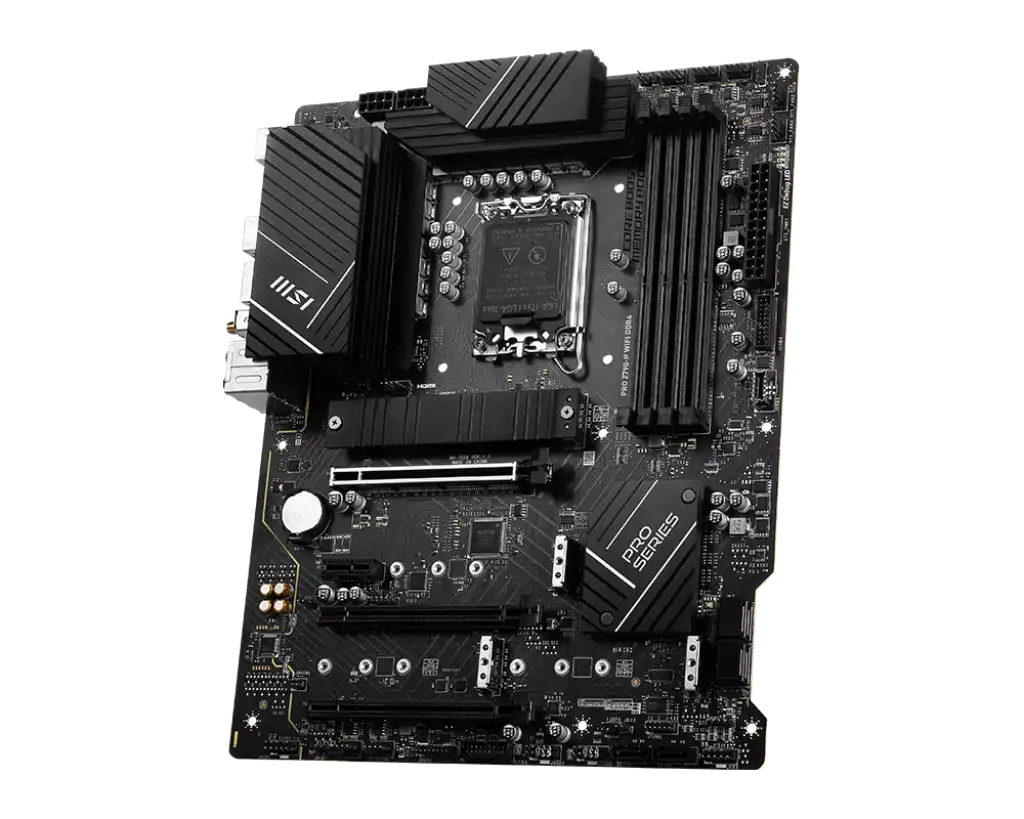
MSI PRO Z790-P WIFI DDR4 Motherboard
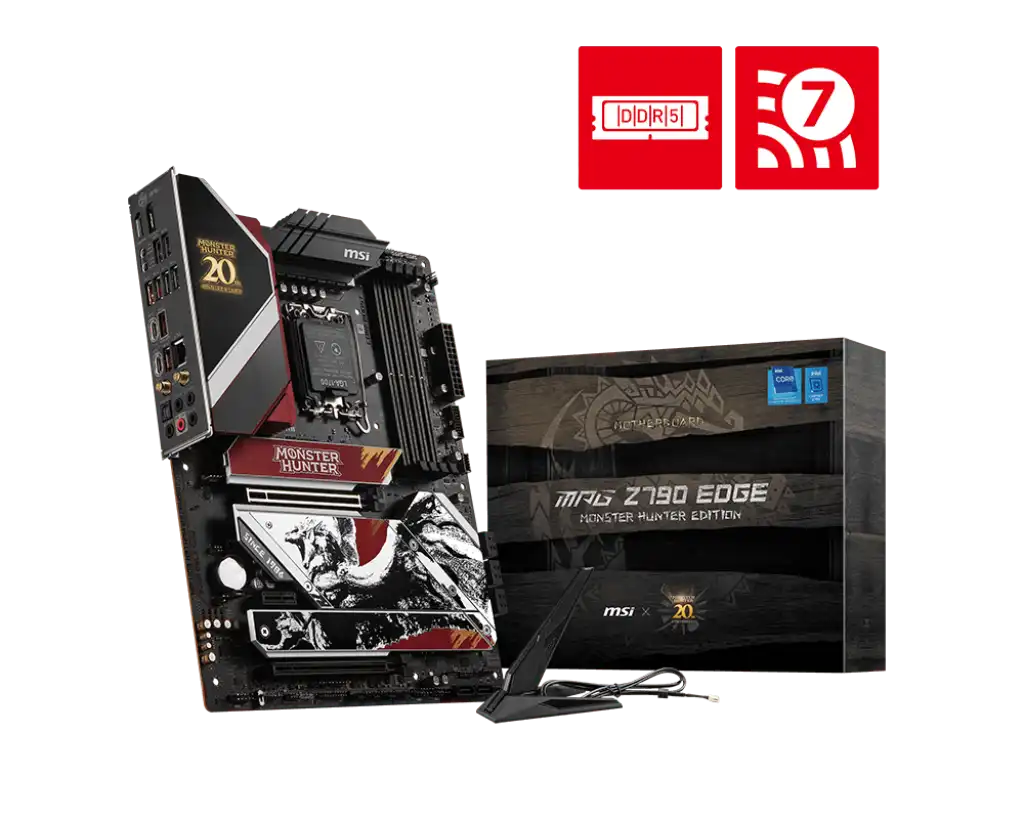
MSI MPG Z790 EDGE MONSTER HUNTER EDITION Motherboard
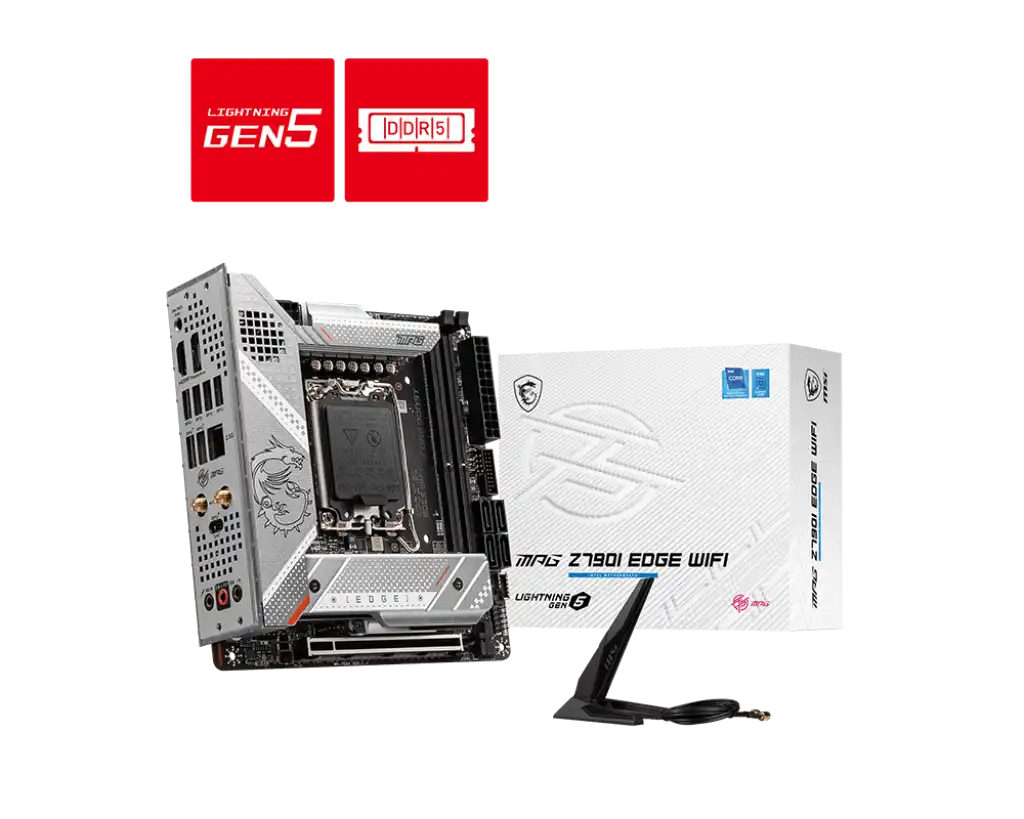
MSI MPG Z790I EDGE WIFI Motherboard
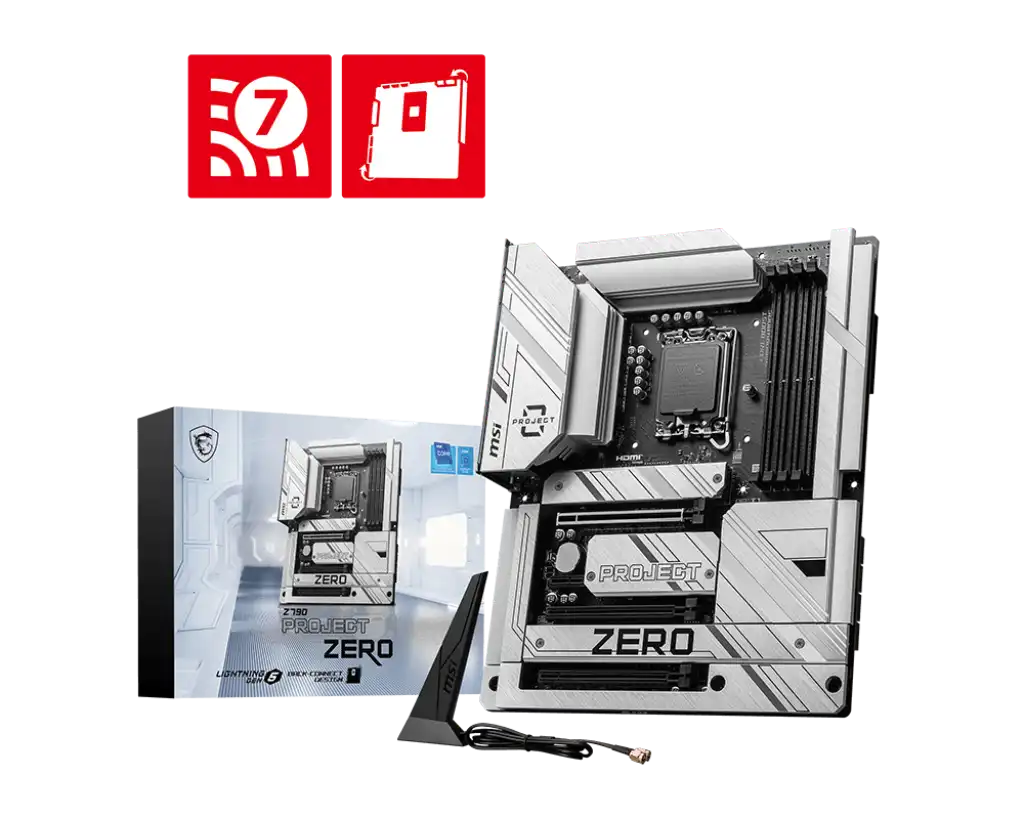
MSI Z790 PROJECT ZERO Motherboard
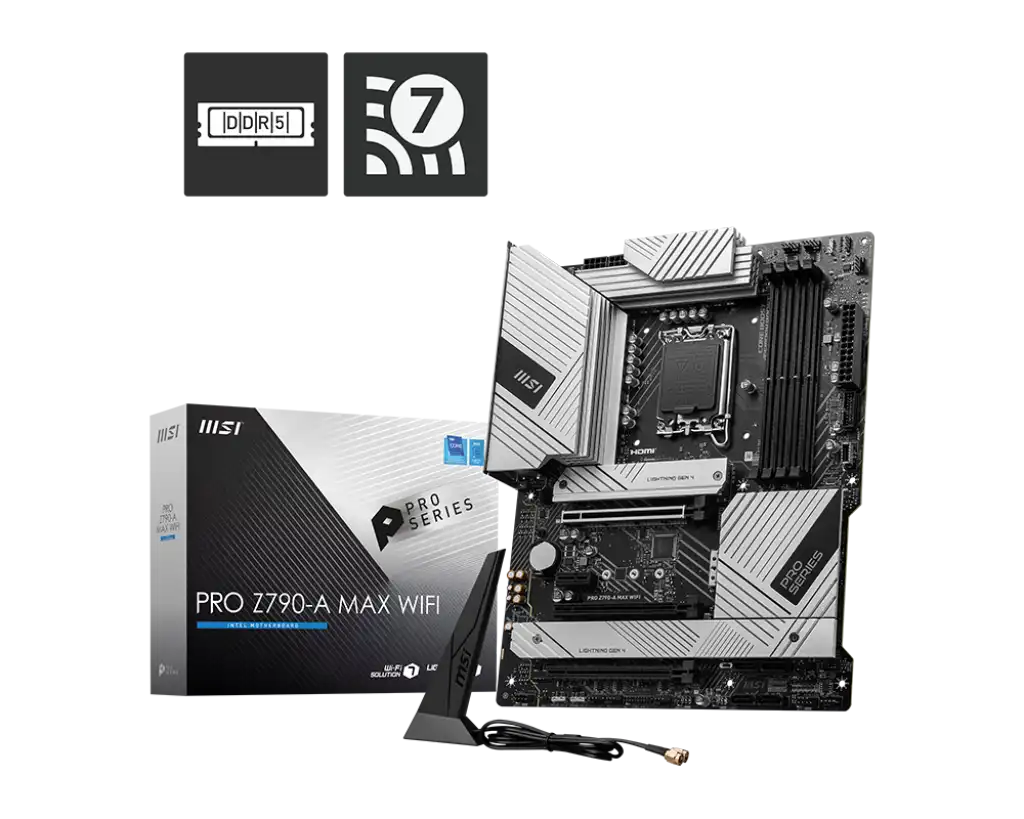
MSI PRO Z790-A MAX WIFI Motherboard
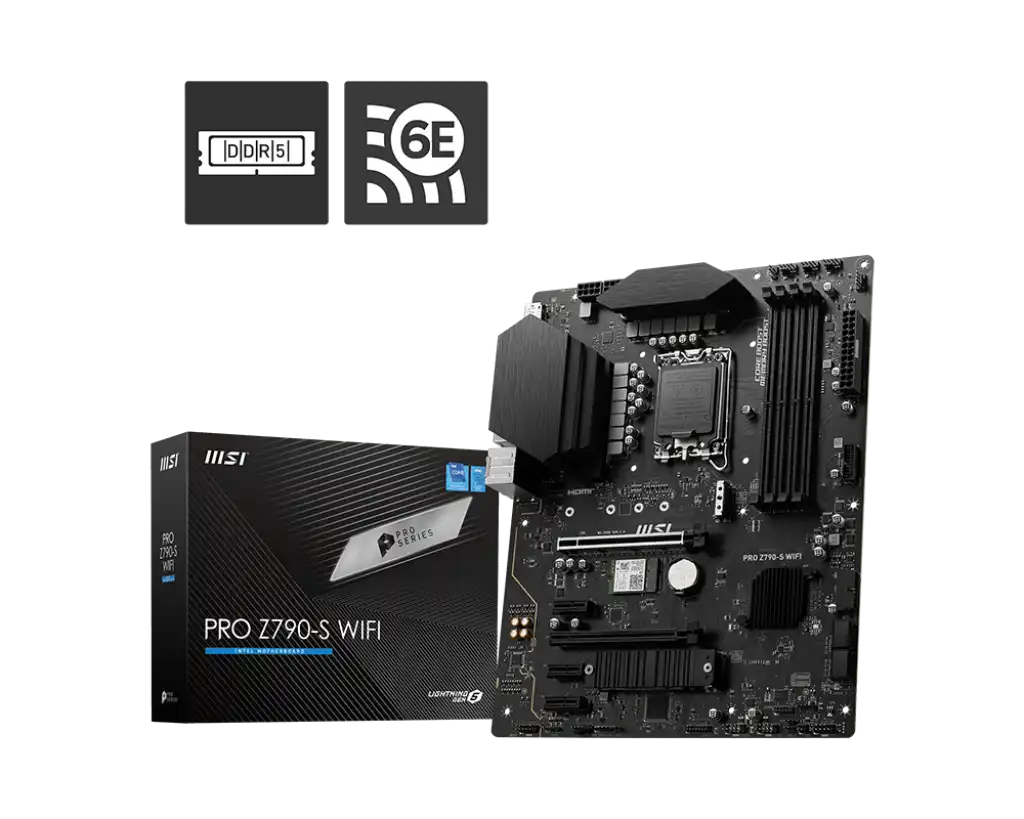
MSI PRO Z790-S WIFI Motherboard
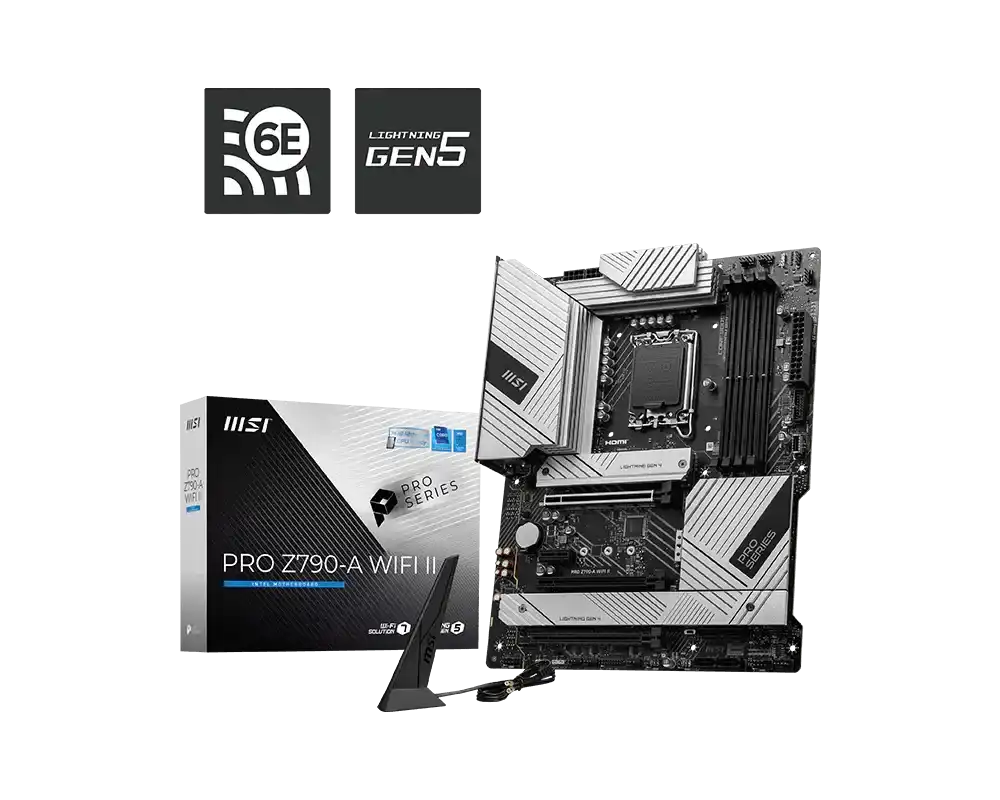
MSI PRO Z790-A WIFI II Motherboard
MSI's Z790 boards here run from the PRO Z790-S WIFI, with two M.2 slots and four SATA ports, to the MPG Z790 EDGE MONSTER HUNTER EDITION with five M.2 slots and eight SATA ports. In between sit the PRO Z790-P WIFI, the PRO Z790-A MAX WIFI with Wi-Fi 7, the MAG Z790 TOMAHAWK WIFI and TOMAHAWK MAX WIFI, the Mini-ITX MPG Z790I EDGE WIFI and the Z790 PROJECT ZERO. All have Wi-Fi and use the LGA1700 socket, and MSI covers them with a 3 year warranty.
Choose on memory first. Every board here takes DDR5 except the PRO Z790-P WIFI DDR4, which suits a build reusing a DDR4 kit and holds up to 128 GB. The four-slot DDR5 ATX boards take up to 256 GB. Then count drives: two M.2 slots on the PRO Z790-S WIFI are enough for a simple gaming PC, while the four or five on the TOMAHAWK, PRO Z790-A MAX and EDGE models suit large storage builds. The Z790I EDGE WIFI fits small cases with two RAM slots and three M.2 slots. The PROJECT ZERO places its connectors on the back of the board, so it needs a case built for back-connect boards.
Frequently asked questions
Will a 14th Gen Intel processor work on these boards? Yes, Z790 supports 12th, 13th and 14th Gen Core processors on LGA1700. A board from older stock may need a BIOS update before a 14th Gen chip will boot.
Can I use DDR4 RAM on a Z790 motherboard? Only on the PRO Z790-P WIFI DDR4. The other boards here are DDR5 only, and the slots are keyed so the two types cannot be swapped.