


WD 1TB SSDs
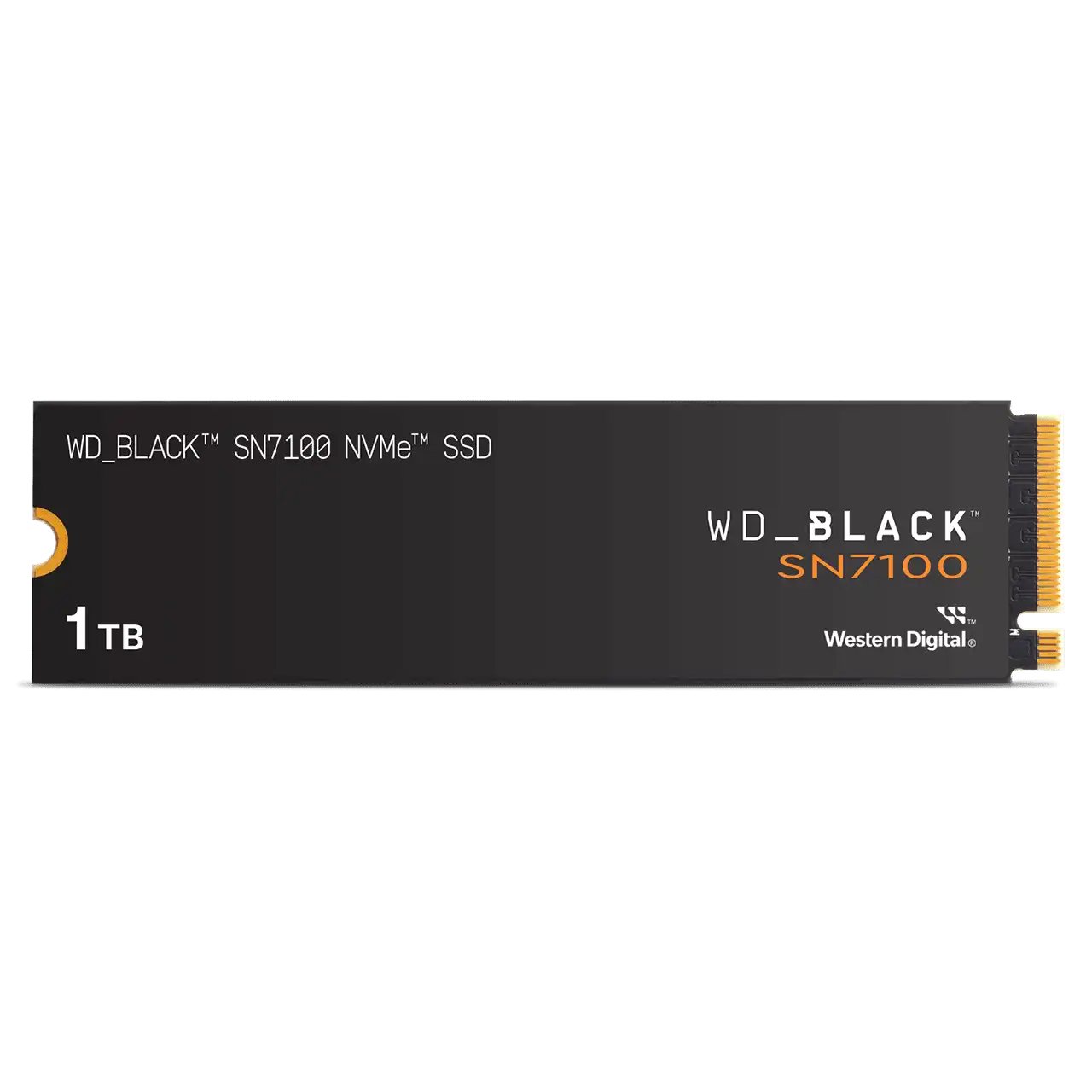
WD Black SN7100 1TB NVMe M.2 SSD
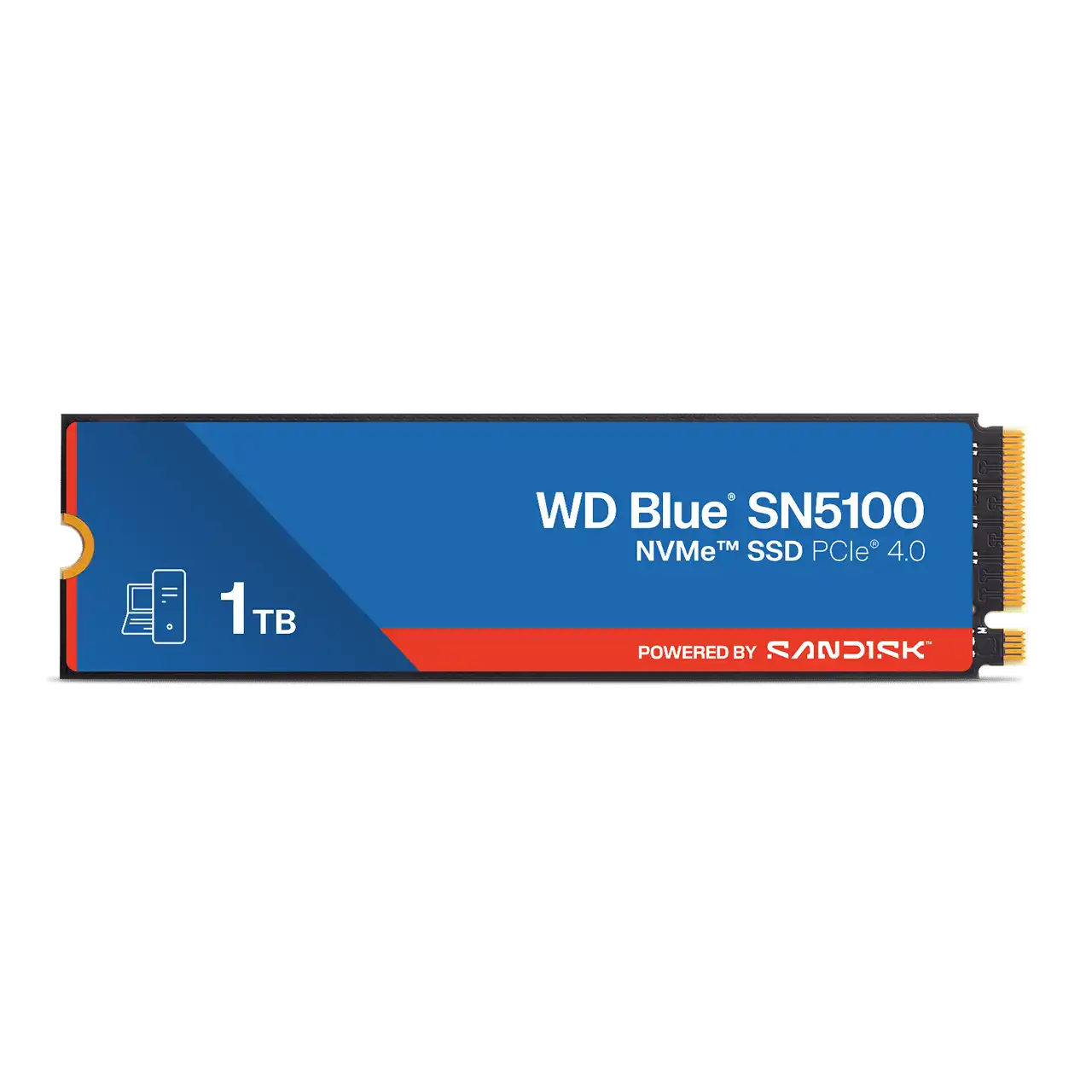
WD Blue SN5100 1TB NVMe M.2 SSD
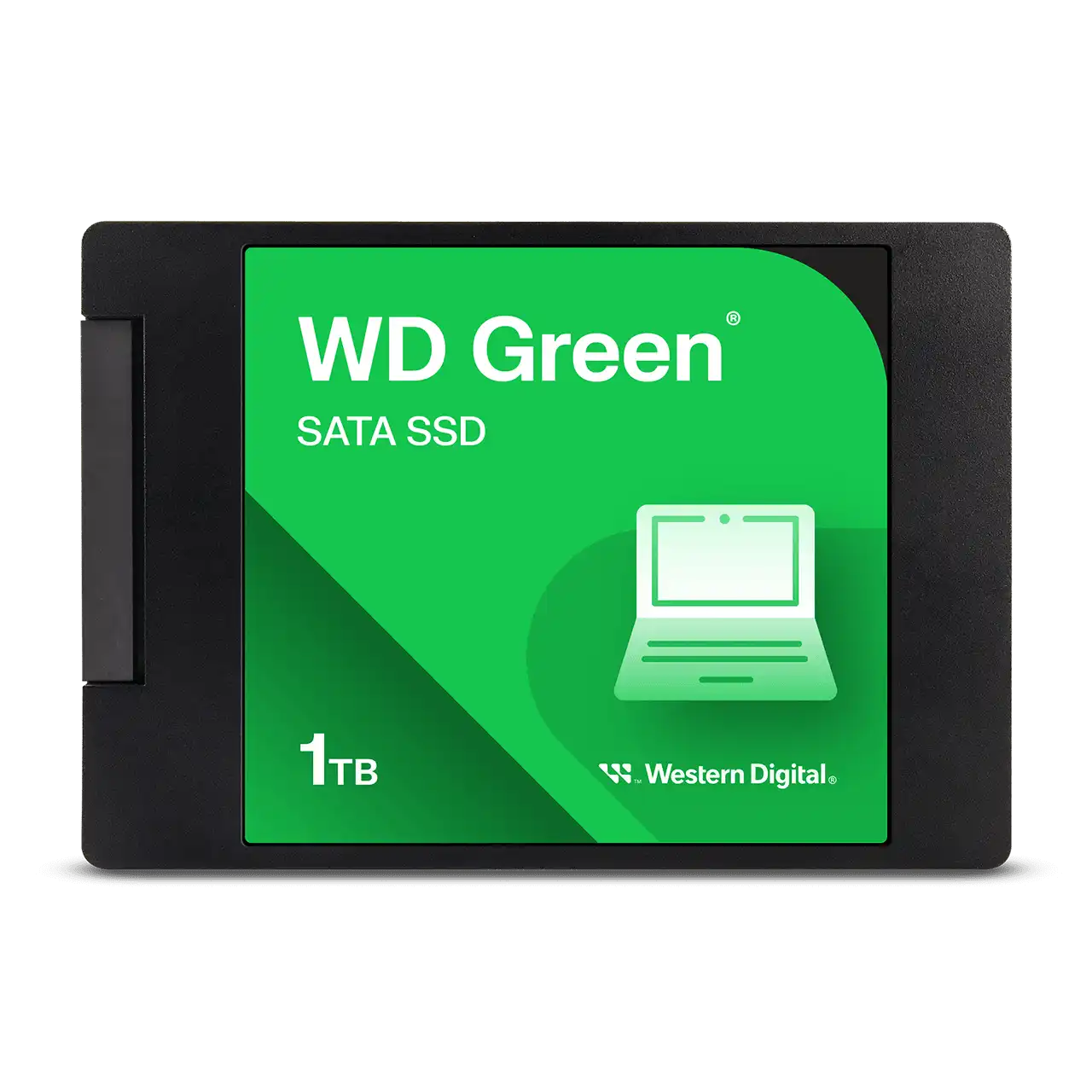
WD Green 1TB SATA 2.5 SSD
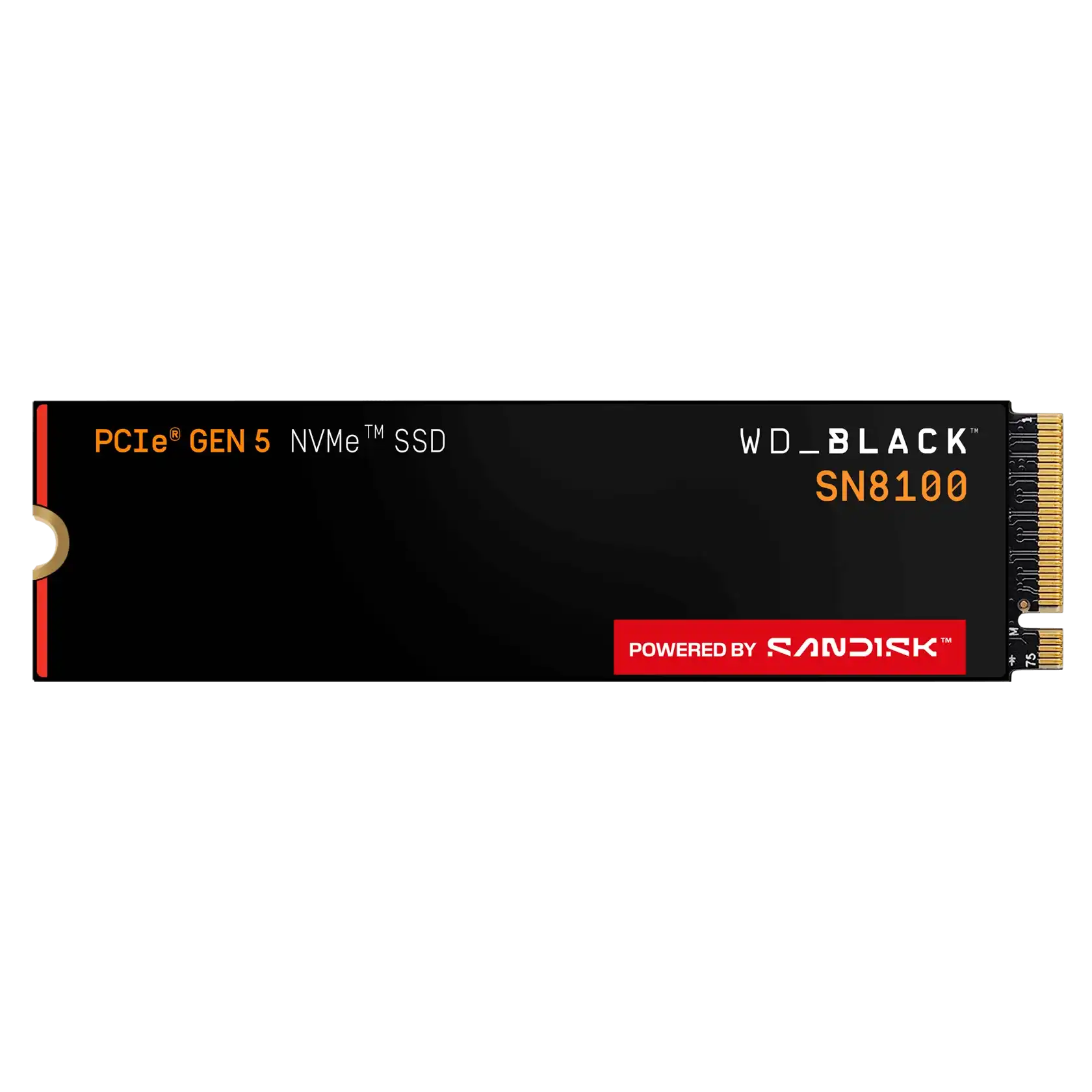
WD Black SN8100 1TB NVMe M.2 SSD
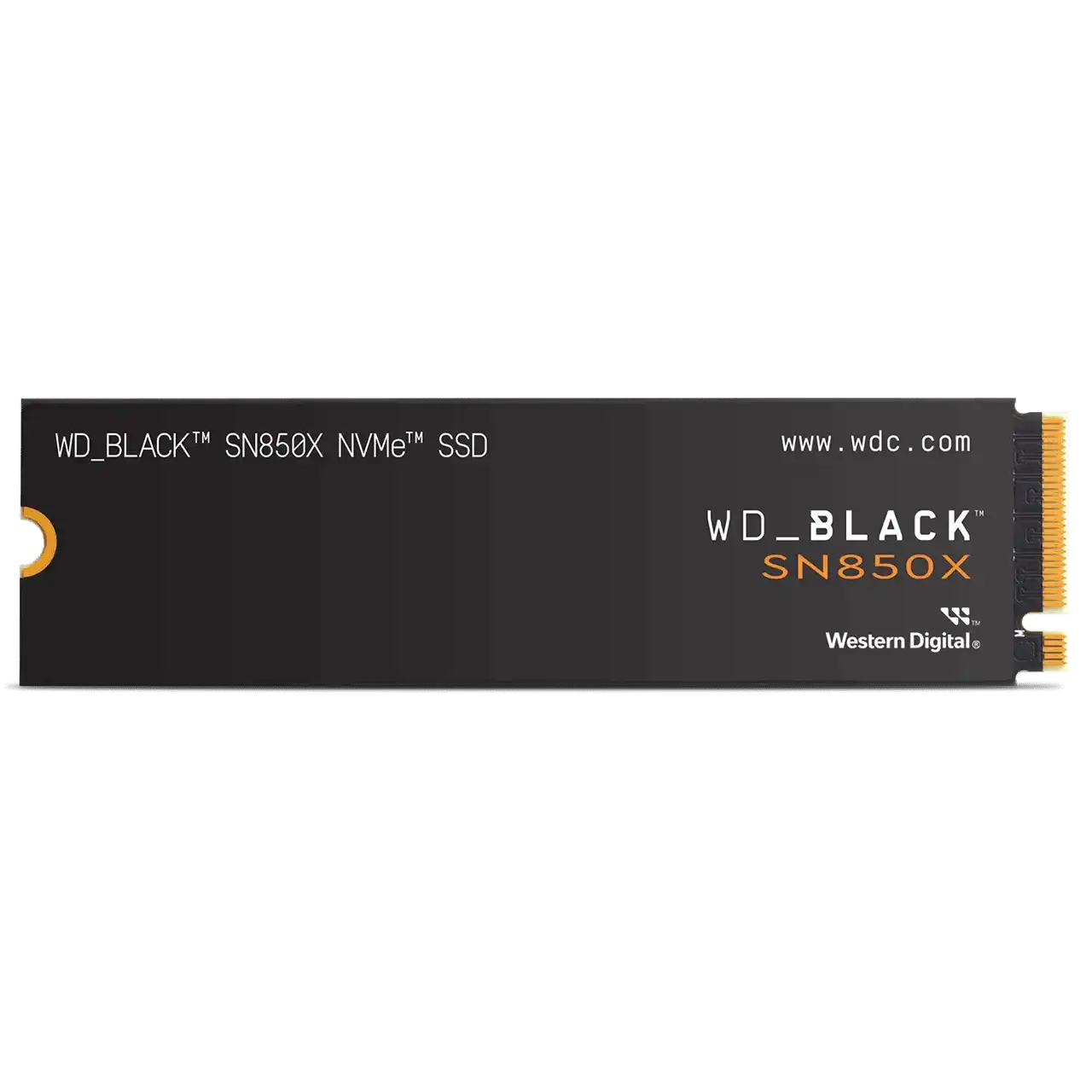
WD Black SN850X 1TB NVMe M.2 SSD
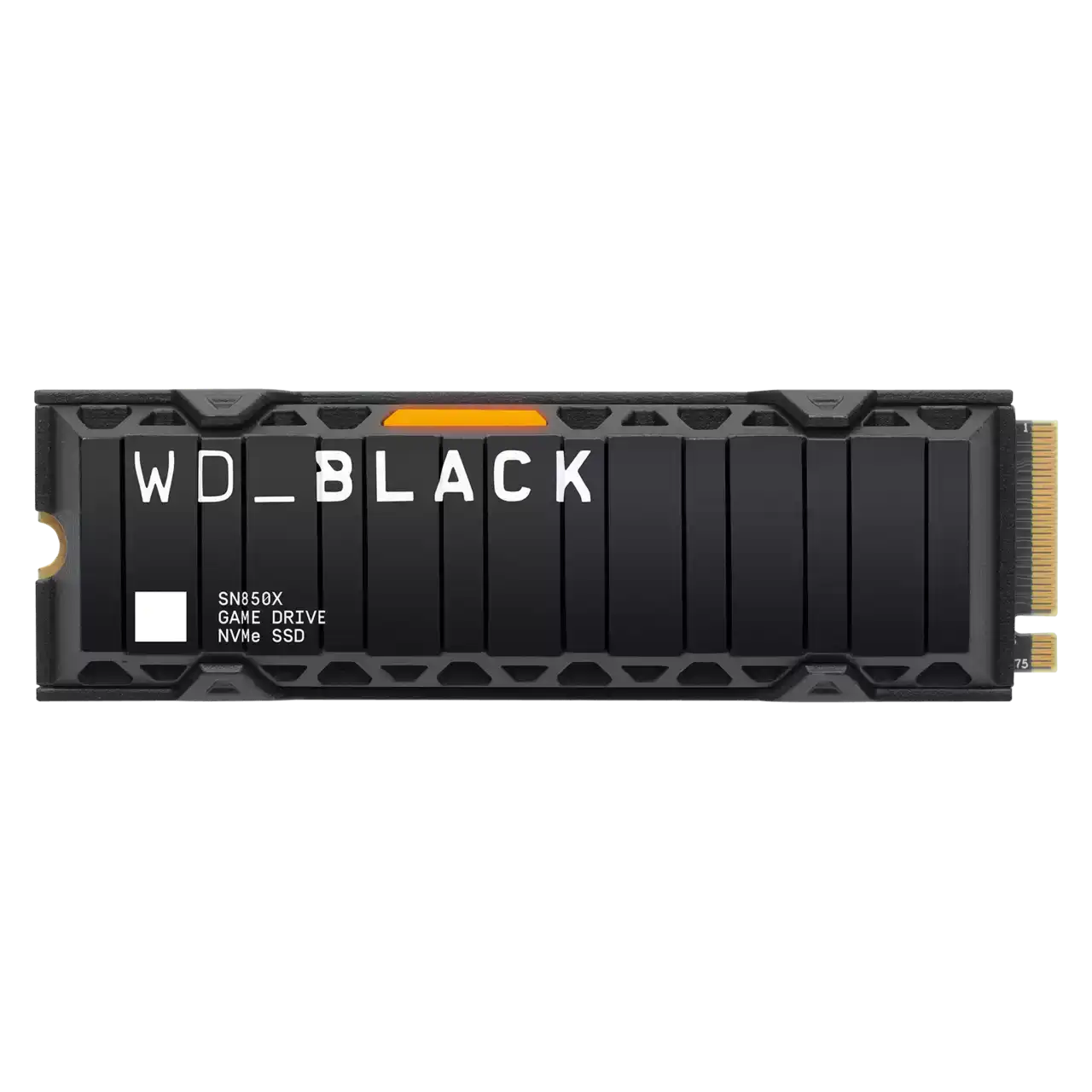
WD Black SN850X 1TB NVMe M.2 SSD with Heatsink
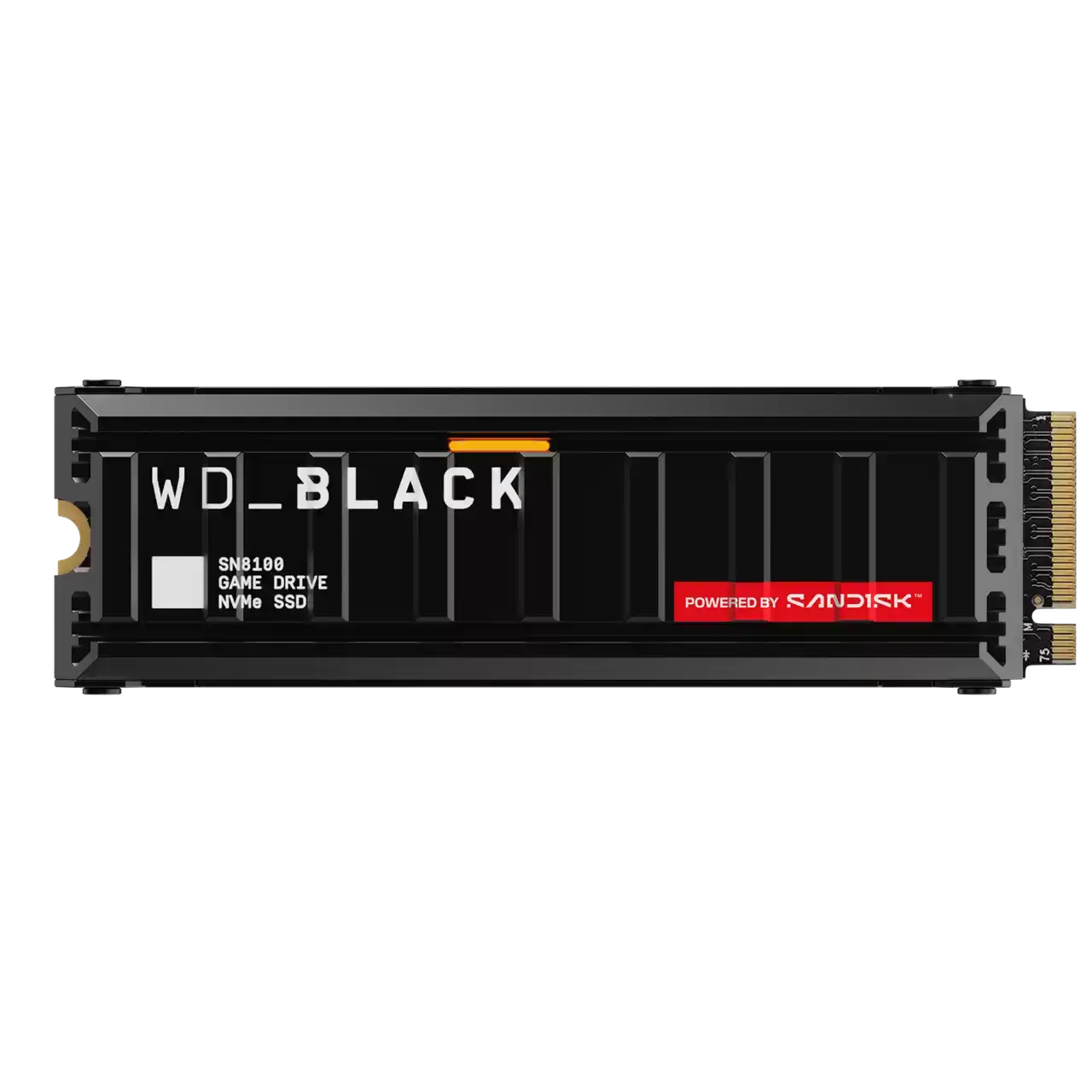
WD Black SN8100 1TB NVMe M.2 SSD with Heatsink
The WD 1TB SSDs here cover every interface tier. The WD Green 1TB SATA 2.5 SSD reads at up to 545 MB/s. The PCIe Gen4 WD Blue SN5100, WD Black SN7100 and WD Black SN850X read at 7100 to 7300 MB/s. At the top, the PCIe Gen5 WD Black SN8100 is rated up to 14900/11000 MB/s. The SN850X and SN8100 also come in heatsink versions. WD covers the NVMe drives with a 5 year warranty and the Green SATA drive with 3 years.
Start with the slot your PC has. An older laptop or desktop with only SATA bays takes the Green, listed on the 2.5" SATA page. Any M.2 NVMe slot runs the Gen4 drives. The SN5100 suits everyday and office builds, while the SN7100 and SN850X are aimed at gaming. The SN8100 reaches its rated speed only in a PCIe 5.0 M.2 slot, which many AM5 and recent Intel boards have, so check the board manual first. Pick a heatsink version for a desktop board without its own M.2 cover, and a bare drive for laptops. The Gen4 and Gen5 drives also have their own pages.
Frequently asked questions
Will the WD Black SN8100 work in a PCIe Gen4 slot? Yes. PCIe is backward compatible, so it runs in a Gen4 slot, but its speed is capped at Gen4 bandwidth.
What is the difference between the SN7100 and SN850X? Both are 1TB PCIe Gen4 drives. The SN7100 is rated 7250/6900 MB/s and the SN850X is rated 7300/6300 MB/s. Only the SN850X is offered here with a heatsink.
Can a heatsink SSD go in a laptop? No. The heatsink makes the drive too thick for most laptops, so choose a version without a heatsink.